

Socialaf Creator
July 21, 2025 at 10:46 PM
Socialaf.ai Post
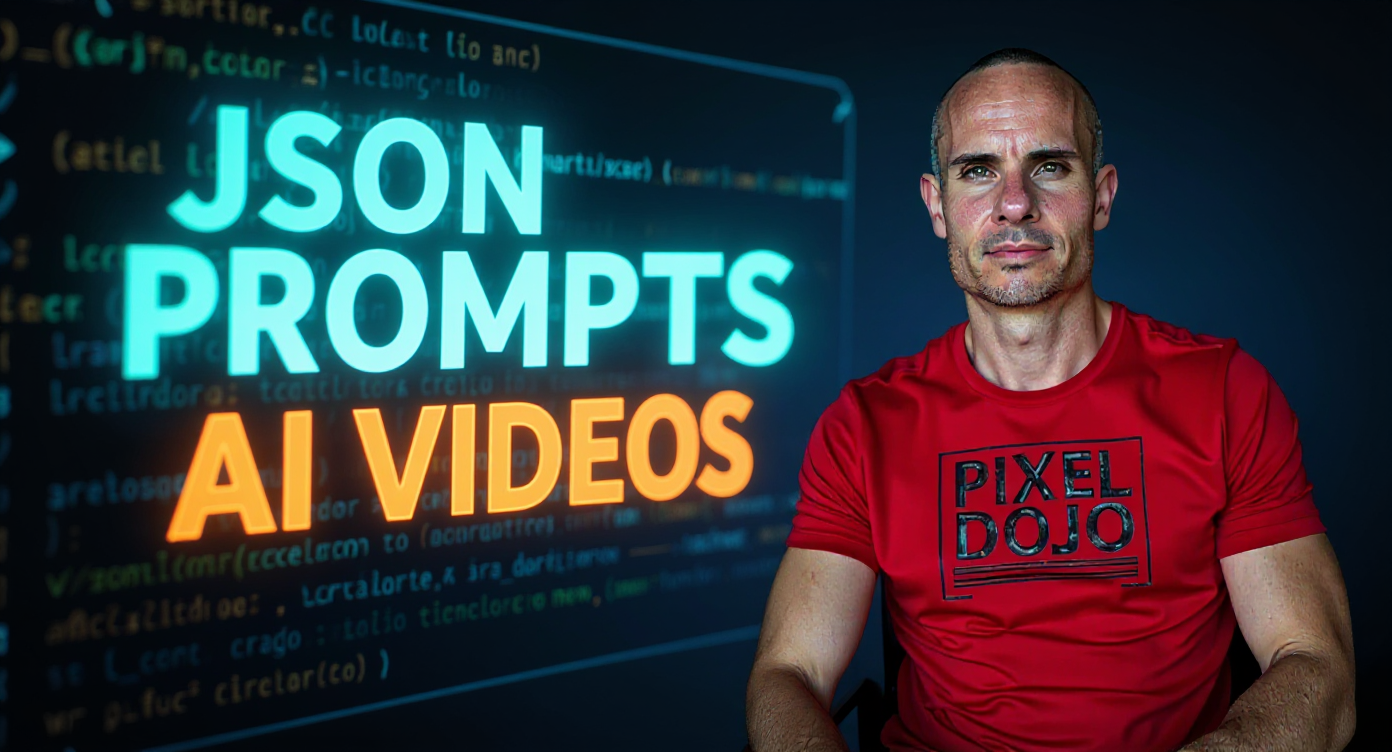
Transform this coding education image into a high-converting YouTube thumbnail by enhancing the existing programming setup while adding bold, topic-specific text overlay. Increase the contrast and saturation of the code screen in the background, making the green and blue syntax highlighting more vibrant and dramatic. Apply professional studio lighting to the subject, creating a slight rim light effect around his silhouette to separate him from the background. Add large, bold text reading "JSON PROMPTS" in bright electric blue (#00BFFF) with white stroke outline, positioned in the upper portion of the image above the subject's head. Below that, add "AI VIDEOS" in bright orange (#FF6B35) with the same white stroke treatment. Use a modern, bold sans-serif font like Montserrat or Bebas Neue at maximum readable size for thumbnail viewing. Position the text to follow the rule of thirds, ensuring it doesn't obstruct the subject's face or the visible code elements. Enhance the existing code on the screen by adding a subtle glow effect to make it more prominent and tech-focused. Apply a slight color grade that emphasizes the tech theme - cooler blues and greens in the background, warmer tones on the subject. Add a subtle vignette to draw focus toward the center composition of subject and text. Include a small arrow graphic pointing toward the code screen to create visual flow and emphasize the technical tutorial nature. Apply light motion blur or energy effects around the text to suggest innovation and cutting-edge content. Ensure the red "PIXEL DOJO" shirt remains vibrant to maintain brand recognition while balancing with the new text elements. The final composition should create immediate visual hierarchy: eye-catching text that communicates the specific video value, the credible instructor presence, and the authentic coding environment, all optimized for maximum click-through rate at YouTube thumbnail scale.
Media Description
YouTube thumbnail: How To Create JSON Prompts for AI Videos