Use Cases
4K AI Image Generator for Content Creators & Marketers | Socialaf.ai
Create sharp 4K visuals for ads, social posts, and landing pages in minutes. Socialaf.ai helps content creators and marketers generate on-brand images with simple prompts, fast iterations, and download-ready assets.
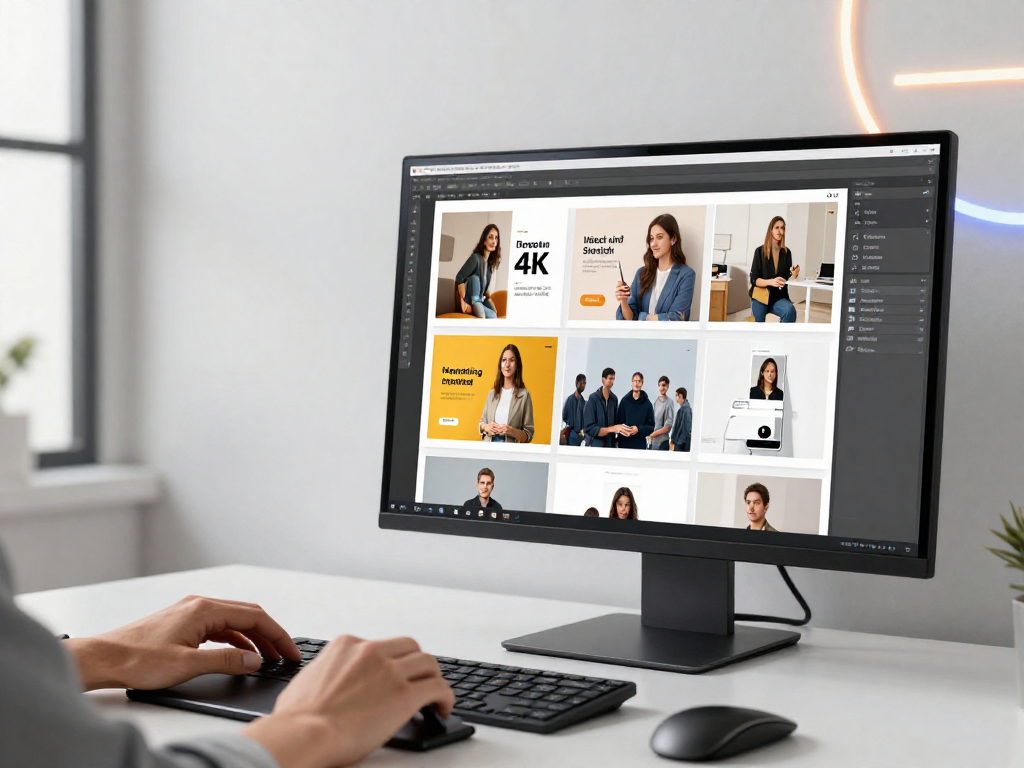
A 4K AI image generator helps content creators and marketers produce high-resolution visuals without long design cycles. Use Socialaf.ai to generate campaign-ready images, iterate quickly, and keep your creative aligned with your brand—across channels and formats.
Why use a 4K AI image generator
High-resolution images improve clarity, cropping flexibility, and multi-channel reuse. With Socialaf.ai, you can move from concept to 4K-ready assets quickly, making it easier to ship more creatives, test more ideas, and maintain consistent quality.
- Create crisp visuals for paid ads, hero banners, and product pages
- Reuse one concept across multiple sizes without losing detail
- Speed up ideation and reduce back-and-forth revisions
- Generate variations to support A/B testing
Use cases for content creators
Build scroll-stopping visuals for your content calendar while keeping a consistent look. Generate 4K images for thumbnails, carousels, and long-form posts, then refine style and composition with quick prompt edits.
- YouTube thumbnails and channel art concepts
- Instagram and TikTok background visuals
- Blog headers and newsletter graphics
- Podcast cover concepts and episode artwork
Use cases for marketers
Create 4K campaign assets that adapt to different placements. Use Socialaf.ai to explore concepts, produce multiple creative angles, and generate fresh variations for performance testing—without waiting on a full design queue.
- Paid social creatives and display ad imagery
- Landing page hero images and section visuals
- Email campaign graphics and promotional banners
- Seasonal campaign concepts and rapid refreshes
How to get better 4K results with prompts
Clear prompts produce more consistent outputs. Define the subject, scene, lighting, lens/style, and brand constraints. Then iterate by changing one variable at a time to keep improvements controlled and repeatable.
- Start with a specific subject and purpose (ad, hero, thumbnail)
- Describe composition (close-up, wide shot, centered product)
- Add lighting and mood (soft studio, golden hour, high contrast)
- Specify brand cues (color palette, minimal/modern, playful)
- Request clean space for text overlays when needed
Keep visuals on-brand across campaigns
Consistency matters when you scale content. Create a repeatable prompt structure, reuse style language, and standardize review criteria so teams can produce coherent visuals across channels. Socialaf.ai supports fast iteration so you can align outputs to your brand faster.
- Use a shared prompt template for tone, color, and composition
- Generate multiple options, then select a consistent “winner” style
- Build a library of approved visual directions for future campaigns
How to generate a 4K image for a campaign
Step 1
Define the goal and placement
Choose where the image will be used (paid social, landing page hero, email banner) and the message it should support.
Step 2
Write a structured prompt
Describe subject, setting, composition, lighting, and brand style. Include any constraints like “minimal background” or “space for headline.”
Step 3
Generate multiple variations
Create several options to compare composition and style. Change one variable at a time to iterate efficiently.
Step 4
Select and refine
Pick the strongest option and refine with small prompt edits (color, mood, framing) to match your brand and campaign tone.
Step 5
Export and deploy
Download the final 4K asset and resize/crop for each channel while preserving clarity and consistent visual direction.
FAQ
What is a 4K AI image generator?
A 4K AI image generator creates images at ultra-high resolution (commonly 3840×2160 or similar). This makes visuals sharper and more flexible for cropping, resizing, and use across ads, landing pages, and social content.
Why does 4K matter for marketing creatives?
4K images stay crisp when used in large placements, when cropped for different aspect ratios, and when repurposed across channels. Higher resolution also helps maintain quality on high-density displays.
How do I generate images that leave room for text?
In your prompt, specify negative space and layout intent, such as “clean background with space on the left for headline” or “minimal composition with top area reserved for text.” Generate a few variations and pick the best layout.
Can I use a 4K AI image generator for A/B testing?
Yes. Generate multiple concept variations—different angles, backgrounds, color moods, or props—then pair them with the same copy to test performance. Keep changes controlled so you learn what drives results.
Generate 4K visuals faster with Socialaf.ai
Create high-resolution images for ads, social posts, and landing pages—then iterate in minutes to find what performs.