Use Cases
AI Thumbnails Generator for Content Creators and Marketers | Socialaf.ai
Create scroll-stopping thumbnails in minutes with an AI thumbnails generator built for creators and marketers. Generate on-brand concepts, test variations, and export ready-to-post designs for YouTube, ads, and social.
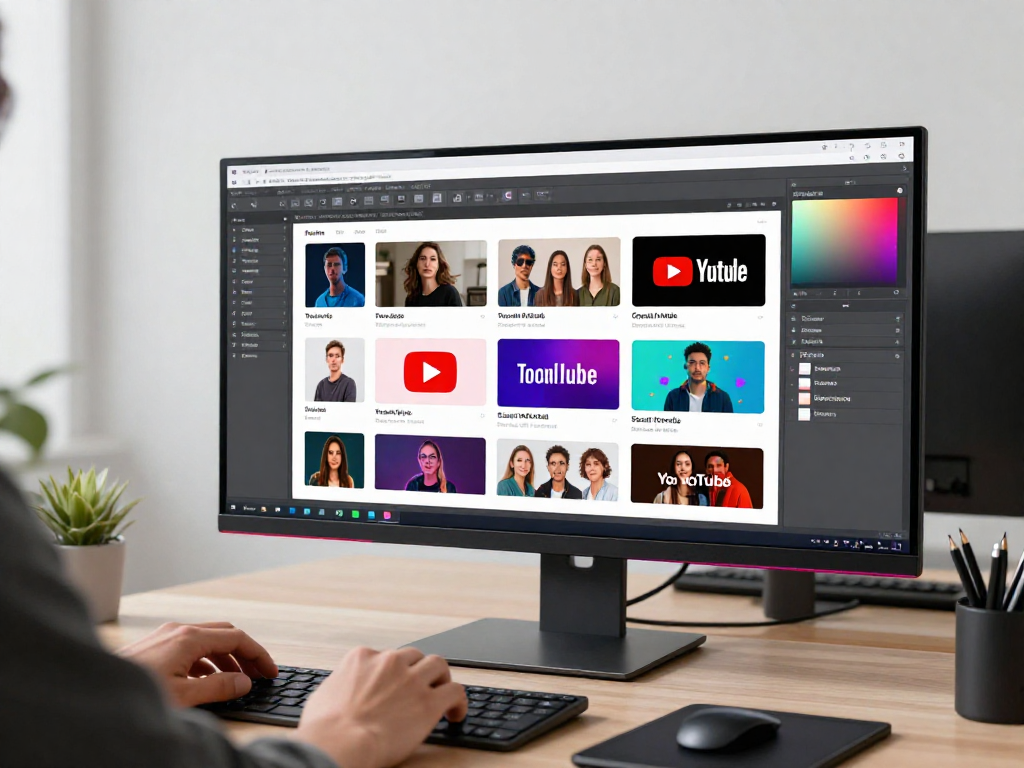
Socialaf.ai helps content creators and marketers generate high-performing thumbnail options faster. Use an AI thumbnails generator to explore multiple concepts, keep designs consistent with your brand, and ship assets that match each platform’s requirements.
What an AI thumbnails generator does
An AI thumbnails generator turns your topic, headline, and visual direction into thumbnail concepts you can refine. Instead of starting from a blank canvas, you start with strong options and iterate quickly for different audiences, campaigns, and platforms.
- Create multiple thumbnail directions from one brief
- Maintain consistent look across a series or campaign
- Produce variants for different hooks and offers
- Speed up approvals with clear, comparable options
Built for creators and marketers
Creators need thumbnails that raise click-through without losing their style. Marketers need creative that aligns with messaging, brand, and performance goals. Socialaf.ai supports both workflows with fast generation and easy iteration.
- YouTube and short-form series thumbnails
- Paid social and ad creative concepts
- Webinar, podcast, and newsletter promo tiles
- Product launch and campaign asset sets
How to get better thumbnail results
High-performing thumbnails start with a clear promise and a simple visual hierarchy. Provide the angle, audience, and one primary message. Then test small changes across variants to learn what drives clicks for your channel or campaign.
Common use cases
Use Socialaf.ai to generate thumbnails for recurring formats, fast-moving campaigns, and rapid experiments. Create a repeatable system for ideation, iteration, and publishing.
- Create 5–10 variations for A/B testing
- Refresh underperforming videos with new concepts
- Standardize a series look while changing the hook
- Localize messaging for different markets or segments
Why Socialaf.ai
Socialaf.ai focuses on speed, consistency, and practical outputs. Generate options quickly, keep your brand recognizable, and move from idea to publish-ready creative with fewer bottlenecks.
Generate thumbnails with Socialaf.ai
Step 1
Define the goal
Choose the platform and objective: clicks, sign-ups, or awareness. Identify the audience and the single main promise the thumbnail should communicate.
Step 2
Write a clear hook
Provide a short headline or angle. Keep it specific and benefit-led, and avoid packing multiple messages into one thumbnail.
Step 3
Add brand direction
Share your style preferences such as colors, tone, and any recurring layout patterns you want to keep consistent across a series.
Step 4
Generate and compare
Create multiple variations, then choose finalists based on clarity at small sizes, contrast, and how quickly the message is understood.
Step 5
Iterate and publish
Make small changes across variants (hook wording, focal point, contrast) and publish the best option for your channel or campaign.
FAQ
What is an AI thumbnails generator?
An AI thumbnails generator creates thumbnail concepts from your inputs such as topic, headline, and style preferences, helping you produce multiple design directions quickly and refine the best option.
Is this only for YouTube thumbnails?
No. You can use it for YouTube, short-form video promos, ads, social posts, webinars, podcasts, and other marketing creatives where a strong thumbnail-style image improves clicks.
How do I keep thumbnails on-brand?
Start with clear brand cues: preferred colors, typography direction, tone, and recurring layout patterns. Generate variations, then select and standardize the elements that match your brand across the series.
How many variations should I generate?
For most teams, 5–10 variations per topic is enough to compare different hooks and visual hierarchies. For performance campaigns, generate more and test small changes systematically.
Create better thumbnails, faster
Use Socialaf.ai as your AI thumbnails generator to produce on-brand variations and publish with confidence.