Use Cases
AI Video Storyboard Generator for Content Creators & Marketers | Socialaf.ai
Create an AI video storyboard in minutes. Turn a brief into scenes, shots, VO, and on-screen text with clear pacing and revisions. Built for creators and marketers who need faster pre-production and consistent brand messaging.
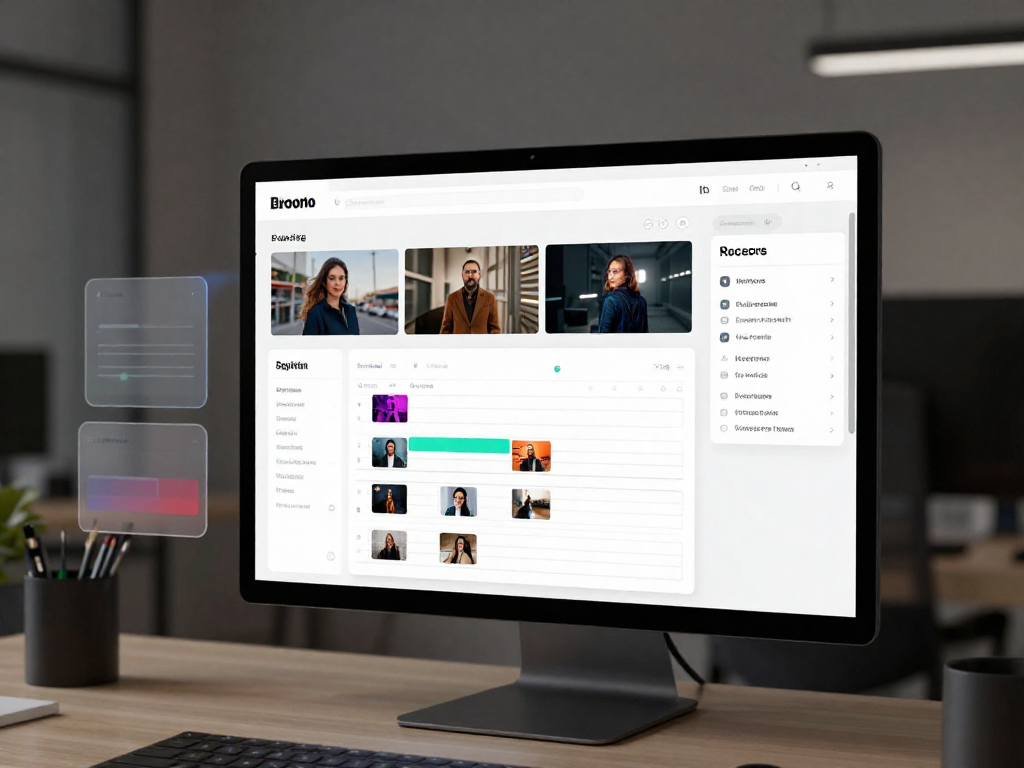
An ai video storyboard helps you move from idea to production-ready plan without getting stuck in blank-page mode. Socialaf.ai turns your goal, audience, and key points into a structured storyboard with scenes, shot notes, voiceover, and on-screen text—so you can align stakeholders, speed approvals, and ship more videos.
What you get with an AI video storyboard
Build a clear, editable blueprint for your next video. Start with a prompt or brief and generate a scene-by-scene plan that keeps messaging tight and pacing consistent.
- Scene outline with suggested duration and pacing
- Shot list ideas (hook, b-roll, product, talking head)
- Voiceover draft and on-screen text per scene
- CTA placement and end-card guidance
- Revision-ready structure for quick stakeholder feedback
Use cases for creators and marketing teams
Whether you publish daily shorts or run multi-channel campaigns, a storyboard keeps production efficient and messaging aligned across formats.
- Short-form scripts: hooks, beats, and captions mapped to scenes
- Product explainers: problem, solution, proof, CTA structure
- Ads and UGC: variations for different angles and audiences
- Webinars to clips: segmenting long content into scene plans
- Launch campaigns: consistent narrative across multiple assets
How Socialaf.ai helps you move faster
Socialaf.ai is designed for practical pre-production. Generate a storyboard, refine it to match your brand voice, and export a plan your team can execute—without rewriting from scratch.
- Brief-to-storyboard workflow built for marketing goals
- Easy iteration: adjust tone, length, and structure quickly
- Consistency: keep key points and brand messaging intact
- Collaboration-ready output for creators, editors, and clients
Best practices for higher-performing storyboards
A strong storyboard is more than a script. Use these guidelines to improve clarity, retention, and conversion.
- Start with a single, specific promise in the first 3–5 seconds
- One core idea per scene; avoid stacking multiple messages
- Show proof early: demo, results, testimonial, or comparison
- Write on-screen text for silent viewing and quick scanning
- End with one clear CTA that matches the video’s intent
How to create an AI video storyboard with Socialaf.ai
Step 1
Define the goal and format
Choose the platform and target length, then state your objective (e.g., drive sign-ups, explain a feature, promote an offer).
Step 2
Add audience and key points
Describe who the video is for and list the main messages, proof points, and any required CTA or link destination.
Step 3
Generate the storyboard
Create a scene-by-scene outline with suggested shots, voiceover, and on-screen text tailored to your format.
Step 4
Refine scenes for clarity and pacing
Tighten the hook, simplify each scene to one idea, and adjust timing so the story moves quickly.
Step 5
Finalize and hand off to production
Confirm the shot list and VO, then share the storyboard with your editor or team to film, source b-roll, and cut efficiently.
FAQ
What is an ai video storyboard?
An ai video storyboard is a scene-by-scene plan generated with AI that outlines what happens in the video, including visuals, shot ideas, voiceover, on-screen text, and pacing. It helps you align the creative direction before filming or editing.
Who should use an AI video storyboard generator?
Content creators, social media managers, performance marketers, and video teams benefit most—especially when producing multiple videos per week or needing fast approvals and consistent messaging.
Can I use the storyboard for short-form and long-form videos?
Yes. You can generate storyboards for shorts, ads, explainers, and longer YouTube-style videos by setting the target length, structure, and platform requirements.
How do I make the storyboard match my brand voice?
Provide brand guidelines, examples of past videos, and your preferred tone. Then revise the generated scenes and VO to match your style, terminology, and CTA language.
What should I include in my prompt or brief?
Include your goal (awareness, leads, sales), target audience, key points, offer, constraints (length, platform), and any required phrases or claims. The clearer the brief, the more usable the storyboard.
Generate your AI video storyboard now
Turn a brief into a clear scene plan with VO, shots, and on-screen text—ready to edit and publish.