Use Cases
AI Video With Audio: Create Voice, Music, and Captions in Minutes | Socialaf.ai
Create an AI video with audio for ads, socials, and product explainers. Generate voiceover, music, captions, and edits from a prompt or script—fast. Built for content creators and marketers who need consistent output without extra tools.
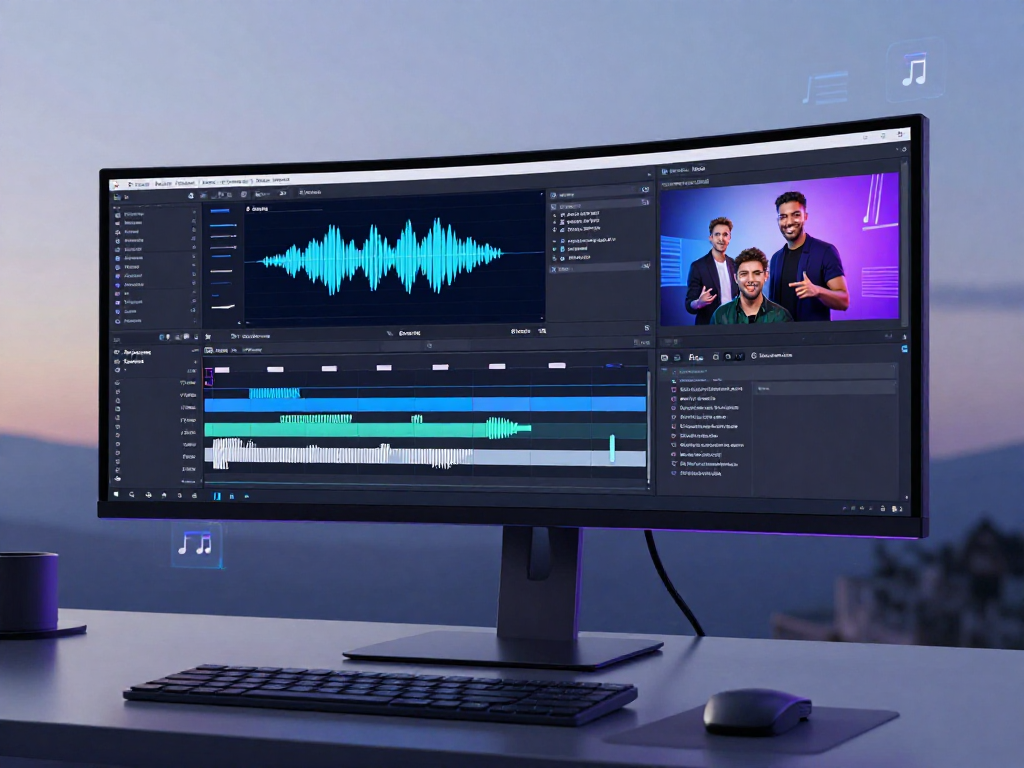
Socialaf.ai helps content creators and marketers produce an AI video with audio from a prompt, script, or existing assets. Generate voiceover, background music, captions, and platform-ready cuts in one workflow—so you can publish more content with less manual editing.
What “AI video with audio” means for your workflow
An AI video with audio combines visuals with sound elements—voiceover, music, and captions—generated or assembled automatically. Instead of stitching tools together, you build a complete, publish-ready video in one place, aligned to your brand and message.
- Voiceover generation from your script
- Background music that fits the tone
- Auto-captions for accessibility and retention
- Consistent output across multiple formats
Use cases for creators and marketers
Turn one idea into multiple video assets with audio that matches the goal and channel. Socialaf.ai supports quick iteration, testing, and repurposing so you can keep campaigns and content calendars moving.
- Paid social ads with clear voiceover and captions
- Product demos and feature highlights
- Explainers for landing pages and onboarding
- UGC-style scripts with natural-sounding narration
- Event promos and announcements
- Weekly content series built from a repeatable template
Key elements that make audio-ready videos perform
Audio is often the difference between a scroll-past and a watch. Pair the right voice, pacing, and music with clear on-screen text to improve comprehension and conversions—especially on mobile.
- Script-first structure with a strong hook
- Voice that matches your brand and audience
- Music mixed to support, not compete with narration
- Captions timed for fast scanning
- Clear CTA in the final seconds
How Socialaf.ai helps you create faster
Socialaf.ai streamlines the steps that usually slow teams down: writing, voicing, editing, captioning, and exporting. Create variations quickly to test hooks, offers, and formats without starting from scratch each time.
- Generate video drafts from prompts or scripts
- Add voiceover, music, and captions in one flow
- Produce multiple versions for A/B testing
- Export platform-ready cuts for social channels
Best practices to get better results in fewer iterations
Start with a clear goal and keep your message tight. Use short sentences for voiceover, design for mobile viewing, and create multiple openings to find the best-performing hook.
- Write for listening: simple words, short lines
- Lead with the outcome, not the product name
- Keep music subtle under spoken audio
- Make captions large and high-contrast
- Create 3–5 hook variations per concept
How to create an AI video with audio in Socialaf.ai
Step 1
Define the goal and format
Choose the channel and outcome (ad, explainer, promo) and decide the target length and aspect ratio.
Step 2
Add your script or prompt
Paste a script or describe the video you want. Keep sentences short for natural audio pacing.
Step 3
Generate voiceover and captions
Select a voice style and create synced captions to match the spoken track.
Step 4
Add background music
Pick music that supports the message and keep it mixed below narration for clarity.
Step 5
Create variations and export
Duplicate the video to test different hooks and CTAs, then export platform-ready versions.
FAQ
Can I create an AI video with audio from just a script?
Yes. Start with a script and generate voiceover, captions, and a complete video draft, then refine timing, visuals, and the final call-to-action.
Do captions matter if my video already has voiceover?
Yes. Captions improve comprehension, accessibility, and watch time—especially for viewers watching on mute or in noisy environments.
How do I choose the right audio for marketing videos?
Match voice and music to the audience and objective. Use clear narration for explanation, keep music lower than speech, and maintain consistent tone across your campaign.
What’s the fastest way to make multiple versions for testing?
Keep the core body the same and vary the first 3–5 seconds, headline text, and CTA line. Export each version in the same format to compare performance cleanly.
Create your next AI video with audio
Generate voiceover, music, captions, and ready-to-post cuts in one workflow.