Use case · best ai video generator

best ai video generator with socialAF.

The best AI video generator should do more than create a one-off clip. It should help you build recognizable characters, produce videos faster, and keep every asset on-brand across posts, campaigns, client deliverables, and audience touchpoints. socialAF gives creators and agencies a complete AI character video workflow: design a repeatable persona, generate images and motion, add voice, create talking avatars, and organize every output in one character-first workspace. Modern AI video workflows increasingly rely on reference images, image-to-video, and consistent visual identity because character continuity remains one of the biggest challenges in AI video creation. ([googleveo.video](https://www.googleveo.video/blog/ai-video-generation-best-practices?utm_source=openai)) With socialAF, you can move from idea to publish-ready creative without rebuilding your character from scratch every time. Start with a reference-driven character builder, create multi-angle reference packs, generate videos from text, images, or references, then use text-to-speech and voice cloning to give your character a recognizable sound. Whether you are making short-form videos, ad concepts, creator content, product explainers, story-driven scenes, talking avatar clips, or client social campaigns, socialAF helps you create consistent AI characters across image, video, and voice. Cancel anytime.

Get started today·Results in seconds·Loved by creators

Our library·13 characters·12 models

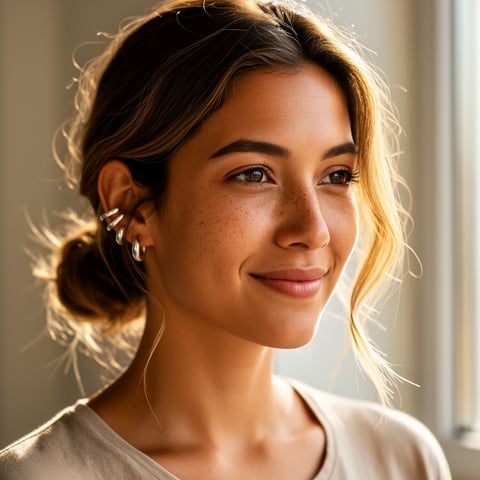
Mia, Beauty + soft glam
Nova, Fitness + wellness
Jordan, Strength coach
Aria, Style + fashion
Kai, Travel + adventure
Eli, Food + slow living
Sage, Yoga + breathwork
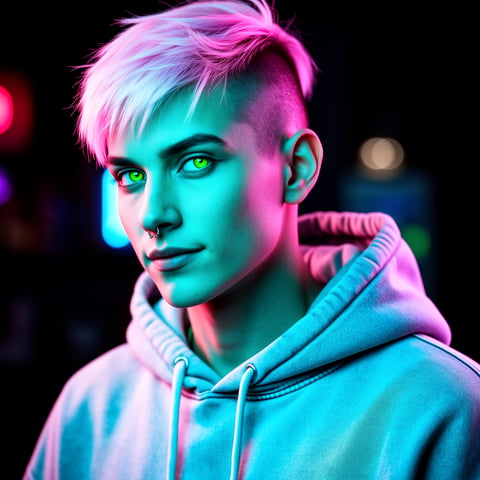
Reese, Gaming + tech

Proof·Built for creators, marketers, and agencies that need repeatable AI video production instead of random one-off generations. socialAF combines 3 essential creative layers—character, motion, and voice—inside one workflow, with per-character galleries, bulk generation, and agency multi-org workspaces so you can produce more campaign-ready assets with less production friction. Current AI video best practices emphasize reference-led creation, clear prompts, brand consistency, captions, and reusable visual systems; socialAF is designed around exactly that production reality. ([googleveo.video](https://www.googleveo.video/blog/ai-video-generation-best-practices?utm_source=openai))

Why best ai video generator

Built for the way creators actually work.

01

Create Recognizable Characters Your Audience Remembers

Your character should look like the same person across thumbnails, reels, talking avatar clips, and campaign videos. socialAF helps you create a reference-driven persona, save multi-angle reference packs, and generate new visuals from the same character identity, so your audience sees a consistent face, style, and vibe every time you publish.

02

Produce More Video Concepts Without Slowing Down

Go from prompt to motion faster with text-to-video, image-to-video, and reference-to-video workflows. Instead of coordinating shoots, talent, editing, and reshoots for every idea, you can test hooks, scenes, formats, and character variations quickly. Bulk generation lets you explore multiple creative directions for ads, organic posts, and client campaigns in less time.

03

Keep Image, Video, and Voice in One Creative System

A high-converting AI video workflow is not only visual. Your character needs a look, a voice, and a repeatable content library. socialAF brings together image generation, video generation, talking avatars, text-to-speech, voice cloning, and per-character galleries so every asset supports the same persona and brand story.

How it works

How best ai video generator works.

socialAF makes AI video creation practical for real content workflows. You build the character once, generate reusable visual references, turn ideas into videos, then organize everything by persona so future campaigns stay consistent.

Sage, Yoga + breathwork

01

Step 1: Build Your AI Character Once

Start with the reference-driven character builder. Upload or describe the look, aesthetic, personality, niche, wardrobe, and content style you want. Then create a multi-angle reference pack so your character can appear from different perspectives, in different poses, and across different scenes while still feeling like the same persona.

Reese, Gaming + tech

02

Step 2: Generate Videos from Text, Images, or References

Choose the workflow that matches your goal. Use text-to-video for new scene ideas, image-to-video to animate a favorite still, or reference-to-video when you need stronger character continuity. You can also generate supporting visuals with text-to-image or image-to-image before turning them into motion. Use clear scene direction, camera movement, mood, and platform format to guide the output.

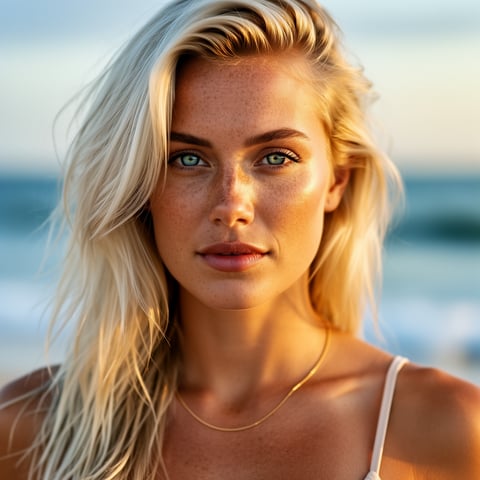
Liv, Beach + lifestyle

03

Step 3: Add Voice, Organize Assets, and Scale

Bring your character to life with talking avatars, text-to-speech, or voice cloning. Save finished outputs in per-character galleries so you can reuse winning looks, scenes, and prompts. For agencies and production teams, use multi-org workspaces and bulk generation to manage multiple brands, clients, personas, and campaign variations without mixing assets.

Create Your First Consistent AI Video Character

Build consistent AI characters across image, video, and voice. Cancel anytime.

Try it Today

The difference

Why it wins for best ai video generator.

The best AI video generator for creators is not just the tool that makes a clip. It is the workflow that helps you make repeatable, brand-safe, character-led content without losing time on disorganized assets, inconsistent faces, or disconnected voice tools.

Without best ai video generator

Traditional approach

With socialAF

Avoid booking talent, locations, equipment, and reshoots for every concept. socialAF lets you create character-led video ideas on demand, test multiple hooks, and keep production moving even when you need fresh content daily.

Without best ai video generator

Generic tools

With socialAF

Instead of starting over with every prompt, socialAF centers your workflow around saved characters, multi-angle reference packs, per-character galleries, and reference-to-video generation so your creative system stays consistent.

Without best ai video generator

Manual methods

With socialAF

Reduce repetitive editing, asset hunting, and prompt rebuilding. socialAF combines image generation, video generation, talking avatars, voice cloning, text-to-speech, agency workspaces, and bulk generation in one streamlined production flow.

What creators say

Creators using socialAF for best ai video generator.

socialAF changed how we pitch video concepts. We can build a character, generate multiple angles, create short clips, and show clients a polished direction before a traditional production timeline would even begin.

Maya Brooks

Creative Strategist

The biggest win is consistency. Our character looks familiar across images, videos, and talking avatar posts, which makes our content feel like a real series instead of disconnected experiments.

Evan Hart

Short-Form Content Producer

FAQ

Common questions about best ai video generator.

What makes socialAF the best AI video generator for consistent characters?

socialAF is built around character continuity, not just single-clip generation. You can create a persona with the reference-driven character builder, generate multi-angle reference packs, and then use those references across image and video workflows. That matters because AI video creation often struggles when the same character needs to appear across multiple scenes, shots, or campaign assets. Reference-led workflows are widely used because they give the generation process a stronger visual anchor. ([googleveo.video](https://www.googleveo.video/blog/ai-video-generation-best-practices?utm_source=openai)) socialAF also keeps your outputs organized in per-character galleries, so you can reuse the best images, prompts, scenes, and voice assets whenever you need new content.

Can I use socialAF as a text-to-video AI generator for social media?

Yes. socialAF supports text-to-video generation so you can describe a scene, hook, mood, camera direction, and character action, then turn that idea into a video asset. It is especially useful for short-form content, ad variations, creator skits, product explainers, and storytelling clips. For stronger continuity, you can combine text-to-video with saved character references or use image-to-video when you already have a strong still image. Current short-form video workflows often require both vertical and horizontal creative versions, and socialAF helps you build a repeatable system for testing concepts across platforms. ([vivideo.ai](https://vivideo.ai/blog/state-of-ai-video-creation-2026?utm_source=openai))

Does socialAF support image-to-video and reference-to-video workflows?

Yes. socialAF supports image-to-video, text-to-video, and reference-to-video workflows. Image-to-video is ideal when you already have a strong character image, product scene, or thumbnail-style visual that you want to animate. Reference-to-video is useful when you want the generated video to stay closer to a saved character identity. You can also use text-to-image and image-to-image generation to create or refine still assets before animating them. This gives you more control over the final result because you are not relying on a single prompt to define the entire look, pose, scene, and motion.

How can agencies use an AI video generator for multiple clients?

Agencies can use socialAF to separate client work, manage multiple personas, and scale creative production with less operational mess. Agency multi-org workspaces help you keep brands and campaigns organized, while per-character galleries prevent assets from getting mixed together. Bulk generation is especially useful when you need to create multiple ad angles, creator concepts, seasonal variants, or social post options for review. Instead of creating every variation manually, your team can generate batches, compare outputs, and refine the strongest concepts into client-ready deliverables.

Can I create talking avatar videos with voice using socialAF?

Yes. socialAF includes talking avatars, text-to-speech, and voice cloning, so your AI character can have both a consistent look and a recognizable sound. This is valuable for explainer videos, recurring host formats, educational content, faceless creator channels, brand mascots, and campaign spokescharacters. You can write a script, generate speech, pair it with your character, and produce a talking avatar clip that fits your content style. By combining voice with saved visual references, you can build a character that feels more memorable across repeated posts.

Is socialAF a good AI video generator for beginners?

Yes. socialAF is designed to help you get started without needing a full production team. You can begin with a simple character idea, create reference images, generate a short video, and add voice from the same workflow. As you get more advanced, you can refine prompts, build multi-angle reference packs, use image-to-image for variations, create reference-to-video scenes, and scale with bulk generation. The goal is to make AI video creation feel like a repeatable content system, not a complicated set of disconnected tools.

Ready to create consistent AI videos faster?

Start free →

Ready

Build your first character today.

Join creators using socialAF to bring their characters to life. One subscription, every model, no shoot required.

Start today