Use Cases
Click Magnet Thumbnails: Create High-CTR Thumbnails Faster with Socialaf.ai
Create click magnet thumbnails that boost CTR without guesswork. Socialaf.ai helps content creators and marketers generate clear concepts, consistent styles, and platform-ready thumbnail directions for YouTube and social—faster from idea to publish.
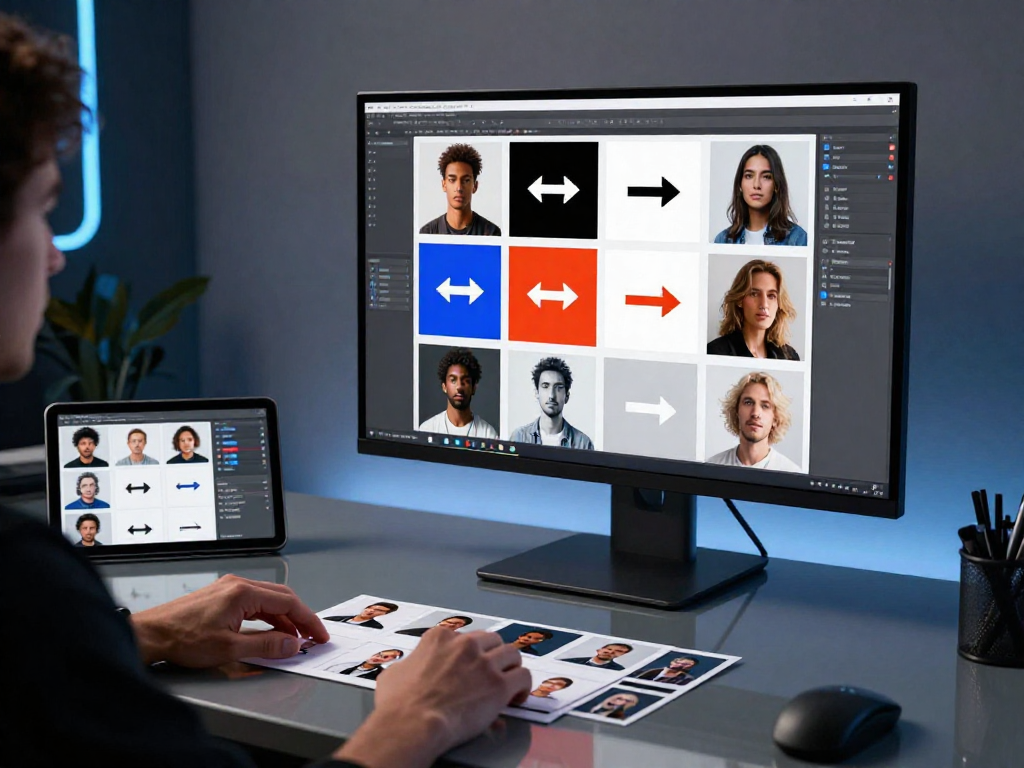
Click magnet thumbnails earn attention in a crowded feed by pairing a clear promise with a simple, high-contrast visual. This hub page shows how Socialaf.ai helps content creators and marketers plan, generate, and iterate thumbnail concepts that align with the video’s hook, brand style, and platform best practices—so you can publish with confidence and improve click-through rate over time.
What “click magnet thumbnails” mean (and what they don’t)
A click magnet thumbnail is designed to communicate one strong idea instantly: what the viewer gets and why it’s worth a click. It’s not about clutter, misleading shock, or tiny text. The goal is clarity, contrast, and a compelling hook that matches the title and opening seconds.
- One focal point: subject, object, or result
- One message: a single promise or curiosity gap
- High contrast: readable at small sizes
- Consistency: recognizable style across your channel or brand
- Accuracy: aligns with the content to keep retention strong
Why thumbnails drive results for creators and marketers
Thumbnails are often the first impression and a major lever for improving distribution. Better thumbnails can raise CTR, which can increase reach, accelerate testing, and improve the efficiency of your content production pipeline—especially when paired with strong titles and a clear opening hook.
- Increase CTR on YouTube and social video previews
- Improve campaign performance without changing the core content
- Reduce creative cycles by validating concepts early
- Strengthen brand recall with consistent visual language
How Socialaf.ai helps you create click magnet thumbnails
Socialaf.ai supports your thumbnail workflow from concept to iteration. Generate multiple thumbnail directions, hook angles, and text overlays that match your topic, audience, and brand style. Use the outputs to brief a designer, build templates, or rapidly test variations across uploads and campaigns.
- Generate thumbnail concepts based on your video topic and goal
- Create multiple hook angles to test (benefit, curiosity, contrast, proof)
- Get short, readable text overlay options that fit the frame
- Align thumbnail direction with your title, intro, and key moment
- Standardize style rules for consistent series branding
Core elements of high-CTR thumbnail concepts
Most winning thumbnails share a few fundamentals. Keep the frame simple, the subject large, and the message unmistakable. Use visual hierarchy to guide the eye and make sure the thumbnail still works when it’s small on mobile.
- Big subject, minimal background noise
- Strong emotion or clear outcome (before/after, result, reveal)
- Readable typography: 2–4 words when possible
- Color contrast that separates subject and text
- Directional cues: gaze, arrows, framing, or highlighting
Use cases: where click magnet thumbnails matter most
Click magnet thumbnails are especially valuable when you need to compete in dense niches, launch new series, or drive performance for paid and organic distribution. Socialaf.ai helps you tailor concepts to the context and audience intent.
- YouTube videos: tutorials, reviews, comparisons, case studies
- Short-form teasers: strong single-idea frames for previews
- Webinars and lead magnets: clear benefit + credibility cue
- Product launches: feature-to-outcome visuals for campaigns
- Series branding: repeatable templates that still feel fresh
Common thumbnail mistakes (and how to fix them)
If your thumbnails aren’t performing, it’s often because the message isn’t clear at a glance or the concept doesn’t match the title. Fixes usually come from simplifying the frame, strengthening the hook, and committing to one visual story.
- Too much text: cut to one short phrase
- No focal point: enlarge the subject and reduce background clutter
- Low contrast: separate subject, text, and background with color and lighting
- Mismatch with title: ensure the same promise is expressed visually
- Over-editing: prioritize clarity over effects
Spokes to explore next (build your thumbnail system)
Use these spoke pages to go deeper and build a repeatable thumbnail process that scales with your content calendar and campaigns.
- Thumbnail hooks and curiosity frameworks
- YouTube thumbnail text: what to write and what to avoid
- Brand-consistent thumbnail templates for series content
- A/B testing thumbnail variations and tracking CTR lift
- Creator workflow: from video idea to title + thumbnail package
How to create click magnet thumbnails with Socialaf.ai
Step 1
Define the promise
Write one sentence describing the outcome or value the viewer gets. Keep it specific and aligned with your video’s first 10 seconds.
Step 2
Generate concept directions
Use Socialaf.ai to produce multiple thumbnail concepts (benefit-led, curiosity-led, comparison, proof, before/after). Pick 2–3 that best match your audience intent.
Step 3
Choose a single focal point
Select one subject or object to dominate the frame. Remove extra elements that compete for attention.
Step 4
Add short overlay text (optional)
If needed, use Socialaf.ai to generate 2–4 word overlays that clarify the hook. Prioritize readability and avoid repeating the title.
Step 5
Align with title and opening hook
Confirm the thumbnail, title, and intro all deliver the same promise. Consistency improves clicks and retention.
Step 6
Publish, measure, iterate
Track CTR and watch-time signals. Iterate by testing a new hook angle, simplifying the frame, or improving contrast and hierarchy.
FAQ
What makes a thumbnail a “click magnet”?
It communicates one clear idea fast, uses strong contrast, and creates a reason to click that matches the title and content. The best click magnet thumbnails are simple, readable on mobile, and consistent with your brand.
How many thumbnail variations should I create?
Start with 3–5 concept directions per video, then narrow to 2–3 strong options for final selection or testing. Over time, track which patterns win and reuse them as templates.
Should I use text on thumbnails?
Use text only if it adds clarity. Keep it short (often 2–4 words), high-contrast, and large enough to read at small sizes. Avoid repeating the title word-for-word.
Do click magnet thumbnails work for marketers beyond YouTube?
Yes. The same principles apply to video previews, webinar promos, product demos, and social ads. Clear promise, strong visual hierarchy, and brand consistency improve performance across channels.
How does Socialaf.ai fit into my design workflow?
Socialaf.ai helps you generate and refine thumbnail concepts, hooks, and text overlays quickly. You can use the outputs to brief a designer, standardize templates, and iterate faster based on performance data.
Create click magnet thumbnails in minutes
Generate thumbnail concepts, hooks, and text overlays that fit your brand and boost CTR—without slowing your publishing schedule.