Use Cases
High Resolution AI Images for Content Creators and Marketers | Socialaf.ai
Create high resolution AI images for ads, blogs, landing pages, and social posts. Generate on-brand visuals fast, upscale for crisp detail, and export in the sizes you need—without design bottlenecks.
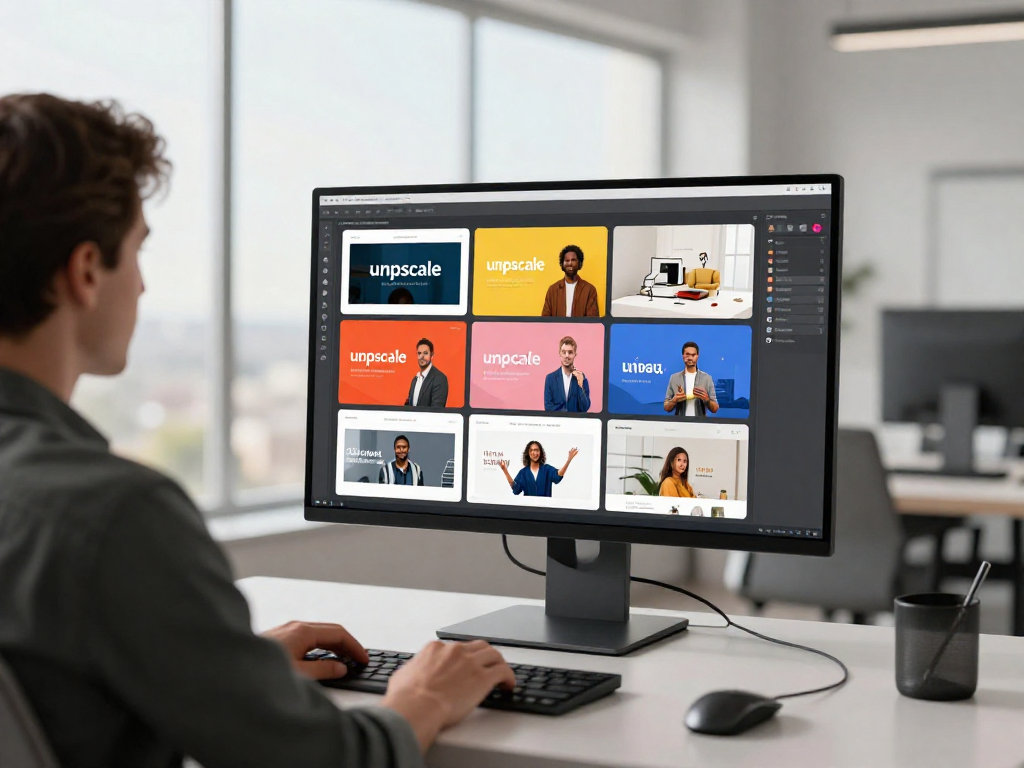
Socialaf.ai helps content creators and marketers generate high resolution AI images that look sharp across web, social, and paid campaigns. Create consistent visuals, upscale for clarity, and export ready-to-publish assets in minutes.
What “high resolution AI images” means for marketing
High resolution AI images are visuals generated with enough detail to stay crisp when cropped, resized, or used in multiple placements. For marketing teams, that means fewer quality issues, faster production, and more reusable creative across channels.
- Sharper detail for product shots, textures, and typography-safe compositions
- More flexibility for crops, zooms, and multi-format repurposing
- Cleaner exports for paid ads, landing pages, and social feeds
Use cases: where high-res visuals drive results
Build a library of consistent, high-quality images that support every stage of the funnel—from awareness to conversion. Generate variations quickly to match audiences, offers, and channels.
- Paid ads: scroll-stopping creatives with consistent branding
- Blogs and SEO pages: unique hero images and supporting visuals
- Landing pages: clean, high-detail imagery that supports trust
- Email campaigns: polished banners and product highlights
- Social content: high-res posts, carousels, and story-ready crops
How Socialaf.ai helps you generate high resolution AI images
Create images from prompts, refine results with iterations, and upscale outputs for crisp detail. Maintain a consistent look across campaigns by reusing styles, themes, and creative direction so your visuals stay on-brand.
- Generate multiple options fast to reduce creative bottlenecks
- Upscale outputs to improve clarity for key placements
- Create consistent visuals for campaigns, series, and launches
Best practices for sharper, more usable outputs
High-res results start with clear creative direction. Define subject, setting, lighting, and composition, then iterate with small changes. Design with crops in mind so your image works across placements.
- Specify camera angle, lighting, mood, and background
- Leave negative space for headlines and CTAs
- Generate variants for different audiences and offers
- Upscale final selects before exporting campaign sizes
Spokes to build around this hub
Expand this hub with focused pages that target specific workflows and placements. Each spoke can link back here and guide users to the right solution quickly.
- High resolution AI images for social media campaigns
- High resolution AI images for landing pages and product launches
- High resolution AI images for blog headers and SEO content
- High resolution AI images for paid ads and creative testing
- How to upscale AI images without losing detail
How to generate high resolution AI images with Socialaf.ai
Step 1
Define the goal and placement
Choose where the image will be used (ad, landing page, blog, social) so you can plan the composition and required crops.
Step 2
Write a clear prompt
Describe the subject, setting, lighting, mood, and angle. Add notes for negative space if you need room for headlines or CTAs.
Step 3
Generate variations
Create multiple options and adjust one element at a time (background, framing, color tone) to quickly find the best direction.
Step 4
Select and upscale
Pick the strongest image and upscale it to improve clarity and detail before exporting.
Step 5
Export channel-ready sizes
Resize and crop into the formats you need for each channel while keeping the same visual style across the set.
FAQ
Can I use high resolution AI images for ads and landing pages?
Yes. High-resolution outputs are ideal for ads and landing pages because they stay crisp after resizing and cropping. Generate several variations, choose the best performer, then upscale and export for each placement.
How do I get sharper details in AI-generated images?
Use specific prompts (subject, lighting, composition), generate multiple iterations, and upscale the final selection. Planning for negative space and clean backgrounds also helps keep the image usable for marketing layouts.
What sizes should I export for marketing?
Export based on where the image will run: social feed, stories, ads, blog headers, and landing page heroes. Create one master image, then crop and resize into channel-specific versions to keep consistency.
How do I keep visuals consistent across a campaign?
Reuse the same creative direction: style, color palette, lighting, and composition. Generate a set of related images in one session, then refine a shortlist so every asset looks like it belongs to the same brand and campaign.
Generate high resolution AI images faster
Create sharp, on-brand visuals for ads, landing pages, blogs, and social—then upscale and export in the sizes you need.