Use Cases
Professional AI Image Creator for Content Creators & Marketers | Socialaf.ai
Create on-brand images fast with a professional AI image creator built for marketers and creators. Generate campaign visuals, product shots, and social content with consistent style, simple workflows, and ready-to-publish outputs in Socialaf.ai.
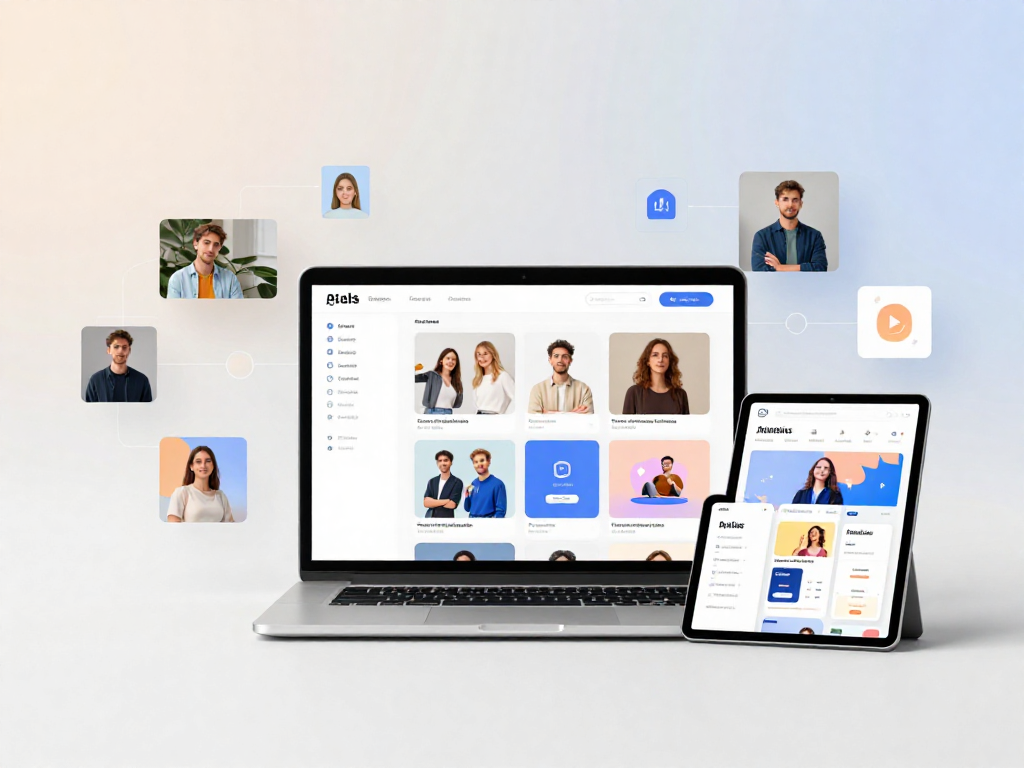
Socialaf.ai is a professional AI image creator designed for content creators and marketers who need high-quality visuals at speed. Generate consistent, on-brand images for ads, social posts, landing pages, and product storytelling—without slowing down your production cycle.
What a professional AI image creator should do
To support real marketing workflows, an AI image tool needs more than “cool outputs.” It should help you plan, produce, iterate, and publish visuals that match your brand and your channel requirements.
- Create images that match your brand style and campaign goals
- Support fast iteration for testing multiple concepts
- Output sizes and formats suitable for ads, social, and web
- Reduce time spent on creative production and revisions
Use cases for content creators and marketers
Build a repeatable pipeline for visual content across campaigns and channels. Use Socialaf.ai to create images that align with your messaging while keeping production moving.
- Social media posts, carousels, and story visuals
- Ad creatives for paid social and display
- Blog and newsletter imagery that matches your brand
- Product and lifestyle visuals for ecommerce and launches
- Event, webinar, and announcement graphics
How Socialaf.ai helps you stay on-brand
Consistency is what turns visuals into a recognizable brand. Socialaf.ai helps you generate images that fit your look and feel so your content stays cohesive across channels and teams.
- Repeatable visual direction for campaigns and series
- Easy creative variations while keeping a consistent style
- Faster approvals with clearer, more consistent outputs
A faster workflow from idea to publish
Move from concept to usable creatives in minutes. Generate options, refine your best direction, and produce the variations you need for different placements and audiences.
- Generate multiple concepts quickly for faster selection
- Iterate on winning ideas without restarting from scratch
- Produce variants for different channels and formats
Best practices for better results
Clear direction produces better visuals. Use specific inputs, define the purpose of the image, and iterate with small changes to get to a final asset faster.
- Specify audience, channel, and goal (ad, social, blog, landing page)
- Describe the subject, setting, lighting, and composition
- Request multiple variations, then refine the strongest option
- Keep messaging aligned with your campaign positioning
How to create professional AI images for marketing
Step 1
Define the goal and channel
Decide where the image will be used (ad, social post, blog, landing page) and what action or message it should support.
Step 2
Set creative direction
Describe the subject, style, mood, colors, lighting, and composition. Include brand cues you want reflected in the visual.
Step 3
Generate multiple options
Create several variations to explore different angles quickly, then shortlist the strongest results for refinement.
Step 4
Refine and produce variants
Adjust details in small steps and create versions for different placements, audiences, and formats.
Step 5
Export and publish
Download the final assets and plug them into your content calendar, ad sets, or campaign pages.
FAQ
What makes Socialaf.ai a professional AI image creator?
It’s built for marketing production: fast iteration, consistent outputs, and practical use cases like social, ads, and campaign visuals—so you can create publish-ready images without slowing your team down.
Can I use it for both organic content and paid campaigns?
Yes. Generate visuals for organic posts, ads, landing pages, and email—then create variations for testing different angles, audiences, and placements.
How do I get more consistent, on-brand images?
Start with clear creative direction (style, mood, colors, composition), generate several options, and refine with small changes. Consistency improves when you reuse a proven direction across a campaign or series.
Is this suitable for teams and content pipelines?
Yes. Socialaf.ai supports repeatable workflows so teams can produce consistent campaign assets faster and reduce back-and-forth during reviews.
Create on-brand visuals faster with Socialaf.ai
Use a professional AI image creator built for marketing workflows—generate, iterate, and publish campaign-ready images in less time.