Use Cases
Realistic AI Image Generator for Content Creators & Marketers | Socialaf.ai
Create realistic, on-brand images in minutes with Socialaf.ai’s realistic AI image generator. Produce campaign visuals, product shots, and social content with consistent style, fast iterations, and easy exports.
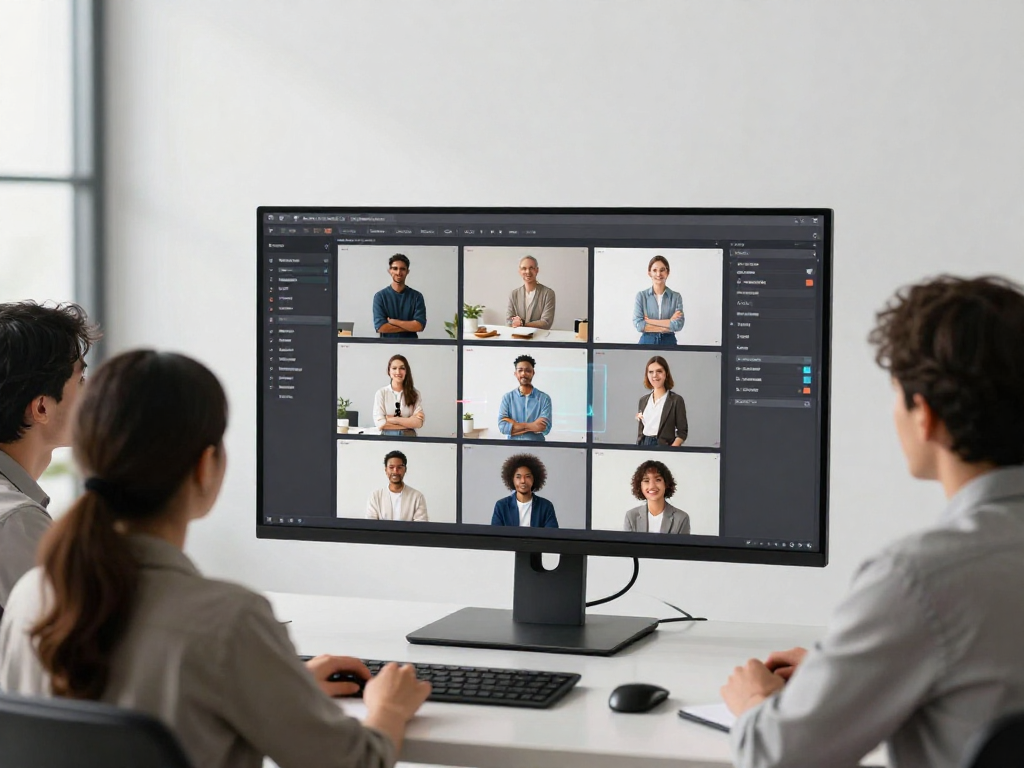
Socialaf.ai helps content creators and marketers generate realistic images that match brand guidelines and campaign goals. Turn ideas into high-quality visuals for ads, social posts, landing pages, and product storytelling—without slowing down production.
What a realistic AI image generator helps you achieve
Move from concept to publish-ready visuals faster. Create photorealistic images for campaigns, content calendars, and product marketing while keeping style and messaging consistent.
- Faster creative production for always-on marketing
- Consistent visual style across channels and campaigns
- More variations for testing hooks, offers, and layouts
- Lower dependence on last-minute shoots or stock searches
Best use cases for creators and marketing teams
Generate images tailored to the content you ship every week. Use realistic visuals to support storytelling, improve click-throughs, and keep feeds fresh without sacrificing quality.
- Paid ad creatives: multiple angles, scenes, and concepts
- Social posts: lifestyle visuals, backgrounds, and themed series
- Blog and newsletter imagery: custom hero images and inserts
- Product marketing: contextual scenes and feature callouts
- Landing pages: consistent visuals that match the offer
- Seasonal campaigns: quick refreshes for promos and launches
How Socialaf.ai supports on-brand realism
Realistic visuals work best when they look intentional and consistent. Socialaf.ai is built to help teams create images aligned with brand tone and campaign direction, then iterate quickly until the result fits the brief.
- Brand-aligned creative direction for consistent outputs
- Rapid iteration to refine details and composition
- Variation generation for testing and personalization
- Easy workflows for creators, marketers, and collaborators
Practical tips to get more realistic results
Small prompt and review habits make a big difference. Define the subject, setting, lighting, and camera style, then iterate with targeted adjustments instead of rewriting the whole prompt.
- Specify lighting (soft daylight, studio, golden hour) and camera feel
- Describe materials and textures (glass, fabric, metal, skin tones)
- Add context: location, action, and mood to avoid generic scenes
- Request multiple variations, then refine the best candidate
- Keep a consistent style guide for recurring campaigns
How to generate realistic images for marketing with Socialaf.ai
Step 1
Define the goal
Choose the channel and objective (ad, landing page, social post) and decide what the image must communicate in one glance.
Step 2
Write a detailed brief
Describe the subject, setting, lighting, mood, and camera style. Include brand cues like tone, color direction, and composition preferences.
Step 3
Generate variations
Create multiple options to explore angles and concepts quickly. Pick the strongest candidate based on clarity and realism.
Step 4
Refine for realism
Adjust specific elements—lighting, textures, background details, and framing—until the image looks natural and campaign-ready.
Step 5
Export and deploy
Export in the sizes you need for your channel, then ship to your content calendar, ad platform, or landing page.
FAQ
Who is this realistic AI image generator for?
It’s designed for content creators and marketers who need high-quality, realistic visuals for ads, social media, landing pages, and product storytelling—fast and consistently.
Can I use the images for marketing campaigns?
Yes. Create visuals for paid ads, organic social, email, and web pages. Keep your creative aligned to the campaign brief and iterate until it fits the message and brand.
How do I make AI images look more realistic?
Be specific about lighting, camera style, materials, and environment. Generate multiple variations, select the closest match, then refine details with focused edits rather than starting over.
What types of visuals can I create?
Common outputs include lifestyle scenes, product-in-context images, background and hero images, campaign concepts, and social series visuals that maintain a consistent look.
Create realistic campaign visuals in minutes
Use Socialaf.ai to generate realistic images that fit your brand and ship faster across ads, social, and web.