Use case · relight

relight with socialAF.

Create studio-quality lighting without booking a studio, rebuilding a set, or regenerating your character from scratch. socialAF’s relight workflow helps you transform flat, mismatched, or off-brand visuals into polished content that looks intentional across portraits, product scenes, talking avatars, and short-form video. Instead of treating relight as a one-off photo edit, socialAF connects lighting control to your full character system: reference-driven character creation, multi-angle reference packs, per-character galleries, image generation, video generation, voice cloning, text-to-speech, and bulk generation for teams. That means you can take the same AI persona and give it a golden-hour creator look, clean ecommerce lighting, dramatic campaign shadows, soft beauty lighting, or a night-club atmosphere while keeping the identity, style, and brand story recognizable. Modern AI relighting is increasingly focused on direction, mood, material realism, and video consistency rather than simple brightness changes, making it especially useful for creators and agencies who need more content variations from the same character asset. ([claid.ai](https://claid.ai/image-relight?utm_source=openai)) With socialAF, you can build a character once, relight it for every platform, and turn approved looks into repeatable campaigns across image, video, and voice. Build consistent AI characters across image, video, and voice. Cancel anytime.

Get started today·Results in seconds·Loved by creators

Our library·13 characters·12 models

Mia, Beauty + soft glam
Nova, Fitness + wellness
Jordan, Strength coach
Aria, Style + fashion
Kai, Travel + adventure
Eli, Food + slow living
Sage, Yoga + breathwork
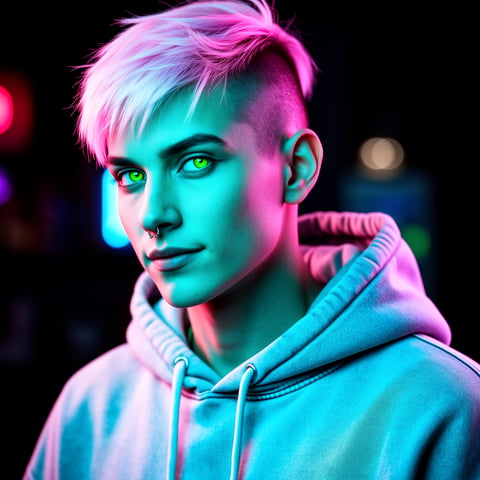
Reese, Gaming + tech

Proof·Built for creator teams, solo operators, and agencies that need repeatable AI content production instead of one-off generations. Use one character hub to organize reference packs, relit images, talking avatar clips, voice assets, and campaign variations. Save hours on reshoots, reduce back-and-forth with clients, and create multiple lighting directions in one workflow before committing to a final concept.

Why relight

Built for the way creators actually work.

01

Turn One Character Into Multiple Campaign Looks

Relight the same AI character for product launches, seasonal promos, cinematic hooks, paid ads, profile content, and creator storytelling without rebuilding the persona each time. You can keep your character recognizable while changing the mood from bright studio to moody editorial, soft lifestyle, luxury spotlight, or high-energy social video.

02

Create Faster Without Reshoots or Lighting Setups

Skip the cost and delay of physical lighting rigs, location changes, and repeated shoots. Start with a reference image, create a consistent character, generate relit variations, then extend the best look into video, talking avatars, or bulk campaign assets for every channel.

03

Keep Visual Identity Consistent Across Image, Video, and Voice

Store every relight result inside per-character galleries so your team can reuse approved references, angles, expressions, and lighting styles. Pair the final visuals with voice cloning and text-to-speech to create a complete AI persona that looks and sounds consistent across content.

How it works

How relight works.

socialAF makes relighting part of a complete character production workflow. You can start from an uploaded reference, a text prompt, or an existing character gallery, then create lighting variations that are ready for still images, videos, avatars, and agency-scale content batches.

Reese, Gaming + tech

01

Step 1: Build or Select Your Character

Start with socialAF’s reference-driven character builder. Upload your source images, define the persona’s style, and create a multi-angle reference pack so your character remains recognizable from front, side, three-quarter, close-up, and full-body views. If you already have a character in socialAF, open its per-character gallery and choose the image you want to relight. This gives you a stable base before changing the environment, contrast, shadows, or mood.

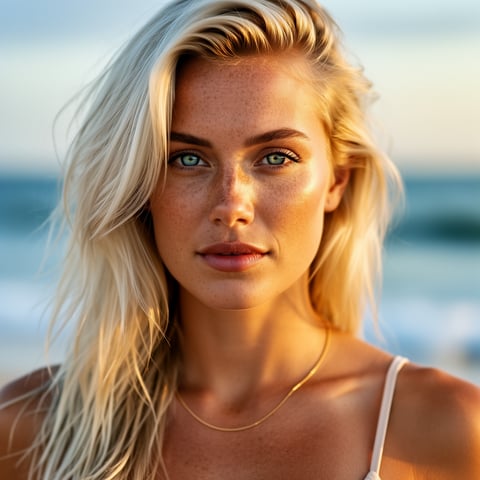
Liv, Beach + lifestyle

02

Step 2: Choose the Lighting Outcome You Want

Describe the look you want in plain language: soft window light, golden-hour glow, clean ecommerce studio, dramatic side light, neon nightlife, luxury product spotlight, cinematic rim light, or bright creator-style lighting. Use image-to-image when you want to preserve a source pose, text-to-image when you want a new relit scene, or reference-to-video when you want the same lighting direction carried into motion. Relighting tools are now commonly used to adjust direction, color, intensity, and mood while preserving the subject’s identity and details. ([maxstudio.ai](https://www.maxstudio.ai/relight-image?utm_source=openai))

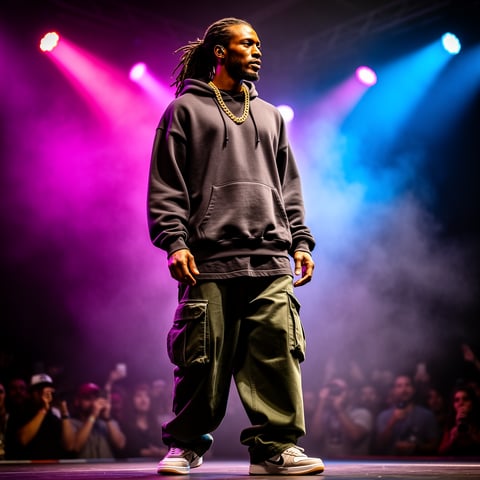
Dre, Music + dance

03

Step 3: Generate, Organize, and Scale the Best Variations

Generate multiple relight versions, save the strongest results to the character gallery, then use them as approved references for future image, video, and avatar outputs. Turn a relit portrait into a talking avatar, add cloned voice or text-to-speech narration, create short videos from image-to-video or text-to-video, and use bulk generation to produce variations for ads, thumbnails, posts, storyboards, and client review. Agencies can keep campaigns separated with multi-org workspaces so every brand has its own character assets and approved lighting directions.

Relight Your AI Character in Minutes

Build consistent AI characters across image, video, and voice. Cancel anytime.

Try it Today

The difference

Why it wins for relight.

Most relight workflows stop at a single edited image. socialAF is different because your lighting choices become part of a repeatable character system. You are not just improving one photo—you are creating reusable campaign assets that can move across stills, motion, avatars, narration, and team production.

Without relight

Traditional approach

With socialAF

Physical relighting often requires a studio, lighting gear, a photographer, talent availability, and multiple rounds of production. socialAF helps you test many lighting moods from one character reference, then reuse the winning look across new images, videos, and avatars.

Without relight

Generic tools

With socialAF

Single-purpose editors may change brightness or style, but they rarely manage character continuity. socialAF keeps your persona, reference packs, voice assets, and relit outputs organized in one per-character workflow so your content feels connected rather than random.

Without relight

Manual methods

With socialAF

Layer masks, dodge-and-burn edits, and manual color matching can be slow and hard to repeat. socialAF lets you describe the outcome, generate multiple options, save approved results, and scale the same lighting direction through bulk generation for campaigns.

What creators say

Creators using socialAF for relight.

We used to lose hours trying to match lighting across creator-style assets. With socialAF, we build the character, save the approved relight look, and generate campaign variations that feel like they came from the same shoot.

Maya Collins

Creative Strategist

The biggest win is consistency. Our AI persona can appear in bright product posts, cinematic teaser videos, and talking avatar explainers without feeling like a different character every time.

Julian Reed

Agency Founder

FAQ

Common questions about relight.

What is an AI relight generator for creators?

An AI relight generator helps you change the lighting of an image or character without reshooting the original scene. For creators, that means you can take one AI persona and create many different visual moods: soft natural light for lifestyle content, clean studio light for product posts, dramatic shadows for cinematic hooks, or colorful neon light for short-form video. In socialAF, relight is more powerful because it connects to your full character workflow. You can build a persona with reference-driven character creation, save multi-angle reference packs, organize outputs in per-character galleries, and extend the relit look into image generation, video generation, talking avatars, voice cloning, and text-to-speech.

How can I relight an AI character without losing consistency?

The best way to relight an AI character without losing consistency is to start from a strong identity reference. socialAF helps you do this with a reference-driven character builder and multi-angle reference packs. Instead of generating every image independently, you keep the same character foundation and then apply different lighting outcomes on top. Save the best relit images to that character’s gallery, then reuse them as approved references for future text-to-image, image-to-image, text-to-video, image-to-video, and reference-to-video generations. This keeps your character’s face, style, wardrobe direction, and brand role more stable while you explore new lighting moods.

Can I use relight for product photos and branded campaign images?

Yes. Relight is useful for product-style content because lighting changes how premium, clear, and trustworthy an image feels. You can create brighter ecommerce visuals, add soft highlights to make materials easier to read, reduce harsh shadows, or give a campaign image a luxury spotlight effect. socialAF is especially helpful when the product is connected to a character or persona. You can show the same AI creator holding, wearing, presenting, or reacting to a product under different lighting conditions, then generate bulk variations for ads, thumbnails, email graphics, and social posts.

Does socialAF relight work for AI video and talking avatars?

socialAF supports workflows that go beyond still images. After you create or select a relit character image, you can use video generation options such as text-to-video, image-to-video, and reference-to-video to create motion assets. You can also turn a relit character into a talking avatar and pair it with text-to-speech or voice cloning. This is valuable because video relighting needs to feel stable across frames; current research and production workflows increasingly focus on temporal consistency so lighting does not flicker or break the subject’s identity in motion. ([arxiv.org](https://arxiv.org/abs/2501.16330?utm_source=openai))

What lighting styles can I create with socialAF relight?

You can create a wide range of lighting styles depending on your brand and campaign goal. Popular relight directions include golden hour, soft window light, beauty lighting, high-key studio, low-key cinematic shadows, neon glow, nightclub color, product spotlight, dramatic rim light, outdoor daylight, cozy interior light, and polished editorial lighting. The key is to describe the outcome you want, not just the technical setup. For example, instead of saying only 'left light,' you might ask for 'premium skincare campaign lighting with soft highlights, clean shadows, and a warm studio background.' socialAF then helps you generate variations and save the ones that best match your character.

Is socialAF relight a good fit for agencies managing multiple brands?

Yes. Agencies need more than a single image edit—they need repeatable systems. socialAF includes agency multi-org workspaces so teams can separate clients, characters, galleries, references, and campaigns. You can create one approved character for a brand, generate relit looks for different campaign angles, save the winners, and use bulk generation to produce large sets of social assets. This reduces production friction, makes client review easier, and gives your team a clear library of approved character and lighting references for future work.

Ready to get started?

Start free →

Ready

Build your first character today.

Join creators using socialAF to bring their characters to life. One subscription, every model, no shoot required.

Start today