Use Cases
Social Formats AI Video: Turn One Clip Into Platform-Ready Content | Socialaf.ai
Create social formats AI video assets in minutes. Resize, reframe, add captions, and generate platform-ready versions for TikTok, Reels, Shorts, and more—built for content creators and marketers who need speed and consistency.
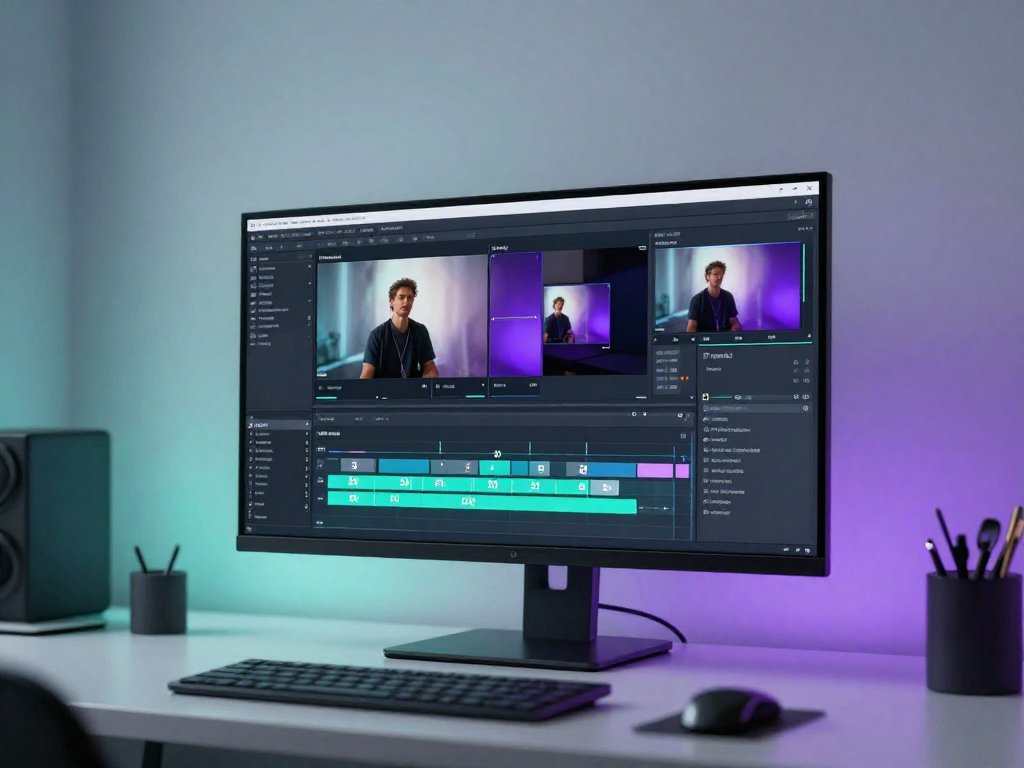
Social formats AI video helps you turn one source video into multiple platform-ready versions—fast. With Socialaf.ai, content creators and marketers can adapt clips for different aspect ratios, pacing, and on-screen text so every post looks native without extra editing time.
What “social formats AI video” means for your workflow
Instead of manually exporting endless versions, use AI to format your video for each platform’s requirements. Keep the story intact while adjusting framing, captions, and layout so your content performs across channels.
- Convert one video into multiple formats without starting over
- Maintain consistent branding across posts
- Reduce editing time while increasing output
Common formats you can generate from one video
Different platforms reward different layouts. Socialaf.ai helps you create the versions you need from a single upload so you can publish everywhere with confidence.
- Vertical 9:16 for TikTok, Reels, Shorts
- Square 1:1 for feeds and ads
- Landscape 16:9 for YouTube and web
- Safe-area aware layouts for text and faces
Key features creators and marketers rely on
Get clean, on-brand results that look intentional. Socialaf.ai focuses on the practical edits that make formatted videos feel native and readable on mobile.
- Auto reframing to keep the subject centered
- Caption generation and styling for readability
- Template-based layouts for repeatable production
- Batch output for campaigns and series
Use cases: where social formatting drives results
Formatting is not just resizing—it’s making the content fit the platform. Use Socialaf.ai to ship more variants, test faster, and keep performance insights clean across channels.
- Repurpose webinars, podcasts, and interviews into short clips
- Turn product demos into vertical launch assets
- Create consistent weekly series from long-form content
- Produce ad variations for different placements
Hub-and-spoke: build a repeatable content engine
Start with one “hub” video, then generate “spokes” tailored to each platform. This approach keeps messaging consistent while maximizing distribution and reducing production cost.
- Hub: one core video with your main message
- Spokes: multiple platform-ready versions and cutdowns
- Publish cadence: schedule spokes across channels over time
Create social formats AI video outputs with Socialaf.ai
Step 1
Upload your source video
Start with your long-form or original clip and import it into Socialaf.ai.
Step 2
Choose target formats
Select the outputs you need, such as 9:16 vertical, 1:1 square, and 16:9 landscape.
Step 3
Apply auto reframing and captions
Enable AI reframing and generate captions to keep your content readable and centered on mobile.
Step 4
Review and adjust
Check framing, hook text, and branding elements, then make quick tweaks where needed.
Step 5
Export and publish
Download each version and post to the right platform with confidence that it looks native.
FAQ
What is social formats AI video?
It’s using AI to adapt a video into platform-ready versions by adjusting aspect ratio, framing, captions, and layout—so the same content fits TikTok, Reels, Shorts, feeds, and ads without manual re-editing.
Do I need separate edits for each platform?
Not necessarily. With Socialaf.ai you can generate multiple formatted outputs from one source video, then fine-tune only what matters—like hook text, captions, or branding elements.
Will important parts of my video get cropped?
Socialaf.ai uses auto reframing to keep key subjects in frame when converting to vertical or square formats, reducing the chance of awkward crops.
Who benefits most from social formats AI video?
Content creators, social media managers, and performance marketers who need to publish more frequently, repurpose long-form content, and maintain consistent branding across multiple channels.
Generate social formats AI video in minutes
Repurpose one video into platform-ready versions for faster publishing and consistent results.