Use Cases
Text to Cinematic Video: Turn Scripts Into High-Impact Clips | Socialaf.ai
Convert text into cinematic videos for ads, socials, and launches. Socialaf.ai helps creators and marketers go from prompt to polished scenes fast, with consistent style, captions, and ready-to-post formats.
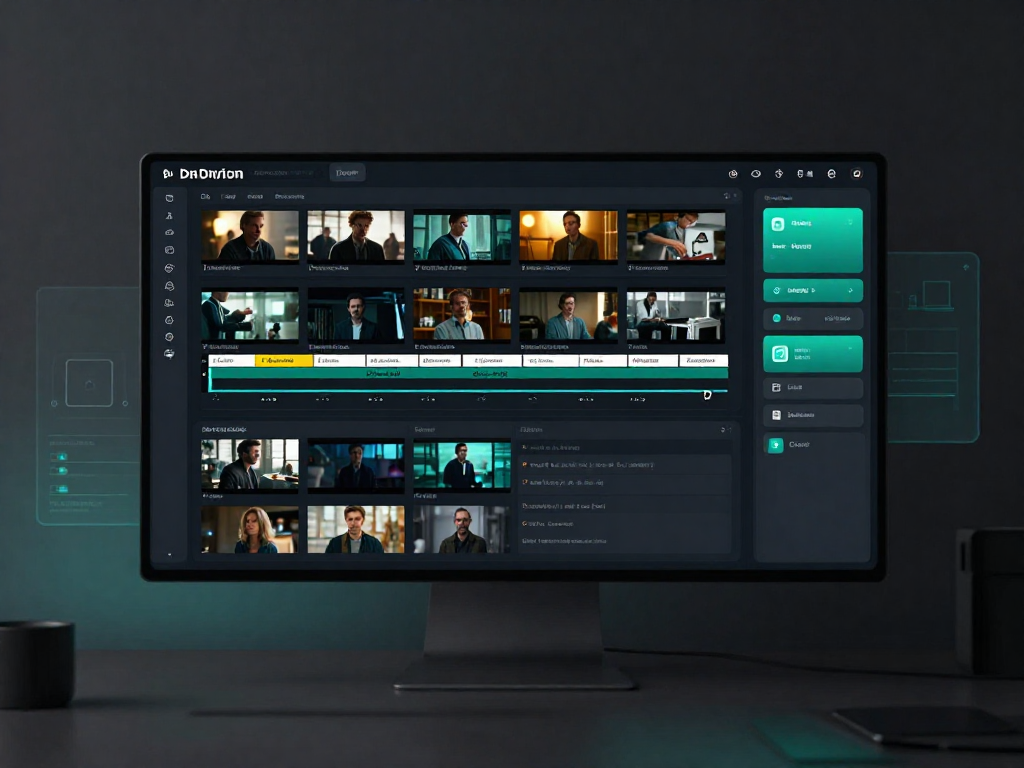
Socialaf.ai helps content creators and marketers transform plain text into cinematic video that looks intentional, on-brand, and ready to publish. Start with a script, hook, or product brief, then generate scenes, pacing, captions, and formats that fit your channel goals.
What “text to cinematic video” means for creators and marketers
Text to cinematic video turns written prompts into stylized, story-driven visuals with strong composition, motion, and mood. Instead of stitching stock clips manually, you can generate cohesive scenes from a single idea and iterate quickly until the message lands.
- Turn a hook, script, or outline into a sequence of scenes
- Maintain a consistent look across variations
- Create multiple cuts for different audiences and platforms
Use cases that convert
Cinematic style isn’t just aesthetic—it helps stop the scroll, clarify value, and improve retention. Use Socialaf.ai to produce video assets that support campaigns end-to-end, from awareness to activation.
- Paid ads: product benefits, problem/solution, UGC-style scripts with cinematic polish
- Product launches: teaser trailers, feature spotlights, countdown clips
- Brand storytelling: founder story, mission, behind-the-scenes narratives
- Content series: recurring themes with consistent visual language
- Landing page video: hero explainer clips and social proof highlights
How Socialaf.ai helps you go from text to finished video faster
Socialaf.ai is built for speed and repeatability. Generate drafts from text, refine the message, and produce multiple versions without restarting from scratch—so you can test hooks, angles, and offers efficiently.
- Draft multiple creative directions from one brief
- Iterate on tone, pacing, and scene flow
- Repurpose one concept into platform-ready cuts
Best practices for stronger cinematic results
Small prompt improvements create big quality gains. Focus on clarity, intent, and structure so the model can translate your message into visuals that feel deliberate and on-brand.
- Start with a clear objective: awareness, clicks, sign-ups, or sales
- Write in scenes: setting, subject, action, mood, camera movement
- Add constraints: duration, aspect ratio, and audience context
- Keep one core message per video; save extras for variants
- Create 3–5 hook options and test them quickly
Spoke pages to explore next
Go deeper with focused workflows that support your campaign goals. Each spoke page includes examples, prompt patterns, and repeatable templates.
- Text to cinematic video for ads
- Text to cinematic video for product launches
- Text to cinematic video for social media series
- Text to cinematic video for brand storytelling
- Text to cinematic video for landing pages
How to create a cinematic video from text with Socialaf.ai
Step 1
Define the goal and platform
Choose the outcome (views, clicks, sign-ups, sales) and the destination (TikTok, Reels, YouTube Shorts, ads, landing page). Set the desired length and aspect ratio.
Step 2
Write a scene-based prompt
Describe 3–6 scenes with setting, subject, action, mood, and camera direction. Keep one message per video and make the hook explicit.
Step 3
Generate and review the first cut
Create an initial version, then check clarity, pacing, and whether the visuals match the intended audience and offer.
Step 4
Iterate with targeted edits
Adjust one element at a time—hook, scene order, tone, or call to action—to improve performance without losing consistency.
Step 5
Export variants and publish
Produce multiple cuts for different audiences and placements. Track performance and reuse the winning structure for the next batch.
FAQ
Who is text to cinematic video best for?
It’s ideal for content creators and marketers who need high-quality video quickly—especially for ads, product launches, brand storytelling, and social content where consistent style and fast iteration matter.
What should I include in my text prompt?
Include the goal, audience, key message, and a scene-based description (setting, subject, action, mood, and camera style). Add constraints like length and platform format to keep outputs aligned with your use case.
Can I create multiple versions for A/B testing?
Yes. Generate variations of hooks, offers, and scene flow to test different angles. This helps you find the best-performing creative without rebuilding the video from scratch.
How do I keep videos consistent across a campaign?
Reuse a core prompt structure, keep the same tone and visual direction, and create a repeatable scene template. Consistency improves recognition and reduces production time as you scale.
Turn text into cinematic video in minutes
Create campaign-ready clips from scripts, briefs, and hooks—then iterate fast for better performance.