Use Cases
Veo AI Video Generator for Content Creators & Marketers | Socialaf.ai Use Cases
Use the Veo AI video generator with Socialaf.ai to turn ideas into on-brand videos faster. Explore use cases, workflows, and tips for creators and marketers to plan, generate, edit, and repurpose video content for every channel.
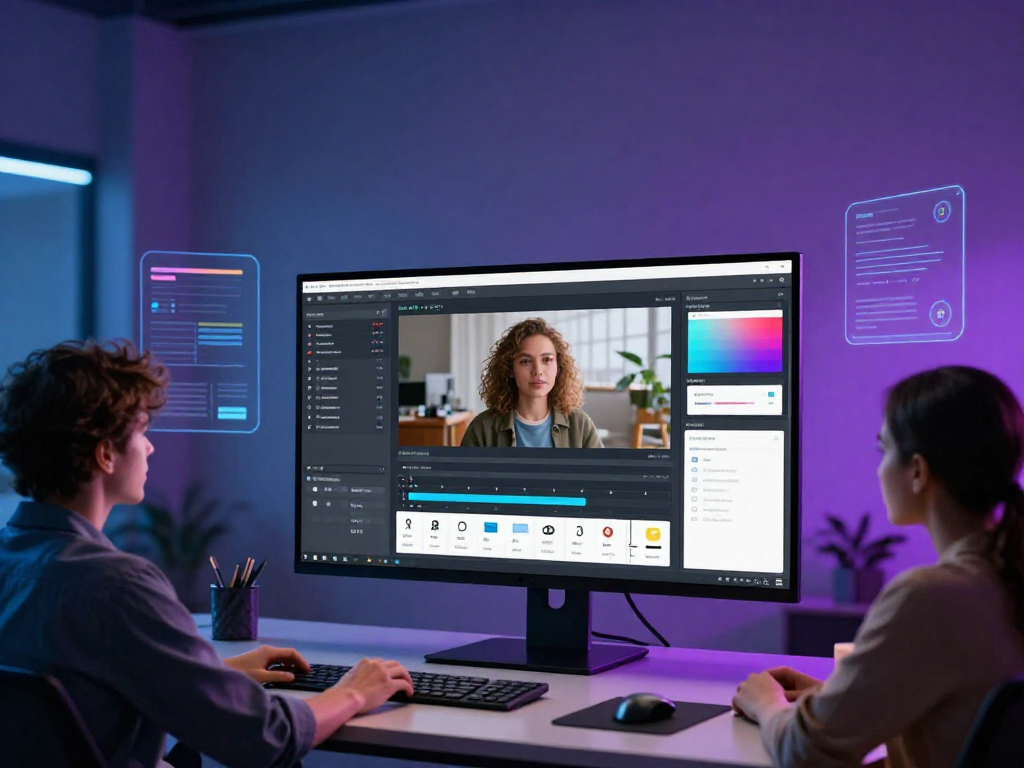
The veo ai video generator can speed up video production, but results depend on clear briefs, consistent brand inputs, and a repeatable workflow. This hub page shows practical use cases for content creators and marketers using Socialaf.ai to plan, generate, refine, and repurpose videos across channels.
What you can create with the veo ai video generator
Use AI video generation to produce short-form clips, ad variations, product explainers, and social-first storytelling. Socialaf.ai helps you organize prompts, manage brand voice, and keep output aligned with campaign goals.
- Short-form social videos for TikTok, Reels, and Shorts
- Paid ad variations for testing hooks and CTAs
- Product demos and feature highlights
- Event promos and launch teasers
- UGC-style concepts and storyboards
High-impact use cases for marketers
Move from concept to testable creative faster. Generate multiple angles, messages, and formats, then evaluate performance signals to iterate. Socialaf.ai supports consistent messaging across campaigns while reducing production bottlenecks.
- Creative testing: multiple hooks, openings, and offers
- Full-funnel assets: awareness, consideration, conversion
- Localization: adapt messaging per region or segment
- Seasonal campaigns: fast turnaround for timely promos
Creator workflows that scale
Creators can maintain output without sacrificing consistency. Start with a repeatable prompt template, create batches of videos, then repurpose into platform-specific cuts. Socialaf.ai keeps your ideas, scripts, and iterations in one place.
- Batch production: plan a week of videos at once
- Series content: repeatable format with new topics
- Repurposing: long idea into multiple short clips
- Consistency: tone, pacing, and visual direction
Prompting tips for better results
Better inputs lead to better videos. Define your goal, audience, format, and constraints. Add specifics like scene descriptions, camera movement, pacing, and on-screen text guidance. Socialaf.ai helps standardize prompts so your team can repeat what works.
- State the objective and target viewer in one sentence
- Specify length, aspect ratio, and platform
- Describe scenes with clear actions and transitions
- Include brand cues: tone, colors, and style references
- Request multiple variations to compare
Quality, compliance, and brand safety
AI-generated videos still need review. Create a checklist for claims, licensing, and brand standards. Socialaf.ai can support consistent approvals and reduce risk by keeping campaign context and messaging guidelines tied to each asset.
- Verify product claims and avoid unsupported promises
- Check for sensitive topics and platform policy issues
- Confirm brand voice, visual style, and CTA accuracy
- Review captions, on-screen text, and readability
Spoke pages to explore next
Use these spokes to go deeper into specific outcomes and workflows. Each page focuses on a single use case with templates and best practices you can apply immediately.
- Veo AI video generator for paid social ad variations
- Veo AI video generator for product launches and teasers
- Veo AI video generator for UGC-style creative concepts
- Veo AI video generator for multi-platform repurposing
- Veo AI video generator for localized campaign assets
How to use the veo ai video generator for a repeatable marketing workflow
Step 1
Define the outcome
Choose one goal: click-through, sign-ups, product education, or awareness. Write a single success metric for the video.
Step 2
Create a tight brief
Specify platform, length, aspect ratio, audience, key message, and CTA. Add brand tone and any must-include details.
Step 3
Draft a structured prompt
Describe the opening hook, 2–4 scenes, transitions, pacing, and on-screen text guidance. Request 3–5 variations.
Step 4
Generate and compare variations
Review for clarity, brand fit, and compliance. Select the strongest concept and note what made it work.
Step 5
Refine and repurpose
Iterate one element at a time (hook, CTA, pacing). Export platform-specific cuts and captions for distribution.
FAQ
Who is the veo ai video generator best for?
It’s a strong fit for content creators and marketers who need more video output, faster iterations, and consistent messaging across channels—especially when paired with a planning and review workflow in Socialaf.ai.
How do I get more consistent results from the veo ai video generator?
Use a repeatable prompt structure: goal, audience, format, scene-by-scene direction, and constraints. Keep a library of winning prompts and iterate small changes rather than rewriting from scratch.
What types of videos should I generate first?
Start with short-form social clips and ad variations. They’re faster to test, easier to iterate, and can be repurposed into multiple formats once you find a winning concept.
How does Socialaf.ai help with AI video generation?
Socialaf.ai helps you plan ideas, standardize prompts, keep brand guidance consistent, and organize iterations so your team can produce and refine videos efficiently.
Turn ideas into ready-to-post videos faster
Use Socialaf.ai to plan, generate, and refine content with the veo ai video generator workflow.