

Socialaf Creator
July 5, 2025 at 02:25 PM
Socialaf.ai Post
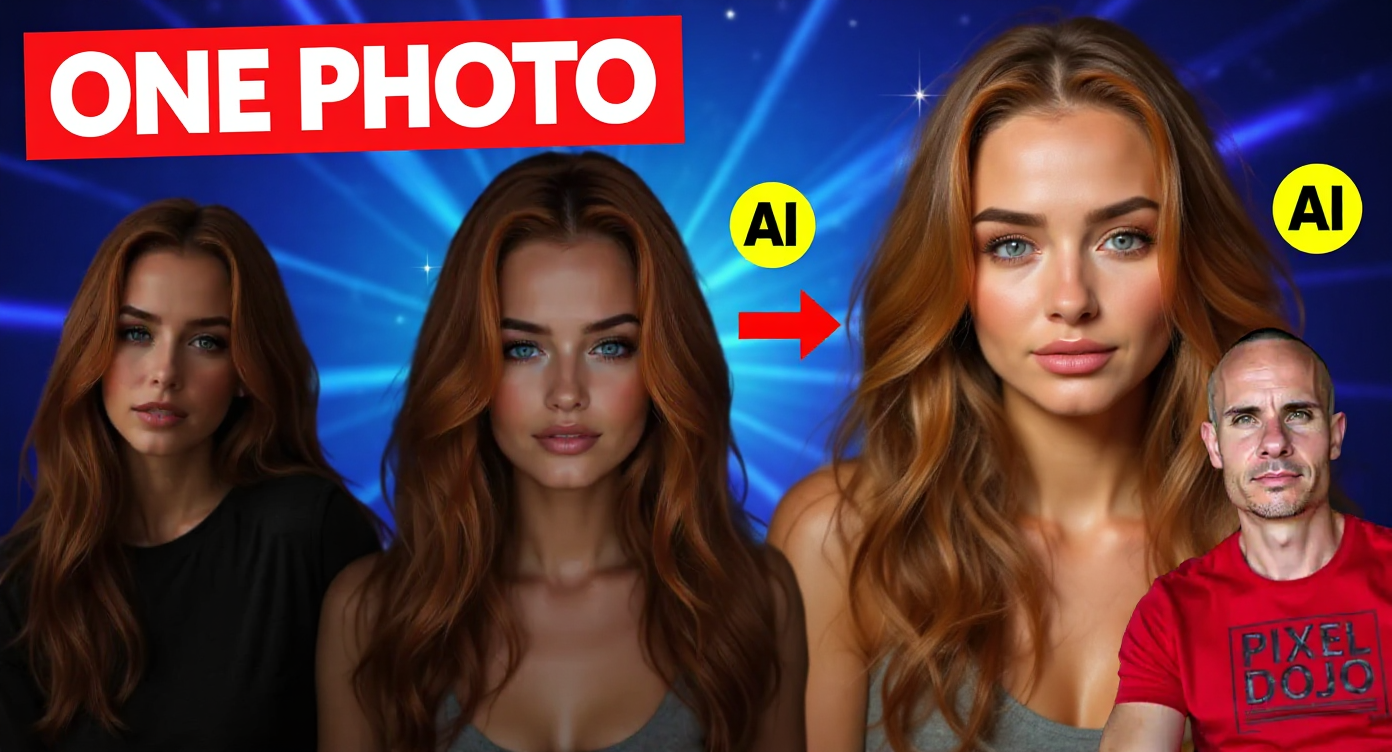
Transform this image into a high-converting YouTube thumbnail by enhancing the existing composition with dramatic lighting effects and professional polish. Increase contrast dramatically with deep shadows and bright highlights on the AI-generated faces. Add a subtle glow effect around each face to emphasize the artificial nature. Enhance the blue background with a gradient from bright cyan to deep blue for maximum visual impact. Replace the existing text with bold, chunky white text reading "ONE PHOTO" positioned in the upper left corner with a bright red drop shadow for maximum readability. The text should be large enough to read clearly on mobile devices. Remove all other text elements to keep the design clean and focused. Add a subtle red arrow pointing from the man on the right toward the three AI-generated faces to create visual flow and emphasize the transformation concept. Include small sparkle or magic effects around the faces to suggest AI generation and technological innovation. Boost the saturation of the red shirt and make the blue background more vibrant. Add professional studio lighting effects with rim lighting on all subjects. Create depth by slightly blurring the background while keeping all faces tack sharp. Add a subtle vignette effect to draw focus to the center composition. Enhance facial expressions to appear more amazed and intrigued, particularly on the man's face to show genuine surprise and excitement. Polish skin tones and add subtle makeup enhancement to the AI faces for premium quality appearance. Include small "AI" badges or icons near each generated face, styled in bright yellow with black outlines for high contrast visibility. Position everything to maintain clear visual hierarchy with the faces as primary focus and text as secondary element that supports but doesn't compete with the main subjects.
Media Description
YouTube thumbnail: PixelDojo is a paid tool that I created to make tasks like creating an AI Influencer for Social Media simple and easy. Today I show you two methods you can use that only require a single image. The first uses a single image and our Flux LoRA training wizard to relight and create image variations. The second technique uses a single Flux 1.1 Ultra image split up into a 3x3 grid.. Video title: "How I Built an AI Influencer with Just ONE Photo (PixelDojo Secrets Revealed)"