

Socialaf Creator
July 5, 2025 at 01:40 PM
Socialaf.ai Post
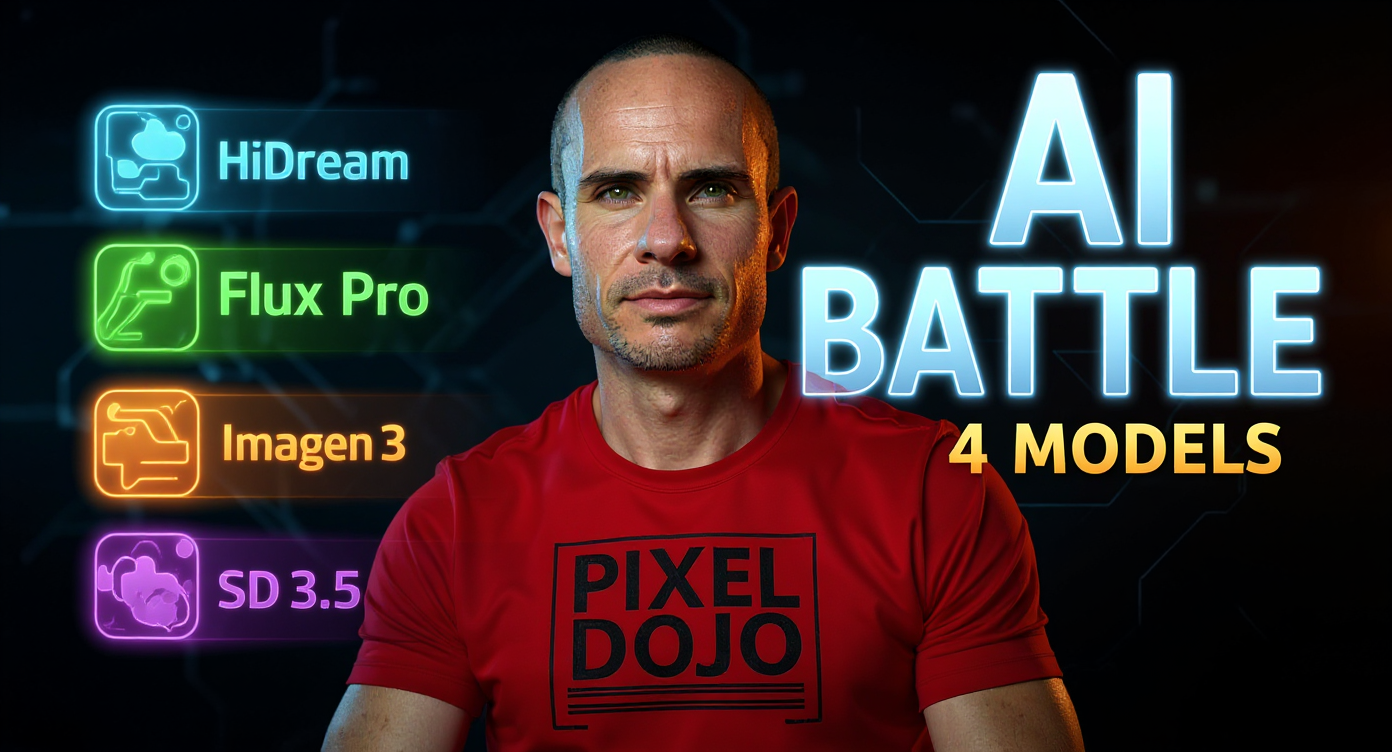
Transform this image into a high-converting YouTube thumbnail by enhancing the existing composition: Dramatically increase contrast and saturation, making the red "PIXEL DOJO" shirt pop with vibrant crimson against a darker, more cinematic background. Add intense, focused lighting on the subject's face to create professional studio-quality illumination with subtle rim lighting. Blur the background more aggressively to create dramatic depth of field while maintaining the warm ambient lighting. Position bold, eye-catching text "AI BATTLE" in large white letters with bright blue outline in the upper right corner, using thick, modern sans-serif font. Below it, add "4 MODELS" in smaller yellow text. Create four sleek, colorful logos or icons representing the AI models (HiDream, Flux Pro, Imagen 3, SD 3.5) arranged vertically along the left edge with subtle glow effects in blue, green, orange, and purple. Add a subtle energy effect or digital particles around the subject to suggest AI/tech theme without overwhelming the composition. Include a small "VS" element between the subject and the model icons. Enhance the subject's expression to appear more focused and intense, suggesting serious comparison content. Apply professional color grading with cooler shadows and warmer highlights to create cinematic appeal. Add subtle geometric elements or circuit board patterns in the background corners to reinforce the tech theme. Ensure all text remains highly readable at thumbnail size with strong contrast against the background. Apply final sharpening and clarity adjustments to make the image pop on mobile devices and small screens.
Media Description
YouTube thumbnail: In this video, we pit four cutting-edge AI image generation models against each other: **HiDream**, **Flux Pro Ultra**, **Google Imagen 3**, and **Stable Diffusion 3.5 Large**. Watch as we put these text-to-image powerhouses through a gauntlet of creative prompts to see how each handles photorealistic details, artistic styles, and abstract concepts. Whether you're a digital artist looking for the next tool or an AI enthusiast curious about the latest models, this **AI art generator showdown**...