

Socialaf Creator
July 4, 2025 at 05:48 PM
Socialaf.ai Post
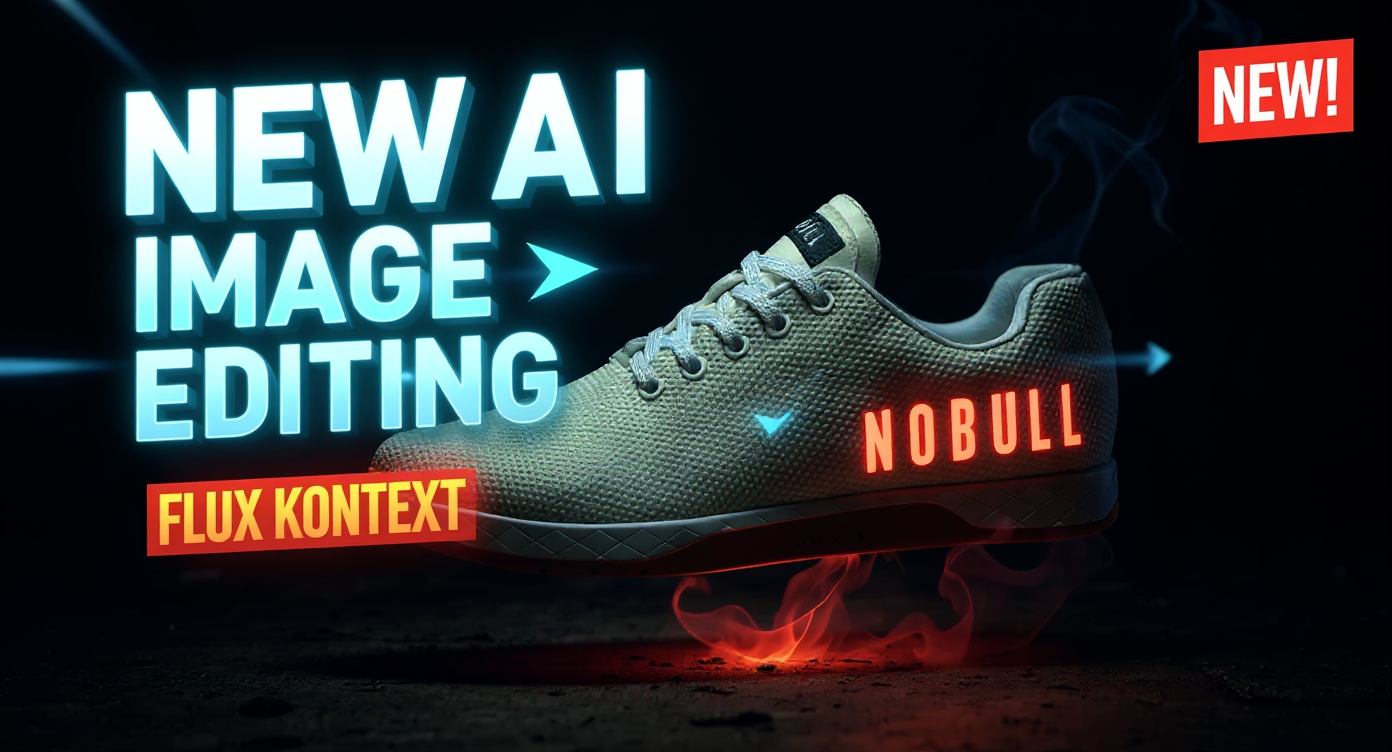
Transform this image into a high-converting YouTube thumbnail with dramatic impact and professional polish. Apply bold, eye-catching text reading "NEW AI IMAGE EDITING" in large, chunky white letters with bright blue outline and subtle drop shadow, positioned in the upper third of the image. Below it, add "FLUX KONTEXT!" in slightly smaller yellow text with red outline for maximum contrast and readability. Enhance the background with deep, rich blacks and vibrant teals or electric blues to create stunning contrast. Add dramatic studio lighting with bright white highlights and deep shadows to create professional depth. Include subtle lens flares or light beams emanating from key focal points to add cinematic quality. Create visual hierarchy by adding bright red arrows pointing toward the most important elements, and include glowing orange or yellow circles to highlight key features. Add a subtle "NEW!" badge in the top-right corner with bright red background and white text. Apply professional color grading with boosted saturation, particularly emphasizing blues, yellows, and reds for maximum visual impact. Ensure razor-sharp contrast between all text elements and the background. Add subtle motion blur effects or energy lines to suggest advanced technology and innovation. Include facial expressions of amazement or excitement if people are present, with enhanced eye brightness and contrast. Apply subtle glow effects around important elements and ensure the overall composition follows the rule of thirds for optimal visual appeal. Finish with professional-grade sharpening, vibrant color correction, and ensure all text remains perfectly legible at thumbnail size while maintaining YouTube's recommended 1280x720 resolution optimization.
Media Description
YouTube thumbnail: New AI Image Editing: Black Forest Labs Flux Kontext!