

Socialaf Creator
July 4, 2025 at 05:55 PM
Socialaf.ai Post
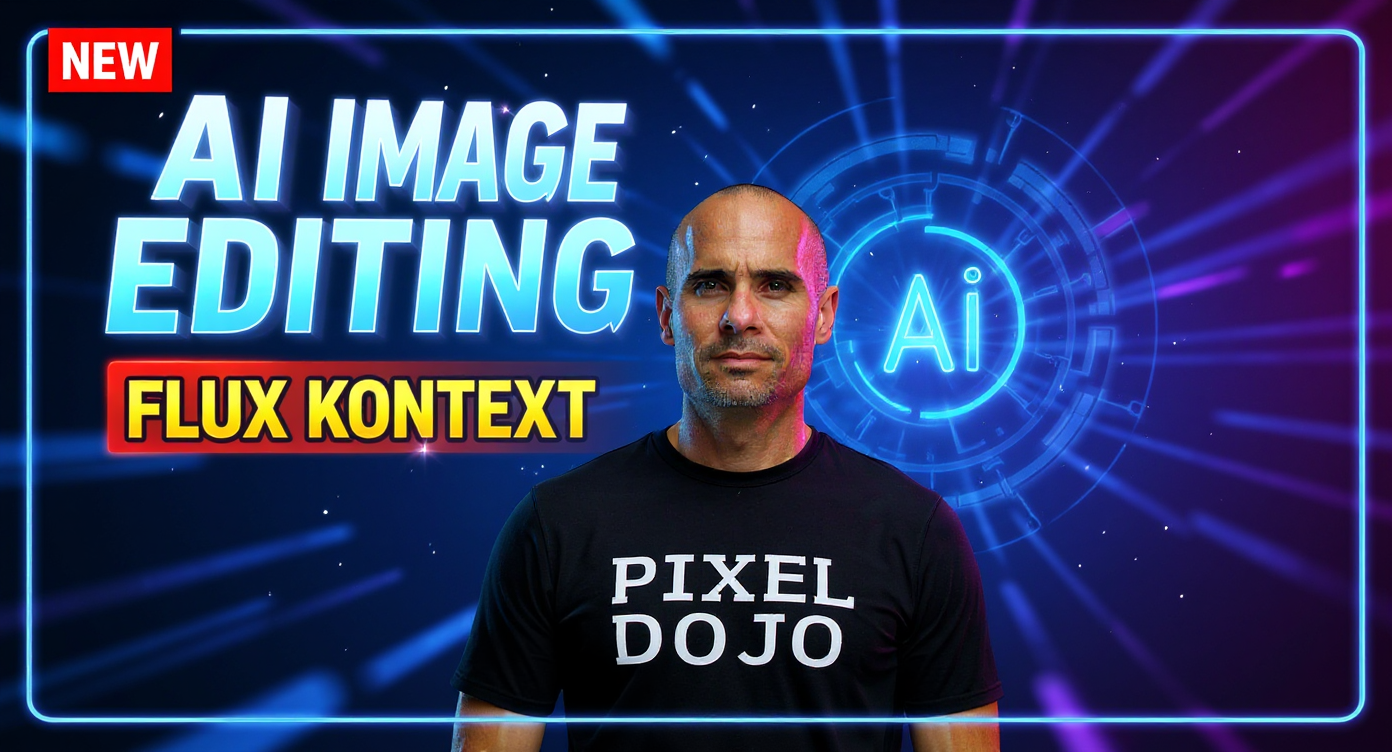
Transform this image into a high-converting YouTube thumbnail with dramatic lighting, bold typography, and professional composition. Add large, eye-catching text "AI IMAGE EDITING" in bold white font with bright blue outline and subtle drop shadow, positioned in the upper portion of the thumbnail. Below it, add "FLUX KONTEXT" in smaller but still prominent yellow text with black outline for maximum contrast and readability. Apply a vibrant color scheme with electric blue and neon purple gradients as background accents, creating strong contrast against the main subject. Enhance lighting with dramatic directional lighting from the left side, creating deep shadows and bright highlights for visual depth. Add a subtle lens flare effect in the upper right corner. Create visual hierarchy by placing a glowing AI-themed icon or circuit pattern overlay in the background at 30% opacity. Add subtle motion blur effects around the edges to draw focus to the center. Include a small "NEW" badge in bright red with white text in the top-left corner to create urgency. Apply professional color grading with increased saturation, enhanced contrast, and slight warm color temperature. Add a thin bright blue border around the entire thumbnail for platform optimization. Include subtle sparkle effects or digital particles floating around the main subject to emphasize the AI technology theme. Ensure all text is clearly readable at small sizes with high contrast ratios. Apply slight gaussian blur to background elements while keeping the main subject and text razor sharp. Add a subtle vignette effect darkening the corners to naturally guide attention to the center composition.
Media Description
YouTube thumbnail: AI Image Editing with Flux KONTEXT