Use case · gif face swap

gif face swap with socialAF.

Create GIF face swap content that looks on-brand, feels instantly shareable, and helps your audience recognize your character everywhere they see you. With socialAF, you can turn a selfie, AI influencer, brand mascot, spokesperson, or client persona into animated GIF-style content for memes, reaction posts, campaign teasers, short-form ads, thumbnails, and social replies. Instead of juggling separate tools for faces, images, video, voice, and organization, you can build one consistent AI character and reuse it across image generation, video generation, talking avatars, and text-to-speech. That means your GIF face swap workflow is not just a one-off novelty. It becomes a repeatable content engine for creators, agencies, ecommerce teams, and social media managers who need more high-performing creative without booking shoots every week. The best face swap GIF results usually start with short, clear clips, sharp reference images, even lighting, and similar face angles between the source and target. ([magichour.ai](https://magichour.ai/blog/how-to-face-swap-a-gif?utm_source=openai)) socialAF helps you turn those best practices into a faster workflow: create or train a character, generate reference-driven assets, swap into motion, organize outputs in per-character galleries, and bulk-generate variations for every platform. Build consistent AI characters across image, video, and voice. Cancel anytime.

Get started today·Results in seconds·Loved by creators

Our library·13 characters·12 models

Mia, Beauty + soft glam
Nova, Fitness + wellness
Jordan, Strength coach
Aria, Style + fashion
Kai, Travel + adventure
Eli, Food + slow living
Sage, Yoga + breathwork
Reese, Gaming + tech

Proof·Built for creators and agencies that need content velocity, not scattered experiments. socialAF reports 2,400+ active creators, 20K+ pieces of content generated, a 4.9/5 average rating, and a creator workflow designed to train reusable AI characters in minutes. ([socialaf.ai](https://socialaf.ai/?utm_source=openai)) Use it when you need GIF face swap assets for social posts, client campaigns, launches, meme marketing, reaction libraries, creator avatars, and brand-safe persona content.

Why gif face swap

Built for the way creators actually work.

01

Make Every Reaction Post Feel Like Your Brand

Turn trending GIF ideas into recognizable branded moments by using the same AI character, face, avatar, or persona across your reaction GIFs, short videos, thumbnails, and campaign visuals. Instead of posting generic animated content, you can create a reusable library of expressions, moods, and scenes that feel unmistakably yours.

02

Launch More Creative Variations Without More Shoots

Generate multiple GIF face swap concepts from one character system: product reactions, founder reactions, influencer-style clips, client avatars, meme replies, seasonal promos, and ad hooks. socialAF combines image generation, video generation, talking avatars, text-to-speech, and bulk generation so you can test more angles while spending less time on manual production.

03

Keep Characters Consistent Across Image, Video, and Voice

Use socialAF’s reference-driven character builder, multi-angle reference packs, and voice cloning to maintain a believable persona across animated GIF-style loops, talking avatar clips, image posts, and campaign videos. This helps your audience remember your character and gives your team a repeatable workflow for future content.

How it works

How gif face swap works.

You do not need a complex editing stack to create a polished GIF face swap campaign. socialAF gives you a practical workflow for creating the character, generating the motion, organizing the assets, and scaling the best ideas into batches.

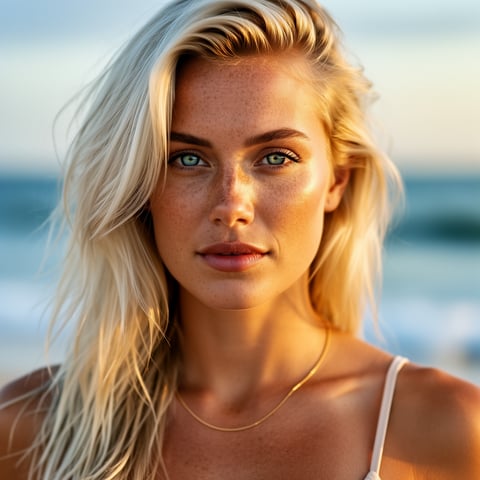
Liv, Beach + lifestyle

01

Step 1: Build Your Face, Character, or Persona

Start with a clear selfie, reference photo, AI character concept, founder image, mascot idea, or client-approved persona. Use the reference-driven character builder to lock in the look. For stronger consistency, create multi-angle reference packs so your character can handle different expressions, lighting setups, and head positions. If your campaign needs audio later, add voice cloning so the same persona can become a talking avatar, voiceover host, or short-form video spokesperson.

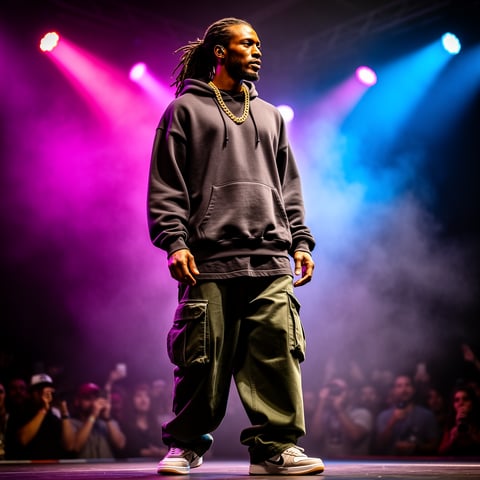
Dre, Music + dance

02

Step 2: Generate GIF-Ready Motion and Face Swap Variations

Choose a short reaction moment, meme format, product scene, creator pose, or campaign concept. Use text-to-image, image-to-image, text-to-video, image-to-video, or reference-to-video generation to produce GIF-style motion that fits your message. Short loops with a single clear action usually perform best for animated GIF workflows, and face swap quality improves when your reference image is sharp, well-lit, and close to the target angle. ([magichour.ai](https://magichour.ai/blog/how-to-face-swap-a-gif?utm_source=openai)) Create several expressions and hooks so you can compare what feels most clickable.

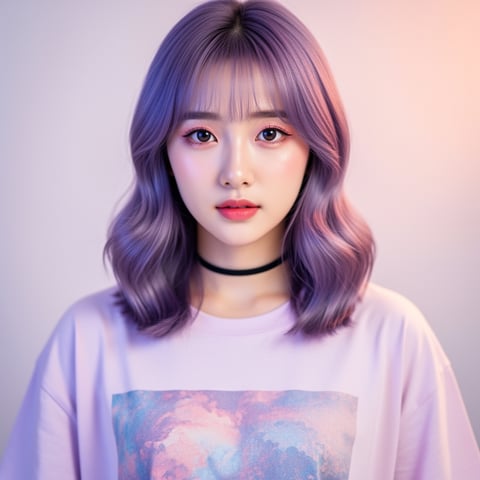
Yuna, Anime + Y2K aesthetic

03

Step 3: Organize, Export, and Scale Winning Creative

Save every output inside per-character galleries so your best GIF face swap assets stay organized by persona, client, campaign, or platform. Agencies can use multi-org workspaces to keep brands separate while still moving quickly. Once you find a winning style, use bulk generation to create platform-specific variations for social replies, launch posts, paid ads, email headers, community updates, and creator content calendars.

Create Your First GIF Face Swap Today

Build consistent AI characters across image, video, and voice. Cancel anytime.

Try it Today

The difference

Why it wins for gif face swap.

Most GIF face swap workflows break down when you need consistency, speed, and scale at the same time. socialAF is built for the full content cycle: character creation, generation, organization, and repeatable production.

Without gif face swap

Traditional approach

With socialAF

Avoid scheduling actors, renting locations, reshooting reactions, or manually cutting every animated asset. You can generate new GIF face swap ideas from one reusable AI character system and keep campaigns moving even when your team is short on time.

Without gif face swap

Generic tools

With socialAF

Instead of creating isolated swaps that are hard to reproduce, socialAF keeps your character identity connected across image generation, video generation, talking avatars, text-to-speech, and per-character galleries.

Without gif face swap

Manual methods

With socialAF

Skip repetitive file handling, scattered folders, and one-by-one exports. Agency multi-org workspaces and bulk generation help you produce variations for clients, platforms, and campaigns without losing brand control.

What creators say

Creators using socialAF for gif face swap.

We stopped treating face swaps like throwaway memes and started building a branded reaction library. socialAF helped us keep the same character consistent across GIF-style clips, thumbnails, and short videos for every campaign.

Maya Chen

Social Media Strategist

The biggest win for our agency is speed. We can create a client persona once, generate multiple GIF face swap concepts, organize them by character, and send polished options without rebuilding the workflow every time.

Jordan Ellis

Creative Agency Producer

FAQ

Common questions about gif face swap.

What is a GIF face swap and how can creators use it for social content?

A GIF face swap replaces or reimagines a face inside a short animated loop, reaction clip, or GIF-style video. Creators use it to make branded memes, funny replies, launch reactions, founder-led content, AI influencer assets, community posts, and quick campaign visuals. With socialAF, you can go beyond a single swapped clip by building a consistent character that appears across images, videos, talking avatars, and voice content. That makes your GIF face swap assets part of a larger brand system instead of a one-time post.

How do I get the best AI GIF face swap results with socialAF?

Start with strong source material. Use a sharp, well-lit face image, avoid heavy blur, and choose a target clip where the face is visible for most of the loop. Similar angles between the reference face and the target motion usually produce cleaner results, especially when the subject turns or changes expression. ([vexavideo.com](https://vexavideo.com/blog/ai-face-swap-guide?utm_source=openai)) In socialAF, you can improve consistency by creating multi-angle reference packs before generating variations. Then test several short loops, save the strongest outputs in your character gallery, and bulk-generate related versions for different channels.

Can I create a consistent AI character for multiple gif face swap campaigns?

Yes. That is one of the strongest reasons to use socialAF for GIF face swap content. You can create a character with the reference-driven character builder, expand it with multi-angle reference packs, and then reuse the same persona in image-to-image, text-to-image, text-to-video, image-to-video, reference-to-video, talking avatar, and text-to-speech workflows. Your character can become a recurring face for memes, product reactions, creator skits, educational snippets, and ad creative. Consistency helps your audience recognize the persona faster and makes your content library easier to scale.

Is socialAF useful for agencies managing GIF face swap content for clients?

Yes. socialAF is designed for agency-style production where multiple brands, personas, and approvals need to stay organized. Agency multi-org workspaces help separate clients and campaigns, while per-character galleries keep each persona’s images, videos, references, and outputs in one place. Bulk generation helps your team create more concepts for testing without building each version manually. This is especially useful for social media agencies, UGC teams, performance marketers, and content studios that need fresh animated creative every week.

Can I turn a GIF face swap into a talking avatar or video with voice?

Yes. socialAF supports a broader character workflow than a basic face swap GIF maker. After you create or train your character, you can use talking avatars and text-to-speech to turn the same face into a speaking spokesperson, short-form host, explainer, product demo, or campaign narrator. Voice cloning can help maintain the same audio identity when your project requires it. This gives you a path from a simple animated reaction to a full persona-led content strategy across social posts, reels, shorts, ads, and landing page videos.

Can I use AI GIF face swap content commercially and safely?

socialAF is built for creators and commercial teams, but you should always use content responsibly. Use faces, voices, and likenesses you own, have permission to use, or have created as original AI personas. If content is used in advertising, endorsements, or influencer-style promotions, make sure your disclosures are clear and follow applicable rules for your market. The FTC emphasizes that endorsement and advertising practices should avoid deception and use clear, conspicuous disclosures where required. ([ftc.gov](https://www.ftc.gov/news-events/topics/truth-advertising/advertisement-endorsements?utm_source=openai)) For brand-safe workflows, create original characters, keep approvals documented, and organize final assets in socialAF galleries.

Ready to get started?

Start free →

Ready

Build your first character today.

Join creators using socialAF to bring their characters to life. One subscription, every model, no shoot required.

Start today