Use case · photo face changer

photo face changer with socialAF.

Your photo face changer should do more than replace a face in one image. It should help you create a recognizable AI character that looks consistent across campaign photos, short-form videos, talking avatars, product scenes, UGC-style ads, creator thumbnails, and brand storytelling. socialAF gives you a faster way to build that repeatable visual identity. Start with a face reference, create a polished character, then generate content across image, video, and voice without rebuilding the look from scratch every time. With socialAF, you can turn a single creative direction into a complete persona system. Use the reference-driven character builder to define the face, style, age range, expression, wardrobe direction, and brand vibe. Create multi-angle reference packs so your character remains believable in front-facing portraits, three-quarter angles, profile shots, lifestyle scenes, and campaign layouts. Then move into image generation, video generation, talking avatars, and text-to-speech to create assets that feel connected instead of random. Modern AI face editing is moving toward identity preservation, controllable expression, lighting alignment, and consistency across different poses and media formats. Research and creator workflows increasingly emphasize preserving recognizable face identity while adapting expression, lighting, pose, and video motion. ([huggingface.co](https://huggingface.co/papers/2502.20577?utm_source=openai)) socialAF is built around the outcome that matters most to creators and agencies: your audience should recognize the same persona wherever your content appears.

Get started today·Results in seconds·Loved by creators

Our library·13 characters·12 models

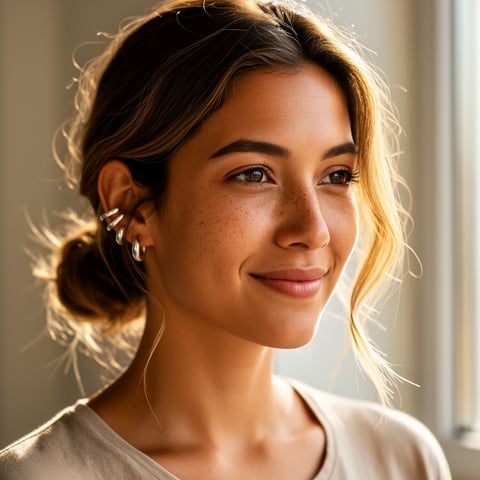
Mia, Beauty + soft glam
Nova, Fitness + wellness
Jordan, Strength coach
Aria, Style + fashion
Kai, Travel + adventure
Eli, Food + slow living
Sage, Yoga + breathwork
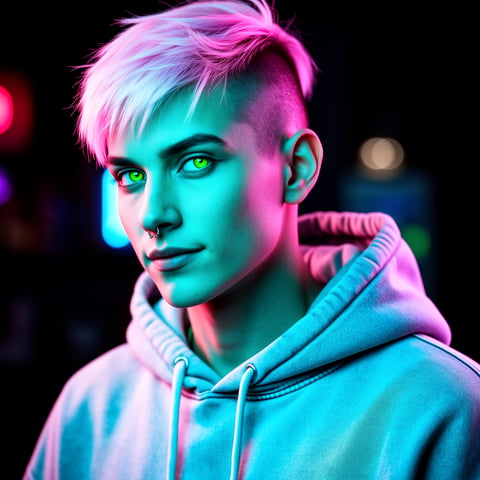
Reese, Gaming + tech

Proof·Built for creators, agencies, and social teams that need repeatable character assets instead of one-off edits. Use socialAF to create 10, 50, or 500 campaign-ready variations from the same AI character system: photos, video clips, talking avatar scripts, voiceovers, and per-character galleries organized for production. Trusted by teams that care about speed, consistency, and creative control across every channel.

Why photo face changer

Built for the way creators actually work.

01

Create a Face Your Audience Recognizes

Move beyond single-use face swaps. Build a consistent AI character with a reference-driven workflow, multi-angle reference packs, and per-character galleries so your persona keeps the same recognizable look across portraits, ads, thumbnails, product shots, and social campaigns.

02

Launch More Content Without More Shoots

Generate polished photo variations, lifestyle scenes, video concepts, and talking avatar content without coordinating models, studios, reshoots, or manual edits. You can test angles, expressions, outfits, hooks, and campaign themes faster while keeping the same face identity.

03

Scale Face, Voice, and Video Together

Turn your photo face changer workflow into a full creator engine. Pair image generation with video generation, text-to-speech, voice cloning, and talking avatars so your character can appear, speak, and perform across formats with less production friction.

How it works

How photo face changer works.

socialAF helps you go from reference photo to reusable AI character in a guided workflow. Instead of uploading a face, downloading one edit, and starting over, you create a character foundation that can power future images, videos, avatars, and voice-led assets.

Sage, Yoga + breathwork

01

Step 1: Build Your Character From a Face Reference

Upload or define the face you want to use, then guide socialAF with details such as visual style, brand personality, age range, expression, hair, wardrobe direction, and content purpose. The reference-driven character builder helps you create a reusable persona rather than a one-time edit. For best results, choose clear, well-lit references and avoid using someone’s likeness without permission.

Reese, Gaming + tech

02

Step 2: Generate Multi-Angle Reference Packs

Create a reference pack that captures your character from multiple angles and expressions. This gives your workflow a stronger visual foundation for front-facing photos, three-quarter portraits, profile shots, lifestyle images, product scenes, and motion prompts. Multi-angle references are especially useful when you want your photo face changer results to stay consistent across different poses, lighting conditions, and campaign formats.

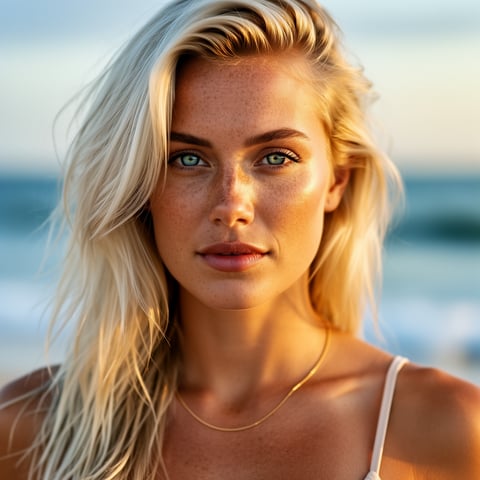
Liv, Beach + lifestyle

03

Step 3: Produce Photos, Videos, Talking Avatars, and Voice

Use your character in socialAF’s image generation tools, including image-to-image and text-to-image, then expand into video generation with text-to-video, image-to-video, and reference-to-video workflows. Add talking avatars, text-to-speech, or voice cloning when your campaign needs spoken content. Save outputs inside per-character galleries, organize client work in agency multi-org workspaces, and use bulk generation when you need many variations fast.

Create Your Reusable AI Face System Today

Build consistent AI characters across image, video, and voice. Cancel anytime.

Try it Today

The difference

Why it wins for photo face changer.

A basic photo face changer can help with one image. socialAF helps you build a repeatable character workflow that supports campaigns, clients, and creator content at scale.

Without photo face changer

Traditional approach

With socialAF

Avoid booking models, scheduling shoots, arranging lighting setups, and repeating production every time you need a new expression, outfit, background, or campaign angle.

Without photo face changer

Generic tools

With socialAF

Instead of scattered one-off outputs, socialAF gives you reference-driven character creation, multi-angle reference packs, per-character galleries, and connected image, video, avatar, and voice tools.

Without photo face changer

Manual methods

With socialAF

Reduce repetitive editing and file management by generating variations in bulk, organizing assets by character, and managing agency work across multiple organizations and client spaces.

What creators say

Creators using socialAF for photo face changer.

We stopped treating face edits as one-off assets. socialAF helped us build a recognizable AI spokesperson we can use across ads, thumbnails, product scenes, and short videos.

Maya Collins

Creative Director

The biggest win is consistency. Our team can generate new photo concepts, avatar clips, and voice-led content without losing the character’s look from campaign to campaign.

Jordan Lee

Agency Founder

FAQ

Common questions about photo face changer.

What is a photo face changer, and how is socialAF different?

A photo face changer lets you alter or replace the face in an image. socialAF goes further by helping you create a consistent AI character that can be reused across many types of content. Instead of producing one edited photo and making you start again, socialAF gives you a reference-driven character builder, multi-angle reference packs, per-character galleries, image generation, video generation, talking avatars, text-to-speech, voice cloning, agency multi-org workspaces, and bulk generation. The outcome is a complete content system around a face, not just a single image edit.

Can I use socialAF to keep the same AI face consistent across photos?

Yes. socialAF is designed for creators and agencies that need repeatable visual identity. You can build a character from references, generate multi-angle packs, and use those assets across image-to-image and text-to-image workflows. This helps you create campaign variations while maintaining the same recognizable face, style, and personality. Consistency is important because AI face editing can otherwise drift when pose, lighting, expression, or scene context changes; current research in facial editing highlights identity preservation and controllable pose, expression, and lighting as key challenges. ([huggingface.co](https://huggingface.co/papers/2502.20577?utm_source=openai))

Can this AI face changer create videos as well as photos?

Yes. socialAF supports more than still images. After creating your character, you can generate videos with text-to-video, image-to-video, and reference-to-video workflows. You can also create talking avatars when you need a character to deliver a script, product message, educational clip, or social post. Video face consistency is harder than single-image editing because motion, expression changes, and head turns can introduce drift; workflows that preserve identity across frames are a major focus in modern AI video editing. ([arxiv.org](https://arxiv.org/abs/2501.07530?utm_source=openai))

What examples can I create with a photo face changer for marketing?

You can create AI creator portraits, UGC-style product scenes, ad variations, social profile visuals, thumbnail concepts, founder-style spokesperson images, seasonal campaign shots, lifestyle scenes, lookbook images, before-and-after creative concepts, and talking avatar scripts. Agencies can create multiple personas for different brands or audience segments, then store each one in its own per-character gallery. With bulk generation, you can quickly test different hooks, backgrounds, poses, expressions, and creative directions without organizing a new shoot for every variation.

Do I need design or editing experience to use socialAF’s photo face changer workflow?

No. socialAF is built to help you move from idea to finished assets without requiring advanced editing skills. You guide the character, choose the content direction, and generate outputs for the channels you care about. The workflow is especially useful if you want a repeatable persona for social media, paid ads, short-form video, creator marketing, or agency client campaigns. You can start simple with a face reference and a few prompts, then expand into multi-angle packs, videos, avatars, and voice as your content plan grows.

Can I use a real person’s face with an AI photo face changer?

Only use a real person’s likeness when you have the appropriate rights, consent, and brand permissions. For commercial content, endorsements, testimonials, or influencer-style campaigns, you should also be transparent when content is sponsored, synthetic, or materially connected to a brand. The FTC’s endorsement guidance emphasizes clear disclosure of material connections and truthfulness in advertising, including social media contexts. ([ftc.gov](https://www.ftc.gov/business-guidance/resources/ftcs-endorsement-guides?utm_source=openai)) socialAF is best used responsibly: create original personas, get consent for real likenesses, and avoid misleading viewers about who is appearing or speaking.

Ready to build a face your audience remembers?

Start free →

Ready

Build your first character today.

Join creators using socialAF to bring their characters to life. One subscription, every model, no shoot required.

Start today