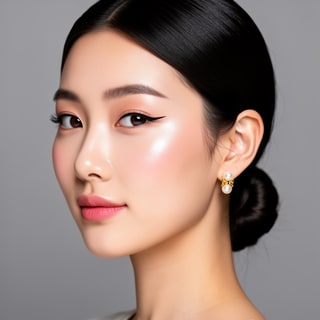
Mia
Beauty + soft glam
Skills · For AI agents
Drop one plugin into any MCP agent: Cowork, Claude Desktop, Cursor, OpenClaw, Codex. $20/mo. 320 credits. Agent or human, same pool.
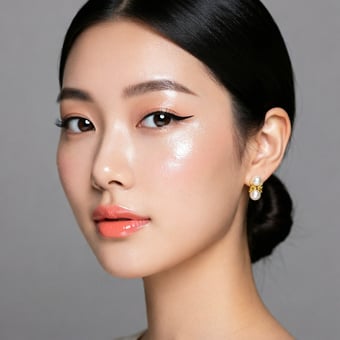



















Install
Auth, uploads, and async polling are handled. You bring the prompt.
Step 01
Sign up, then grab a key from Settings. Format starts with saf_live_.
Step 02
Same config block for Claude Desktop, Cursor, OpenClaw, and Codex. Any client that speaks stdio MCP works.
Cowork: drag the plugin{
"mcpServers": {
"socialaf": {
"command": "npx",
"args": ["-y", "@socialaf/mcp-server"],
"env": { "SOCIALAF_API_KEY": "saf_live_..." }
}
}
}Step 03
Image generations sync. Video, voice, and lip-sync return a jobId your agent polls.
“Build a 6-image lookbook of Atlas in editorial light.”
Marketing presets
Eight formats wrap the right model, the right aspect, the right duration. Agent calls one tool, deliverable lands. The product is yours. The character is yours. The ad is yours.

Product Review
Video · 9:16 · 8s
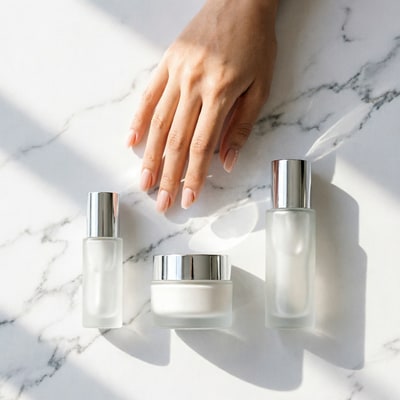
Unboxing
Video · 9:16 · 6s
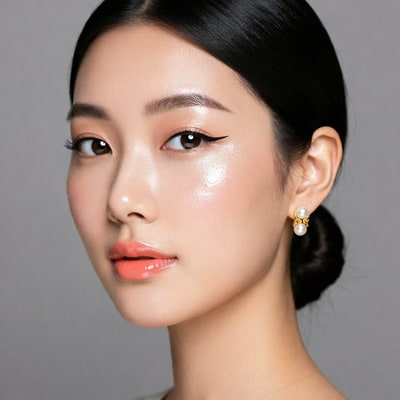
Talking Head Ad
Lipsync · P-Video-Avatar
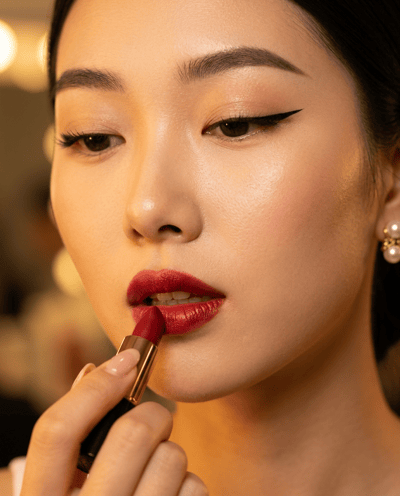
Tutorial
Video · 9:16 · 8s

Virtual Try-On
Video · 9:16 · 6s
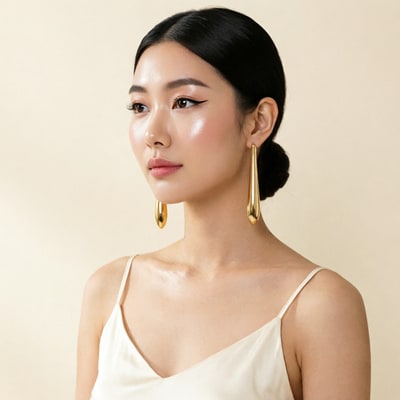
Hero Shot
Image · 4:5 · Nano Banana Pro
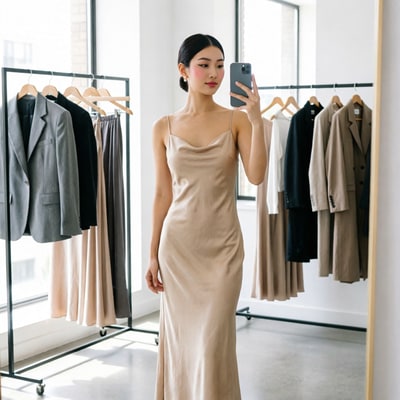
UGC Selfie
Image · 9:16 · Flux 2 Pro

TV Spot
Video · 16:9 · 8s
Two preset tools. apply_marketing_preset picks the model and aspect for you; list_marketing_presets enumerates all eight.
Generation
Stills, video, voice, talking avatars. Each routed across 30+ models. Each locked to the character’s reference images and lore. Image is synchronous; video, lip-sync, and voice return a jobId the agent polls.

01
QWEN 2 Pro · Flux 2 · Nano Banana 2
02
Kling v3 · Veo 3.1 · Wan 2.7 · Happy Horse
Hey, it's Alemap. I'm walking through Tokyo at golden hour, and the light is doing the thing right now…
03
Text-to-Speech · MiniMax

04
P Video Avatar · Talking Head
9 generation tools across 30+ models. Full surface in the skill guide.
Library
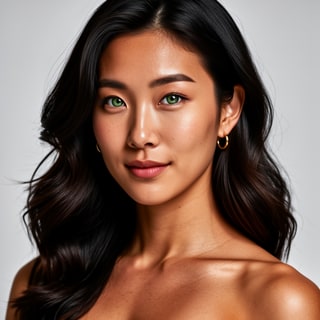
Build a character once from reference images. Locations, objects, outfits, and styles work the same way. Any tool the agent picks generates against your library, locked to the face you trained.
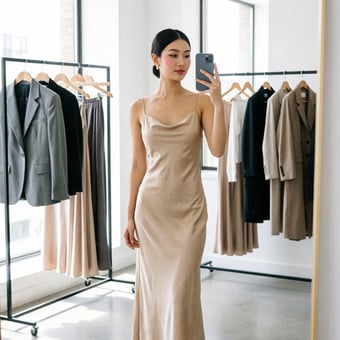
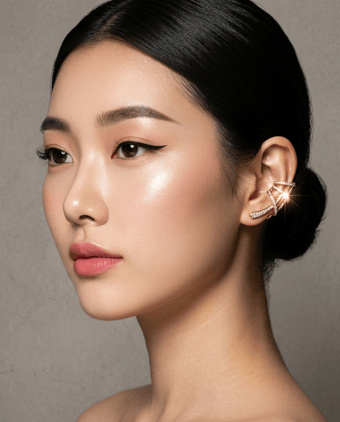
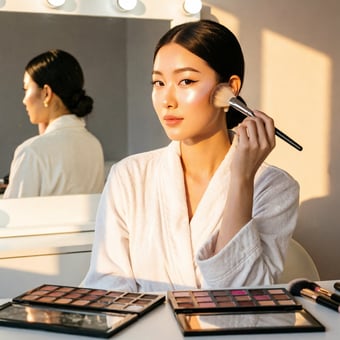
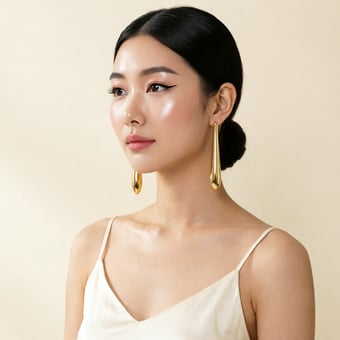
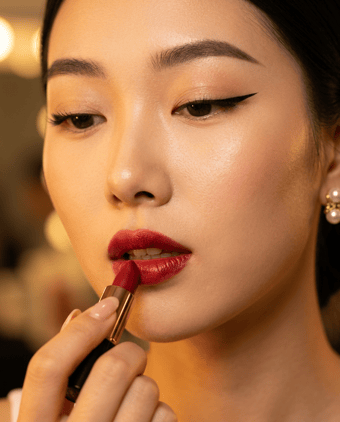
Mia
Beauty + soft glam
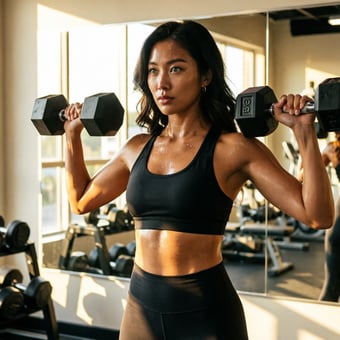
Nova
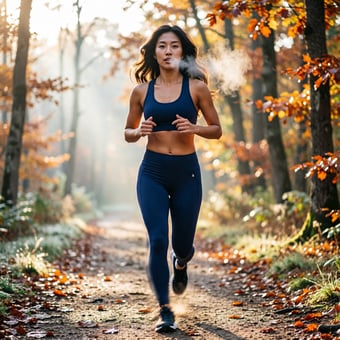
Fitness + wellness

Jordan
Strength coach

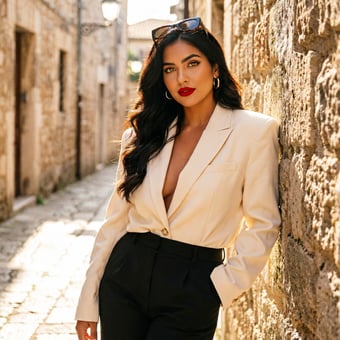
Aria
Style + fashion

Kai
Travel + adventure

Eli
Food + slow living

Sage
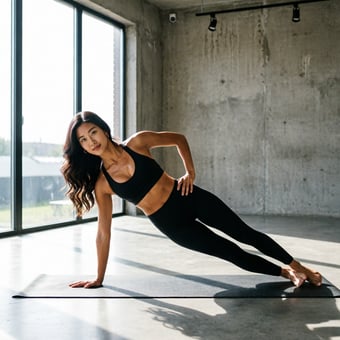
Yoga + breathwork
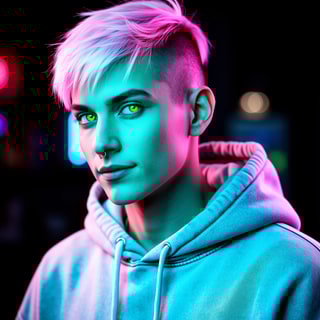
Reese
Gaming + tech
8 library tools: characters, references, uploads, attestation. Full surface in the skill guide.
How agents use it
Three shapes the agent reaches for depending on the user’s ask. Same surface, different chains.
Shape 01
One ask, one asset.
User describes one deliverable. Agent picks the preset, runs the right model, returns a URL.
Under 2 min
Shape 02
End-to-end in one chat.
Onboard a new character. Generate variations across formats. Voice the script. Lip-sync the result. All chained in one conversation.
10-20 min
Shape 03
Same prompt, multiple outputs.
Same scene fanned out across Kling, Veo, and Wan. Agent picks the winner, then iterates on that one.
Parallel
See it run
The user types one sentence. The agent picks the preset, calls three tools, and a video URL comes back. Left: agent transcript. Right: the same flow as cURL.
Agent transcript
Claude Desktop
> Make a 9:16 product review with my Luna
  character holding the matte black water bottle.

00:00 ▸ list_characters({})
      ← [
          { id: "char_2k7q...", name: "Luna" },
          { id: "char_4f3p...", name: "Atlas" }
        ]

00:03 ▸ apply_marketing_preset({
        presetId: "product-review",
        characterId: "char_2k7q...",
        productDescription: "matte black insulated water bottle"
      })
      ← { jobId: "gen_xyz1", status: "pending" }

00:15 ▸ wait_for_generation({ jobId: "gen_xyz1" })
      ← {
          status: "completed",
          resultUrls: [
            "https://cdn.socialaf.ai/.../9f2e.mp4"
          ],
          creditsCost: 48
        }

01:32 ✓ Video URL returned.
REST equivalent
cURL
# 1) Find the character id
curl -s https://socialaf.ai/api/v1/characters \
  -H "Authorization: Bearer $SOCIALAF_API_KEY"
# → { "data": [{ "id": "char_2k7q...", "name": "Luna" }, ...] }

# 2) Apply the marketing preset (returns a job)
curl -s -X POST \
  https://socialaf.ai/api/v1/marketing-presets/product-review/apply \
  -H "Authorization: Bearer $SOCIALAF_API_KEY" \
  -H "Content-Type: application/json" \
  -d '{
    "characterId": "char_2k7q...",
    "productDescription": "matte black insulated water bottle"
  }'
# → { "data": { "jobId": "gen_xyz1", "status": "pending" } }

# 3) Poll until completed
curl -s https://socialaf.ai/api/v1/generations/gen_xyz1 \
  -H "Authorization: Bearer $SOCIALAF_API_KEY"
# → { "data": { "status": "completed",
#               "resultUrls": ["https://cdn.socialaf.ai/.../9f2e.mp4"] } }
Full surface (19 endpoints, request/response shapes, recipes) in the skill guide.
FAQ
Most-asked answered. The rest live in the skill guide.
Yes. Sign up at socialaf.ai/signup and grab one from Settings → API Keys. Format starts with saf_live_*. Drop it into your MCP client's env block (or into the .mcp.json inside the Cowork plugin archive) and you're done. The token rate-limits, deducts credits per call, and scopes responses to your account.
Anything that speaks stdio MCP: Claude Desktop, Cursor, Cowork, OpenClaw, Codex. The package is @socialaf/mcp-server on npm. Same install command, same config block. Your agent stack is your choice.
Image: QWEN, Flux, Nano Banana, Wan, Grok. Video: Kling, Veo 3.1, Wan, Happy Horse, Grok. Lip-sync: P-Video-Avatar (30 voices, 10 languages, 720p/1080p). Voice: TTS through the same catalog. 30+ underlying models routed automatically by the apply_marketing_preset tool. Call list_tools to enumerate.
Studio plan: $20/month, 320 credits. $0.0625 per credit, flat across all tiers. Per-tool weights mirror PixelDojo's COGS-calibrated routing. Image generations cost 1-3 credits, video runs 1-8 credits per second, lip-sync 5 credits, TTS 0.1 credits. Agent calls and human calls draw from the same pool.
Images: 10-30 seconds, returned synchronously by generate_image. Video, lip-sync, and voice are async: the create call returns immediately with a jobId, then the agent calls wait_for_generation (polls every 4s, default 180s timeout). Most video renders settle in 30s-3min depending on the model and duration.
Yes. That's the wedge. Every skill operates on YOUR persistent character, not a stock avatar library. The agent calls list_characters, picks the id, and passes characterId to any generate_* or apply_marketing_preset call. The character's reference images and lore join the prompt context automatically.
Every prompt and every uploaded image runs through a four-layer safety stack BEFORE credits are deducted: celebrity-name regex → minor-phrase pattern → AI fallback (gpt-4o-mini) → Replicate NSFW classifier on uploads. CSAM scanning runs at the edge. Adult attestation is required per character before any generation. Rejections return 403 FORBIDDEN with the failure category so the agent can react.
Use the v1 REST API directly. Bearer token auth with the same saf_live_* key, 19 endpoints under /api/v1/*. Skill guide at socialaf.ai/api/v1/skill.md has the full surface and example flows. The MCP server is just a thin wrapper around this REST surface.
Get started
Ten minutes from signup to first frame. Twenty bucks a month, 320 credits, agent or human, same pool.