Use case · picture enhancer

picture enhancer with socialAF.

Create cleaner, sharper, more useful pictures without rebuilding your entire creative workflow. socialAF helps creators, influencers, agencies, and brand teams turn rough images, low-resolution references, unfinished concepts, and inconsistent character visuals into polished assets that are ready for content production. Instead of using a picture enhancer only to make one image look better, you can use socialAF to improve the way your visual identity performs across every format you publish. With socialAF, your enhanced picture becomes the starting point for a complete AI character system. Upload a reference image, improve the visual direction, build a consistent character, generate multi-angle reference packs, and reuse that same persona across image generation, video generation, talking avatars, and voice-powered content. You can move from a single imperfect image to a gallery of on-brand assets that look intentional, recognizable, and ready for social campaigns. This is ideal when you need clearer creator portraits, sharper AI influencer references, upgraded campaign visuals, refreshed profile images, better thumbnails, more consistent character concepts, or branded visuals that do not fall apart after one generation. socialAF keeps the outcome simple: you get pictures that look more professional and characters that stay consistent across image, video, and voice. Build consistent AI characters across image, video, and voice. Cancel anytime.

Get started today·Results in seconds·Loved by creators

Our library·13 characters·12 models

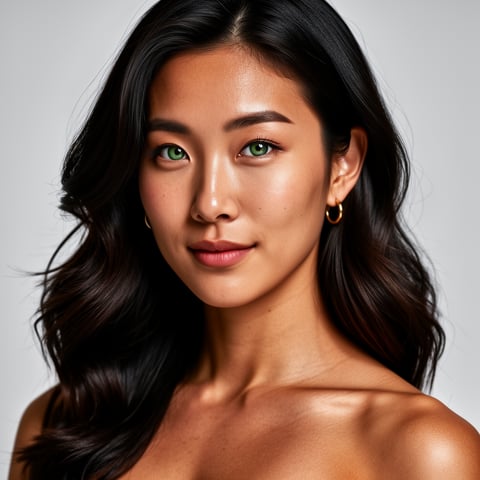
Mia, Beauty + soft glam
Nova, Fitness + wellness
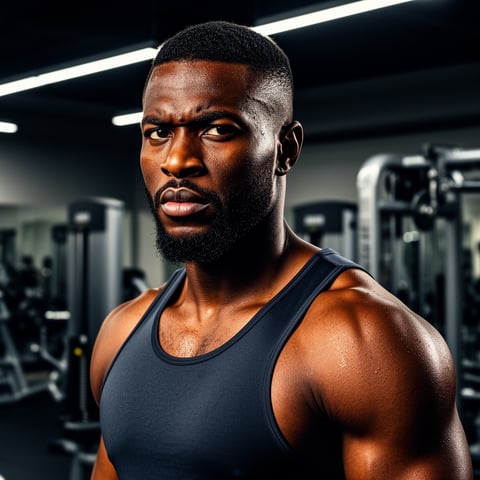
Jordan, Strength coach
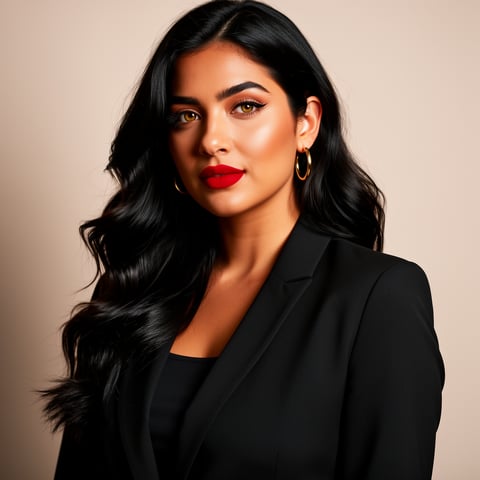
Aria, Style + fashion
Kai, Travel + adventure
Eli, Food + slow living
Sage, Yoga + breathwork
Reese, Gaming + tech

Proof·Built for high-output creator workflows: enhance one picture, turn it into a reusable character reference, generate multi-angle packs, organize every result in per-character galleries, and scale production with bulk generation. Agencies can manage separate client brands with multi-org workspaces, while solo creators can move from idea to publish-ready assets in a focused 3-step workflow. socialAF is designed for teams that need repeatable content, not one-off edits.

Why picture enhancer

Built for the way creators actually work.

01

Turn imperfect pictures into campaign-ready character assets

Use your rough photo, concept art, selfie, product-character mockup, or low-quality reference as the foundation for polished creator content. socialAF helps you move beyond basic picture enhancement by turning improved visuals into reusable character references for posts, reels, thumbnails, ads, and avatar-led storytelling.

02

Keep your character recognizable everywhere you publish

Avoid the common problem of enhanced images looking good once but becoming inconsistent in future content. With reference-driven character creation, multi-angle reference packs, and per-character galleries, you can build a visual identity that stays aligned across new image generations, video scenes, and talking avatar content.

03

Scale polished visuals without slowing your team down

Create more finished assets in less time by combining picture enhancement with bulk generation, image-to-image workflows, text-to-image prompts, video generation, voice cloning, and text-to-speech. Your team can test creative variations quickly while keeping each character, brand, or client workspace organized.

How it works

How picture enhancer works.

socialAF turns picture enhancement into a complete creator workflow. Start with the image you already have, improve its creative direction, and then expand it into consistent character content for every channel.

Nova, Fitness + wellness

01

Step 1: Upload or create your starting picture

Begin with a portrait, character sketch, creator selfie, AI-generated image, product mascot, campaign concept, or existing brand visual. Use socialAF's reference-driven character builder to define what matters most: facial identity, hairstyle, outfit style, color palette, mood, niche, audience, and the type of content you want to create. If you do not have a source image yet, start with text-to-image generation and build a polished first reference from a written prompt.

Jordan, Strength coach

02

Step 2: Enhance the image into a consistent character reference

Refine the picture so it becomes useful for repeat content creation. Improve clarity, clean up visual noise, strengthen the character's look, and generate a multi-angle reference pack so your persona can appear from different perspectives. socialAF helps you preserve the identity of the character while giving you a stronger foundation for image-to-image generation, future campaign visuals, profile content, and thumbnail variations.

Aria, Style + fashion

03

Step 3: Generate images, videos, avatars, and voice-led content

Once your enhanced picture is saved as a character, use it across socialAF's creation tools. Generate new images from text or image prompts, create videos from text, images, or references, produce talking avatars, add text-to-speech, or use voice cloning for character-led campaigns. Store each output in per-character galleries, run bulk generation for content batches, and manage multiple client or brand projects in agency multi-org workspaces.

Enhance your picture into a full AI character workflow

Build consistent AI characters across image, video, and voice. Cancel anytime.

Try it Today

The difference

Why it wins for picture enhancer.

A basic picture enhancer can make one image cleaner. socialAF helps you turn that improved image into a reusable creative asset that supports your entire content pipeline.

Without picture enhancer

Traditional approach

With socialAF

You do not need separate tools for cleanup, reference building, character organization, video creation, avatar production, and voice content. socialAF brings the workflow together so your enhanced picture can become a repeatable brand asset.

Without picture enhancer

Generic tools

With socialAF

Instead of producing disconnected outputs, socialAF is built around consistent AI characters. Your enhanced picture can become a character profile with multi-angle references, organized galleries, and reusable identity cues for future generations.

Without picture enhancer

Manual methods

With socialAF

Skip the slow process of editing every image by hand, rebuilding prompts from scratch, and hunting through folders for old references. socialAF supports bulk generation, per-character galleries, and agency workspaces so you can produce more content with less friction.

What creators say

Creators using socialAF for picture enhancer.

I started with one low-quality character image and turned it into a complete content system. The multi-angle references made my posts look like they belonged to the same creator instead of random experiments.

Maya R.

AI Creator

Our agency uses socialAF to clean up client concepts, build consistent personas, and generate batches of campaign visuals. The biggest win is speed without losing the character identity.

Jordan Lee

Creative Agency Director

FAQ

Common questions about picture enhancer.

What is an AI picture enhancer for creators?

An AI picture enhancer for creators helps improve the usefulness, clarity, and creative quality of an image so it can support better content. In socialAF, picture enhancement is not limited to making a photo look sharper. You can use an existing picture as the starting point for a consistent AI character, refine the visual identity, generate multi-angle reference packs, and then create images, videos, talking avatars, and voice-led content from that same persona. This makes it especially useful for AI influencers, creator brands, agencies, social media teams, and anyone who needs repeatable visual content rather than a single edited image.

Can I use socialAF to enhance a picture and keep the same character consistent?

Yes. Character consistency is one of the main reasons to use socialAF as your picture enhancer. You can upload or generate a starting image, define the character's identity, and create a reference-driven profile that keeps the look more stable across future outputs. Multi-angle reference packs help your character appear from different views, while per-character galleries keep every image, video, and avatar output organized. This is valuable when you want your audience to recognize the same persona across thumbnails, posts, short-form videos, profile images, product visuals, or branded campaigns.

How does socialAF improve pictures for social media content?

socialAF helps you improve pictures by making them more usable for high-volume publishing. You can start with a rough image and turn it into a stronger creative reference, then generate polished variations for different platforms and formats. For example, you can create a sharper profile image, produce multiple thumbnail concepts, build lifestyle scenes around a character, generate video content from the enhanced reference, or create a talking avatar for announcements and promotions. The goal is not just better image quality. The goal is more consistent, more flexible, and more publish-ready content.

Can agencies use this picture enhancer for multiple client brands?

Yes. socialAF includes agency multi-org workspaces, which are designed for teams that manage multiple brands, clients, creators, or campaigns. You can keep each client's characters, references, galleries, and generated assets separated so your team does not mix visual identities or campaign materials. Bulk generation also helps agencies create larger sets of enhanced images, variations, videos, and avatar content without repeating the same manual setup for every asset. This gives agencies a faster way to deliver consistent creative output while maintaining brand organization.

What kinds of pictures work best with socialAF's picture enhancer workflow?

You can start with many types of images, including creator portraits, AI character concepts, selfies, sketches, product mascots, brand avatars, old campaign visuals, rough thumbnails, or low-resolution references. The best inputs are images where the core identity is clear enough to guide the character direction, such as face shape, outfit style, color palette, mood, or visual niche. If your starting image is not ready, you can also use text-to-image generation to create a first concept, then refine that concept into a stronger character reference inside socialAF.

Can I turn an enhanced picture into video, talking avatars, and voice content?

Yes. That is where socialAF goes beyond a standard picture enhancer. After you enhance and structure your picture as a character asset, you can use it across image generation, video generation, talking avatars, text-to-speech, and voice cloning workflows. This allows you to turn one improved picture into a full content engine. You can create static posts, short videos, avatar clips, narrated content, promotional assets, and campaign variations while keeping the same character identity connected across formats. It is built for creators and agencies that want image, video, and voice to work together.

Ready to turn one picture into a content engine?

Start free →

Ready

Build your first character today.

Join creators using socialAF to bring their characters to life. One subscription, every model, no shoot required.

Start today