Use case · image quality increaser

image quality increaser with socialAF.

Your best character idea should not be limited by a blurry, compressed, or inconsistent image. socialAF helps you use an image quality increaser workflow to turn low-resolution references, rough concept art, AI drafts, selfies, product-style shots, and creator assets into sharper, more usable visuals for content production. Instead of spending hours rebuilding a character from scratch, you can enhance the image, preserve the identity, organize the result in a per-character gallery, and keep creating across image, video, and voice. For creators, agencies, influencers, UGC teams, and brand studios, quality is not just about pixels. It is about trust. A clearer image makes your character look more premium, your campaign feel more polished, and your content easier to repurpose across platforms. With socialAF, you can improve the visual foundation of an AI persona, then use that same character for image generation, video generation, talking avatars, text-to-speech, and voice-led storytelling. Modern AI image enhancement is commonly used to improve resolution, clarity, sharpness, detail recovery, denoising, restoration, and creative production workflows for social media, ecommerce, print, and campaign assets. socialAF brings that outcome into a character-first workspace built for people who need more than a one-off upscale. You can increase image quality, generate new angles, build reference-driven characters, clone a voice, create bulk variations, and keep everything tied to the same persona so your content stays recognizable.

Get started today·Results in seconds·Loved by creators

Our library·13 characters·12 models

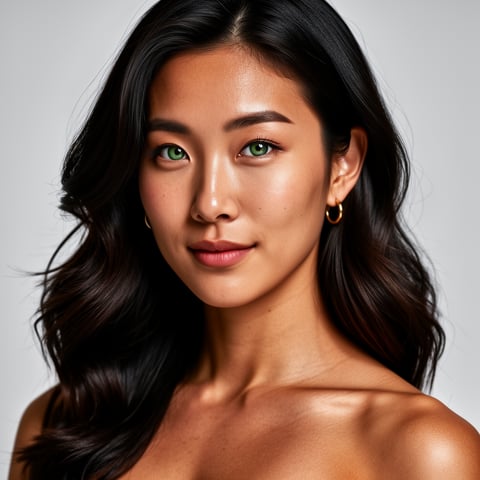
Mia, Beauty + soft glam
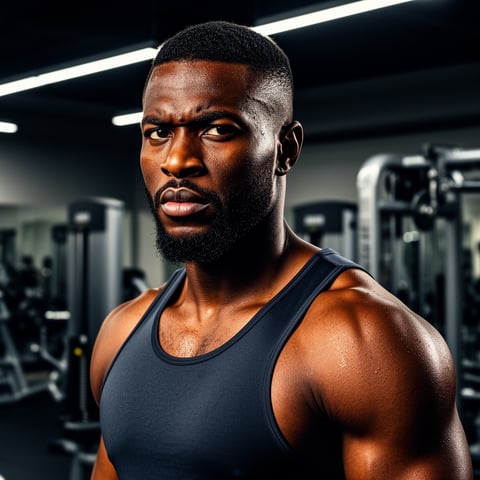
Nova, Fitness + wellness
Jordan, Strength coach
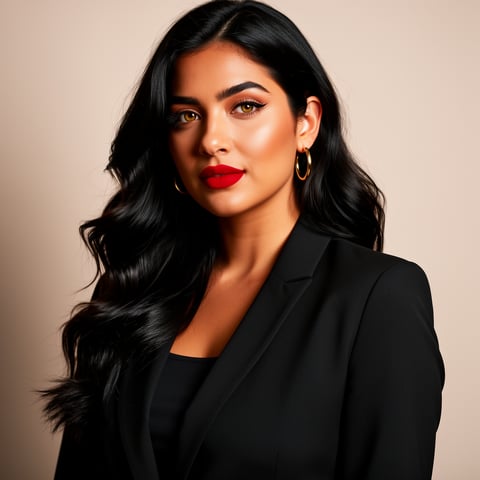
Aria, Style + fashion
Kai, Travel + adventure
Eli, Food + slow living
Sage, Yoga + breathwork
Reese, Gaming + tech

Proof·Built for creator workflows where consistency matters: reference-driven character creation, multi-angle reference packs, image-to-image refinement, text-to-image ideation, text-to-video, image-to-video, reference-to-video, talking avatars, text-to-speech, voice cloning, per-character galleries, agency multi-org workspaces, and bulk generation. Build consistent AI characters across image, video, and voice. Cancel anytime.

Why image quality increaser

Built for the way creators actually work.

01

Make Every Character Look Production-Ready

Use an image quality increaser workflow to sharpen low-resolution character references, clean up rough drafts, and create a stronger visual base before generating social posts, thumbnails, reels, ads, or avatar videos. Your character looks more polished without losing the personality that made the original image work.

02

Create More Content From One Better Image

Once your image quality is improved, socialAF helps you extend that asset into new poses, outfits, scenes, expressions, video clips, talking avatars, and voice-backed persona content. You get more creative mileage from every reference instead of constantly starting over.

03

Keep Visual Identity Consistent Across Campaigns

Store enhanced images inside per-character galleries, use multi-angle reference packs, and generate content in bulk while keeping your persona recognizable. Agencies can manage multiple brands or clients through multi-org workspaces without mixing assets or losing character direction.

How it works

How image quality increaser works.

socialAF helps you move from a rough or low-quality source image to a consistent AI character system you can use across images, videos, avatars, and voice content. The process is simple enough for solo creators and structured enough for agency production teams.

Nova, Fitness + wellness

01

Step 1: Upload Your Image or Build From References

Start with the best image you have, even if it is small, compressed, blurry, or unfinished. Upload a character reference, creator selfie, AI draft, product-style persona image, or campaign concept. Use socialAF’s reference-driven character builder to define the person, style, mood, wardrobe, brand tone, and visual traits you want to preserve. If you have multiple references, group them into a multi-angle reference pack so the system understands the character from more than one view.

Jordan, Strength coach

02

Step 2: Increase Quality and Generate Stronger Variations

Use image-to-image generation to refine the source, improve perceived sharpness, reduce visual noise, and create more polished versions while keeping the same identity. You can also use text-to-image to create new high-quality scenes from the enhanced character direction. Save the best outputs to the character’s gallery, compare variations, and choose the version that looks most ready for posts, ads, banners, thumbnails, or client approvals.

Aria, Style + fashion

03

Step 3: Turn the Enhanced Character Into Scalable Content

After your improved image is approved, expand it into a full content pipeline. Generate text-to-video, image-to-video, or reference-to-video clips. Create talking avatars, add text-to-speech, or use voice cloning for a recognizable persona voice. For bigger launches, use bulk generation to create multiple formats, scenes, captions, expressions, and campaign variations. Agencies can organize the work by client, brand, or project using multi-org workspaces.

Increase Image Quality and Build a Character That Lasts

Build consistent AI characters across image, video, and voice. Cancel anytime.

Try it Today

The difference

Why it wins for image quality increaser.

Most image quality increaser tools stop after one enhanced download. socialAF is different because it turns your improved image into a reusable character system for ongoing creator content, agency campaigns, and persona-led media.

Without image quality increaser

Traditional approach

With socialAF

Manual retouching can improve one file, but it does not automatically help you create consistent character angles, videos, talking avatars, voice assets, or bulk campaign variations. socialAF gives you a repeatable workflow from reference to finished content.

Without image quality increaser

Generic tools

With socialAF

A generic image enhancer may increase resolution, but it usually treats every file as a standalone image. socialAF keeps your enhanced visuals connected to a character profile, gallery, voice, and production pipeline so your persona remains recognizable.

Without image quality increaser

Manual methods

With socialAF

Manual resizing, sharpening, exporting, and organizing can slow down launches. socialAF helps you improve the source, generate new assets, store everything by character, and produce in bulk for faster creative testing.

What creators say

Creators using socialAF for image quality increaser.

We had strong character concepts, but the source images were too rough for client presentations. socialAF helped us turn them into polished persona assets, then generate campaign variations without losing the face or style.

Maya Collins

Creative Director

The biggest win was not just sharper images. It was being able to take one improved character and quickly create posts, talking avatar clips, and voice-led content that all felt like the same person.

Jordan Lee

Creator Strategist

FAQ

Common questions about image quality increaser.

What is an image quality increaser for AI character content?

An image quality increaser is a workflow that helps turn a lower-quality image into a clearer, more usable visual. For AI character content, the goal is not only to make an image look sharper. The goal is to create a stronger foundation for a consistent persona. With socialAF, you can upload a rough character reference, improve the visual direction, save refined outputs in a per-character gallery, and use that character across image generation, video generation, talking avatars, text-to-speech, and voice cloning. This is especially useful when you have a good concept but the original file is too small, too soft, too compressed, or not polished enough for public content.

Can I increase image quality without losing my character’s identity?

Yes. socialAF is designed around character consistency, so your workflow can focus on preserving the traits that make the persona recognizable. You can use the reference-driven character builder to define facial structure, hair, wardrobe, style, personality, and brand direction. Multi-angle reference packs give the system more context, which helps when you want to generate cleaner images, new poses, or video-ready assets without drifting away from the original identity. The best results come from uploading the clearest references you have, selecting outputs that match your character, and storing approved images in the character gallery.

How does socialAF help creators use enhanced images for social media?

Creators rarely need one perfect image in isolation. You need thumbnails, profile visuals, post variations, short-form video clips, character reactions, campaign scenes, and sometimes a voice that matches the persona. socialAF helps you take an enhanced image and turn it into a broader content engine. You can generate new still images with image-to-image or text-to-image, create motion with text-to-video, image-to-video, or reference-to-video, and build talking avatars with text-to-speech or voice cloning. This helps you publish more consistently while keeping the character familiar to your audience.

Is an AI image quality increaser useful for agencies and client work?

Yes. Agencies often receive inconsistent references, low-resolution assets, compressed files, or early concept images that need to become presentable campaign materials. socialAF helps agency teams organize this process by character, client, or brand. You can build reference-driven personas, save approved outputs in per-character galleries, use bulk generation for creative testing, and manage separate projects through agency multi-org workspaces. This makes it easier to create client-ready concepts, produce variations at scale, and keep brand characters consistent across deliverables.

Can I use enhanced images to create AI videos and talking avatars?

Yes. That is one of the biggest advantages of using socialAF instead of a simple one-off enhancer. After you increase image quality and approve the character direction, you can use the image as a foundation for video generation. socialAF supports text-to-video, image-to-video, and reference-to-video workflows, so you can move from a still character to motion-based content. You can also create talking avatars, add text-to-speech, or use voice cloning so your persona can speak in a consistent voice. This helps transform a single improved image into a complete character presence.

What types of images work best with an image quality increaser workflow?

The best starting images are ones where the main character, face, silhouette, outfit, and style are still understandable. A low-resolution image, compressed social upload, AI draft, concept sketch, or soft portrait can often become much more useful when you refine it and build a character system around it. Extremely distorted, heavily cropped, or unclear images may need additional references. In socialAF, you can improve your odds by adding multiple angles, writing clear character notes, choosing the strongest outputs, and saving approved images into a per-character gallery for future image, video, avatar, and voice content.

Ready to get started?

Start free →

Ready

Build your first character today.

Join creators using socialAF to bring their characters to life. One subscription, every model, no shoot required.

Start today