Use case · increase photo quality

increase photo quality with socialAF.

Your best content should never be held back by a blurry upload, a noisy screenshot, a cropped reference, or an image that looks flat on today’s high-resolution feeds. socialAF helps you increase photo quality so your visuals look sharper, cleaner, and more consistent across every post, campaign, avatar, product concept, and creator asset. Instead of fixing one image at a time and hoping the next generation matches, you can build a polished AI character system around your best references, then create high-quality images, videos, talking avatars, and voice-led content from one organized workspace. Modern AI photo enhancement workflows focus on practical outcomes: higher perceived resolution, reduced noise, sharper subject detail, better restoration, and more usable images for publishing. Current industry guidance also emphasizes starting from the best available source file when possible, because cleaner inputs can produce stronger enhancement results. ([adobe.com](https://www.adobe.com/products/photoshop-lightroom/super-resolution.html?msockid=2ab60bc57b0f6dcb1fdd1d1b7a436c9f&utm_source=openai)) With socialAF, that means you can upload your strongest references, improve the look of your visual identity, and reuse those assets across image-to-image, text-to-image, text-to-video, image-to-video, reference-to-video, talking avatar, and text-to-speech workflows. The result is simple: your content looks more premium, your character stays recognizable, and your team spends less time repairing inconsistent outputs.

Get started today·Results in seconds·Loved by creators

Our library·13 characters·12 models

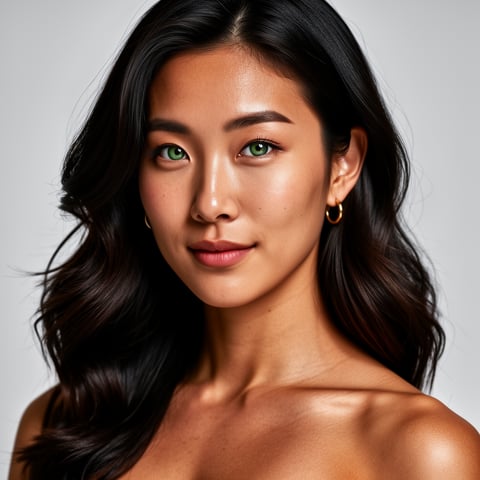
Mia, Beauty + soft glam
Nova, Fitness + wellness
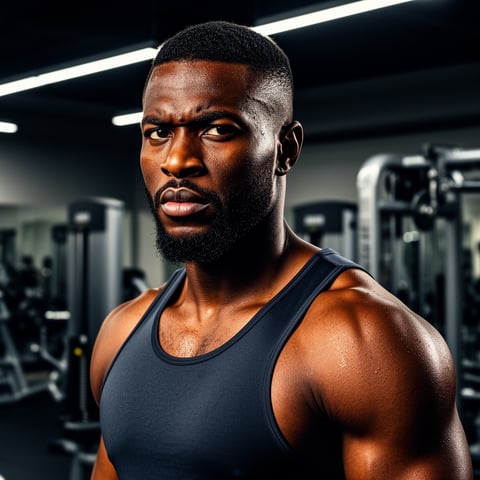
Jordan, Strength coach
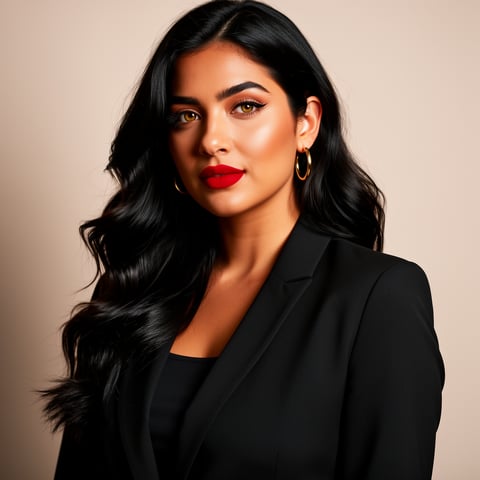
Aria, Style + fashion
Kai, Travel + adventure
Eli, Food + slow living
Sage, Yoga + breathwork
Reese, Gaming + tech

Proof·Built for creators, agencies, and social teams that need production-ready visual assets fast: create a dedicated gallery for every character, generate bulk image variations for campaigns, organize clients in agency multi-org workspaces, and keep your image, video, and voice assets connected in one repeatable workflow. Use socialAF to move from one improved photo to an entire library of consistent, brand-ready content. Build consistent AI characters across image, video, and voice. Cancel anytime.

Why increase photo quality

Built for the way creators actually work.

01

Turn Weak Images Into Stronger Creative Assets

Increase photo quality from low-resolution references, old creator shots, cropped social images, or early concept art, then transform them into sharper visuals you can reuse for posts, ads, thumbnails, pitch decks, and character campaigns.

02

Create Consistent Characters Instead of One-Off Edits

Use socialAF’s reference-driven character builder and multi-angle reference packs to preserve the look of your subject across fresh poses, backgrounds, outfits, videos, and talking avatar scenes.

03

Scale Better Visuals Across Your Whole Content Pipeline

Move from enhanced photos to bulk image generation, video generation, voice cloning, and text-to-speech without rebuilding your workflow every time your agency or creator brand needs new assets.

How it works

How increase photo quality works.

Increasing photo quality with socialAF is built around a simple creator workflow: start with your strongest references, lock in a recognizable character, then generate polished image and video assets that match your brand. AI enhancement has evolved beyond basic resizing; common modern techniques include super-resolution, denoising, sharpening, detail restoration, and generative improvement for missing or soft detail. ([support.microsoft.com](https://support.microsoft.com/sv-se/windows/ai/ai-apps/super-resolution-in-photos?utm_source=openai))

Nova, Fitness + wellness

01

Step 1: Upload Your Best References

Start by adding the photos, portraits, screenshots, product shots, or character references you want to improve. Choose images with the clearest face, strongest pose, best lighting, or most accurate brand look. socialAF’s reference-driven character builder helps you turn those inputs into a reusable AI character foundation instead of a single isolated edit.

Jordan, Strength coach

02

Step 2: Build a Higher-Quality Character System

Generate multi-angle reference packs so your character can stay recognizable from the front, side, three-quarter angle, close-up, and lifestyle view. This helps you increase photo quality while also solving the bigger problem: consistency. Your improved visuals become the base for reliable image-to-image and text-to-image generations.

Aria, Style + fashion

03

Step 3: Generate Images, Videos, and Voice-Led Content

Use your improved character gallery to create polished campaign assets in bulk. Generate new stills with image-to-image or text-to-image, create motion with text-to-video, image-to-video, or reference-to-video, and add personality through talking avatars, voice cloning, and text-to-speech. Your better photo becomes a complete content engine.

Increase Photo Quality and Create More From Every Image

Build consistent AI characters across image, video, and voice. Cancel anytime.

Try it Today

The difference

Why it wins for increase photo quality.

Most photo quality workflows stop after one enhancement. socialAF helps you go further by turning improved visuals into repeatable creator assets. That matters when you need more than a sharper image: you need consistent content, recognizable characters, client-ready organization, and fast production across formats.

Without increase photo quality

Traditional approach

With socialAF

Instead of hiring separate editors, animators, and voice talent for every asset, you can improve references once and generate images, videos, talking avatars, and voice-led content from the same character system.

Without increase photo quality

Generic tools

With socialAF

Instead of producing disconnected one-off outputs, socialAF uses per-character galleries and multi-angle reference packs so your subject stays visually consistent across new scenes and campaigns.

Without increase photo quality

Manual methods

With socialAF

Instead of repeating the same resizing, cleanup, variation, export, and organization steps by hand, agencies can use bulk generation and multi-org workspaces to scale client production.

What creators say

Creators using socialAF for increase photo quality.

We used to lose hours trying to make old reference photos usable. With socialAF, one improved character gallery turns into a full week of posts, short videos, and avatar clips.

Maya Collins

Creator Strategist

The biggest win is consistency. We can increase photo quality, build a reusable persona, and deliver campaign assets without starting from scratch for every client revision.

Jordan Reyes

Agency Creative Director

FAQ

Common questions about increase photo quality.

How can I increase photo quality with AI for social media content?

You can increase photo quality by starting with the clearest available image, using AI to improve sharpness and detail, then generating new assets from that stronger visual foundation. In socialAF, the workflow is designed for creators: upload references, build a reusable character, create multi-angle reference packs, and generate polished images or videos for posts, ads, profile visuals, thumbnails, and creator campaigns. This is more valuable than a single enhancement because your improved image can become a consistent content library.

Can socialAF improve low-resolution or blurry character photos?

socialAF can help you turn lower-quality references into cleaner, more usable creative assets, especially when you provide multiple angles or stronger supporting images. AI enhancement methods commonly focus on increasing resolution, reducing noise, sharpening soft detail, and restoring visual structure, but the final quality still depends on the source image. For best results, upload the highest-quality references you have, avoid heavily compressed screenshots when possible, and use the character builder to create a more reliable visual identity. ([adobe.com](https://www.adobe.com/products/photoshop-lightroom/super-resolution.html?msockid=2ab60bc57b0f6dcb1fdd1d1b7a436c9f&utm_source=openai))

What makes socialAF different from a basic AI photo enhancer?

A basic enhancer may make one photo look sharper, but socialAF helps you create an entire production workflow around that image. You can increase photo quality, save outputs in per-character galleries, build multi-angle reference packs, generate image-to-image and text-to-image variations, create text-to-video or image-to-video clips, produce talking avatars, add voice cloning, and manage client work through agency multi-org workspaces. That means your improved photo can become a complete creator persona instead of a dead-end file.

Can I use enhanced photos to create videos and talking avatars?

Yes. Once your character foundation is organized in socialAF, you can use your improved images to create more than still visuals. Generate video from text prompts, animate image references, create reference-to-video scenes, and produce talking avatars for scripts, explainers, ads, intros, social clips, or character-led storytelling. You can also use text-to-speech and voice cloning to make your content feel more complete. This helps you turn one better photo into a multi-format campaign.

Is AI photo quality improvement good for agencies and client campaigns?

Yes, especially when your team needs speed, consistency, and organization. Agencies often receive mixed-quality references from clients: older portraits, compressed social images, inconsistent product photos, or incomplete character concepts. socialAF helps you organize each client or brand into the right workspace, create per-character galleries, generate bulk variations, and keep image, video, and voice assets connected. That reduces revision friction and helps you deliver more usable creative options faster.

What are the best tips to get higher-quality AI photo results?

Use the clearest original image available, upload multiple references when you need character consistency, avoid extreme crops when possible, keep important facial or product details visible, and create multi-angle reference packs before scaling into bulk content. Current AI image restoration research continues to focus on preserving structure and texture while reducing degradation, because believable quality depends on both cleaner detail and faithful identity. ([nature.com](https://www.nature.com/articles/s41598-025-07032-3?utm_source=openai)) In socialAF, the practical takeaway is simple: build a strong character base first, then generate campaign assets from that foundation.

Ready to get started?

Start free →

Ready

Build your first character today.

Join creators using socialAF to bring their characters to life. One subscription, every model, no shoot required.

Start today