Use case · photo quality increase

photo quality increase with socialAF.

Your best content ideas should not be limited by blurry references, low-resolution uploads, flat lighting, or inconsistent character details. socialAF helps you turn imperfect source images into polished, high-impact creator assets with an AI photo quality increase workflow built for brands, agencies, influencers, and digital storytellers. Instead of spending hours fixing one image at a time, you can upload a reference, build a consistent AI character, improve image quality, generate fresh variations, and carry that same persona into video, talking avatars, and voice content. With socialAF, photo quality increase is not just about making an image sharper. It is about making your character more usable everywhere your audience sees you: profile photos, campaign creatives, thumbnails, ads, short-form video, product explainers, social posts, and branded storytelling. Modern AI enhancement workflows commonly perform best when cleanup, denoising, and artifact reduction happen before sharpening or upscaling, which is why socialAF focuses on a practical creator workflow: start with the best available reference, preserve identity, create high-quality variations, and organize everything by character so you can publish faster with less rework. ([35milimetre.com](https://www.35milimetre.com/news/2026/6/23/how-to-enhance-images-with-ai-2026-techniques?utm_source=openai)) Whether you need a cleaner hero image, a sharper creator persona, a more professional avatar, or a scalable library of campaign visuals, socialAF gives you a complete path from rough reference to production-ready content. Use image-to-image generation to improve existing photos, text-to-image generation to create new polished scenes, multi-angle reference packs to keep your character recognizable, and per-character galleries to stay organized as your content library grows.

Get started today·Results in seconds·Loved by creators

Our library·13 characters·12 models

Mia, Beauty + soft glam
Nova, Fitness + wellness
Jordan, Strength coach
Aria, Style + fashion
Kai, Travel + adventure
Eli, Food + slow living
Sage, Yoga + breathwork
Reese, Gaming + tech

Proof·Built for creators and agencies that need repeatable content systems, not one-off edits. socialAF combines 3 core output channels—image, video, and voice—with per-character galleries, agency multi-org workspaces, and bulk generation so your team can move from a single enhanced photo to a full campaign faster. Create once, stay consistent, and publish across every visual touchpoint with less manual cleanup.

Why photo quality increase

Built for the way creators actually work.

01

Make Every Character Look More Professional

Turn soft, noisy, or inconsistent source images into cleaner AI character visuals that feel ready for thumbnails, ads, social posts, pitch decks, and branded campaigns. You can improve the perceived quality of your content without rebuilding your persona from scratch.

02

Create More High-Quality Content in Less Time

Move from one reference image to a full set of polished variations using image generation, bulk generation, and per-character galleries. Instead of manually editing every asset, you can generate multiple looks, select the strongest options, and keep your campaign moving.

03

Keep Your Persona Consistent Across Channels

Use reference-driven character creation, multi-angle reference packs, voice cloning, talking avatars, and text-to-speech to make your character recognizable across still images, videos, voiceovers, and avatar-led content.

How it works

How photo quality increase works.

socialAF turns photo quality increase into a simple creator workflow: upload a reference, enhance and regenerate the look, then scale the same character across formats. You do not need a complicated editing stack or a long production queue. You need a repeatable system that protects your character identity while giving you better images and more usable content.

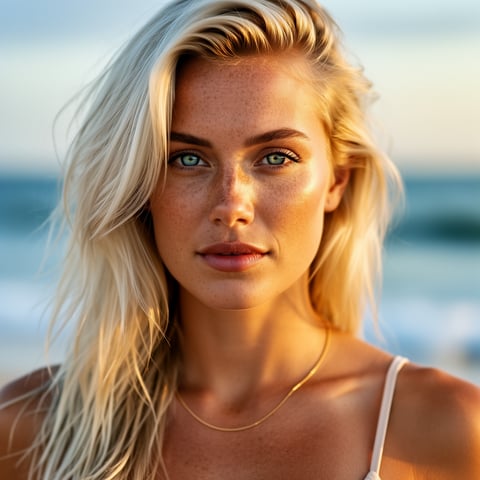
Liv, Beach + lifestyle

01

Step 1: Upload Your Best Reference Photo

Start with the clearest available image of your person, mascot, influencer, product character, or branded persona. Use socialAF’s reference-driven character builder to define the look, style, facial identity, wardrobe direction, and visual tone. If you have more than one usable image, add multi-angle references so the AI can better understand the character from different perspectives.

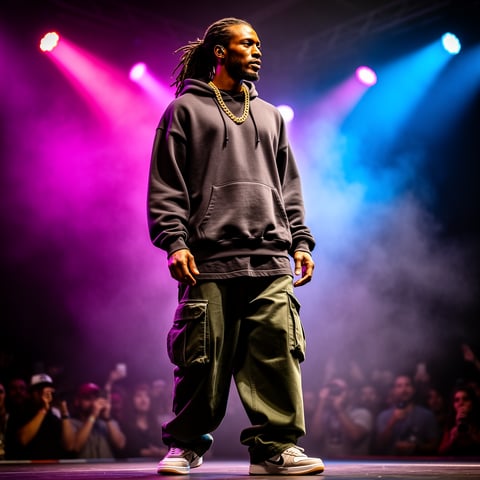
Dre, Music + dance

02

Step 2: Increase Photo Quality With AI Variations

Use image-to-image generation to improve the original photo while keeping the character recognizable, or use text-to-image generation to create sharper new scenes based on the same persona. Generate cleaner lighting, more polished details, stronger composition, and professional social-ready variations. Save the best results into your per-character gallery so every approved asset stays organized.

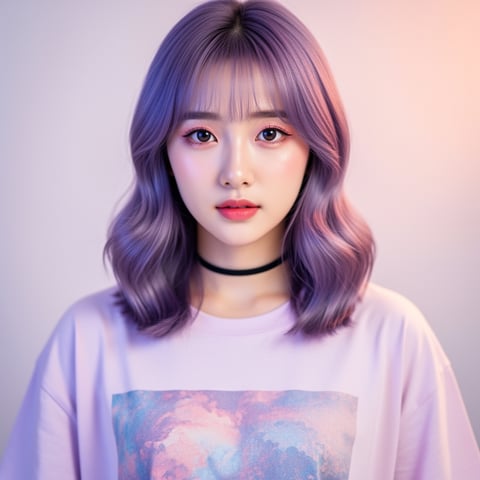
Yuna, Anime + Y2K aesthetic

03

Step 3: Scale the Character Into Video and Voice

Once the enhanced character look is approved, expand it into video generation, talking avatars, voice cloning, and text-to-speech. Create short-form clips, campaign intros, product explainers, avatar messages, and multi-scene content while keeping the same visual identity. Agencies can use multi-org workspaces and bulk generation to manage multiple clients, characters, and campaigns from one place.

Increase Photo Quality and Build Your AI Character System

Build consistent AI characters across image, video, and voice. Cancel anytime.

Try it Today

The difference

Why it wins for photo quality increase.

Most photo enhancement workflows stop after a single improved image. socialAF helps you turn that improved image into an entire content engine. You get better visuals, stronger character consistency, faster campaign output, and a clear path from still image to video and voice.

Without photo quality increase

Traditional approach

With socialAF

Instead of booking new shoots or waiting on manual edits, you can turn available references into polished AI character assets and generate campaign variations on demand.

Without photo quality increase

Generic tools

With socialAF

Instead of producing disconnected one-off images, socialAF keeps your character organized with reference-driven creation, multi-angle packs, and per-character galleries.

Without photo quality increase

Manual methods

With socialAF

Instead of repeating the same retouching and resizing tasks, you can use bulk generation, image-to-image workflows, video tools, talking avatars, and voice features to scale content faster.

What creators say

Creators using socialAF for photo quality increase.

We used socialAF to clean up our character references and turn them into a full month of campaign visuals. The biggest win was consistency—our persona looked like the same character in every post.

Maya Collins

Creative Director

Our team needed sharper creator assets for ads, but we also needed speed. socialAF helped us improve the look, generate variations, and move the same character into short video without starting over.

Jordan Ellis

Agency Founder

FAQ

Common questions about photo quality increase.

What is AI photo quality increase for creators?

AI photo quality increase is the process of improving a photo so it looks sharper, cleaner, more polished, and more usable for publishing. For creators, the goal is not only to fix blur or low resolution. The goal is to create stronger visual assets that can become thumbnails, profile images, social posts, ads, campaign graphics, and character references. socialAF makes this more valuable by connecting photo improvement with character creation. You can upload a reference, generate a cleaner version, save approved results into a per-character gallery, and then use that same persona across image, video, talking avatars, and voice content.

Can socialAF increase photo quality while keeping the same character identity?

Yes. socialAF is built around reference-driven character creation, which helps you preserve the recognizable elements of your persona while improving the final output. You can use image-to-image generation to guide the result from your original photo, add multi-angle reference packs for better consistency, and store approved images in a per-character gallery. This is especially useful when you need the same person, influencer, mascot, or branded character to appear across many scenes without looking like a different identity in every asset.

How do I use photo quality increase for social media content?

Start by uploading the best available reference image, then generate cleaner and more polished versions for the platforms you care about. For example, you can create a sharper profile image, a high-impact thumbnail, a vertical short-form video frame, a campaign portrait, or a branded post image. After you approve the strongest outputs, use socialAF to create more variations in the same character gallery. If you want to go further, turn the enhanced character into a talking avatar, create text-to-speech narration, or use video generation to build animated content from the same visual identity.

Is photo quality increase better before creating AI videos?

In most creator workflows, improving the reference image before producing video helps establish a cleaner and more consistent visual foundation. If your starting image is noisy, blurry, or poorly lit, those issues can influence later generations. socialAF helps you refine the character first, choose approved images, and then expand into text-to-video, image-to-video, reference-to-video, and talking avatar formats. This gives you a stronger starting point for clips, product explainers, social ads, and character-led campaigns.

Can agencies use socialAF for bulk photo quality increase campaigns?

Yes. socialAF includes agency multi-org workspaces and bulk generation, making it easier to manage multiple clients, brands, characters, and campaign directions. Your team can create a character, improve the visual quality of its assets, generate multiple variations, and organize everything by gallery. This reduces repetitive production work and helps agencies deliver more concepts, more formats, and more consistent creative without managing every image manually.

Does increasing photo quality help with SEO and content performance?

Higher-quality visuals can improve how users perceive your page, ad, profile, or campaign, and well-prepared images can also support search visibility when paired with strong landing page practices. Google’s image guidance emphasizes helpful image landing pages and descriptive context such as alt text, which means polished visuals should be part of a broader publishing workflow that includes clear copy, relevant file names, useful page content, and structured data where appropriate. ([developers.google.com](https://developers.google.com/search/docs/appearance/google-images?utm_source=openai)) socialAF helps with the creative side by giving you cleaner, more consistent character assets that can be reused across your marketing channels.

Ready to get started?

Start free →

Ready

Build your first character today.

Join creators using socialAF to bring their characters to life. One subscription, every model, no shoot required.

Start today