Use case · upscale image

upscale image with socialAF.

Your best visual should not be trapped in a small, blurry, or unfinished file. With socialAF, you can upscale image assets into sharper, cleaner, more usable creative for posts, ads, thumbnails, creator personas, product campaigns, and client deliverables. Instead of starting over when an image is too small, you can enhance it, refine the look, and keep the character identity intact across every format you publish. socialAF is built for creators and agencies who need more than a one-off image enhancer. You can create a consistent AI character from references, generate new images from text or existing visuals, organize outputs in per-character galleries, and then turn polished images into videos, talking avatars, and voice-led content. That means your upscale image workflow does not stop at sharper pixels. It becomes the foundation for a complete content system. Use socialAF to rescue low-resolution concepts, improve generated images, prepare hero visuals for landing pages, sharpen social media crops, and create professional reference packs for repeatable campaigns. Whether you are building an influencer-style AI persona, a branded mascot, a spokesperson avatar, or a library of ad creatives, socialAF helps you move from rough image to polished asset without losing the face, style, wardrobe, mood, or brand direction that makes your character recognizable. The outcome is simple: better-looking creative, faster production, fewer retakes, and a consistent visual identity your audience can remember.

Get started today·Results in seconds·Loved by creators

Our library·13 characters·12 models

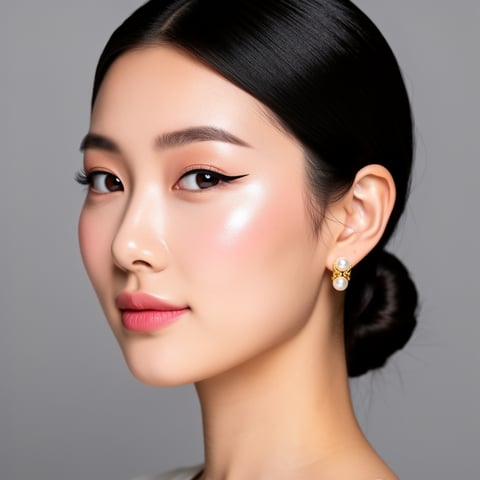
Mia, Beauty + soft glam
Nova, Fitness + wellness
Jordan, Strength coach
Aria, Style + fashion
Kai, Travel + adventure
Eli, Food + slow living
Sage, Yoga + breathwork
Reese, Gaming + tech

Proof·Built for high-volume creator and agency workflows: reference-driven character creation, multi-angle reference packs, per-character galleries, bulk generation, talking avatars, text-to-speech, and agency multi-org workspaces in one web platform. Create once, upscale and expand often, then reuse your best character assets across campaigns, formats, and clients.

Why upscale image

Built for the way creators actually work.

01

Make Every Image Look Campaign-Ready

Upscale image assets so they feel sharper, cleaner, and more professional across social posts, ads, profile visuals, thumbnails, pitch decks, and landing pages. You can turn a promising draft into a usable creative asset without rebuilding the entire concept from scratch.

02

Keep Your AI Character Recognizable

Preserve your character’s identity while improving image quality. socialAF’s reference-driven character builder and per-character galleries help you maintain the same face, style, wardrobe cues, and brand personality across enhanced images, new image generations, videos, and voice-led content.

03

Scale Creative Output Without More Manual Editing

Move from one polished image to a full content library. Use image-to-image, text-to-image, bulk generation, talking avatars, text-to-speech, and agency workspaces to produce more variations for campaigns while reducing repetitive production work.

How it works

How upscale image works.

socialAF helps you upscale image assets as part of a complete AI character workflow. You start with a visual, strengthen the character identity, generate sharper variations, and reuse the result across image, video, and voice content.

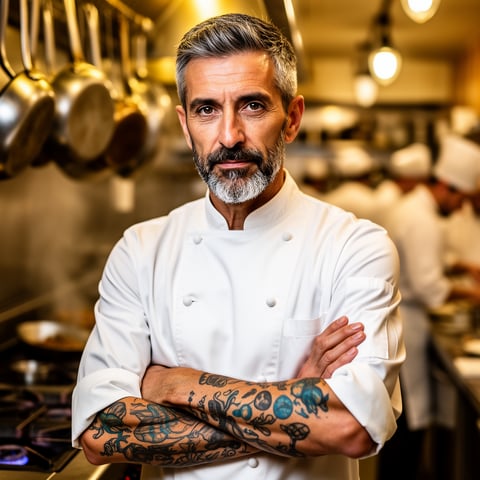
Marco, Chef + restaurant

01

Step 1: Upload or Generate the Image You Want to Improve

Start with an existing image, a generated concept, a character portrait, a social media crop, or a campaign visual that needs more polish. If you do not already have the right image, use socialAF’s text-to-image or image-to-image generation tools to create a strong starting point. For character-based work, add references so socialAF understands the person, persona, or brand figure you want to keep consistent.

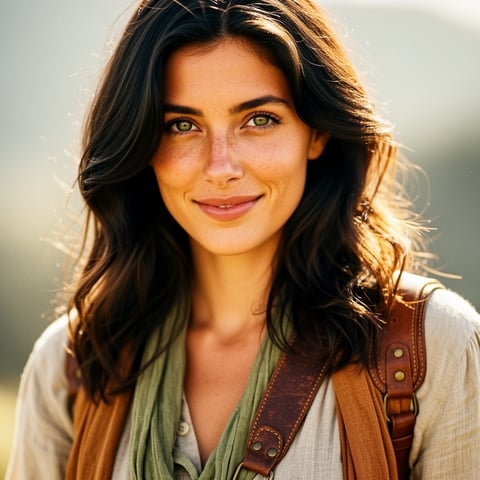
Alemap, Travel + slow living

02

Step 2: Refine the Character, Style, and Visual Direction

Use the reference-driven character builder to lock in the look before expanding the image. Add multi-angle reference packs when you need consistency across poses, expressions, outfits, or lighting setups. This step helps you avoid the biggest problem with basic upscaling: a sharper image that no longer looks like the same character. With socialAF, your enhanced asset stays connected to the persona you are building.

Mia, Beauty + soft glam

03

Step 3: Upscale, Generate Variations, and Publish Everywhere

Once the image is polished, save it to the character gallery and generate more outputs for the channels you care about. Create high-quality stills, campaign variants, video scenes from images, talking avatars, and voice-enabled posts using text-to-speech or voice cloning. Agencies can organize work by client with multi-org workspaces, then use bulk generation to produce complete creative sets faster.

Upscale Your Best Image Into a Full Content System

Build consistent AI characters across image, video, and voice. Cancel anytime.

Try it Today

The difference

Why it wins for upscale image.

Most image enhancement workflows only solve one problem: making a single file larger. socialAF helps you turn that improved image into a reusable character asset, a campaign library, and a multi-format production workflow.

Without upscale image

Traditional approach

With socialAF

Manual editing can improve a file, but it often takes extra tools, repeated exports, and specialist time. socialAF lets you upscale image assets, generate new variations, and keep everything organized around the character you are building.

Without upscale image

Generic tools

With socialAF

Basic enhancers may sharpen an image but do not understand your ongoing persona, brand voice, reference pack, or campaign context. socialAF connects image quality with character consistency, galleries, video generation, talking avatars, and text-to-speech.

Without upscale image

Manual methods

With socialAF

Copying files between design, video, and voice tools slows teams down. socialAF gives creators and agencies a single workflow for reference-driven character creation, image generation, video generation, bulk outputs, and multi-org client management.

What creators say

Creators using socialAF for upscale image.

We used to throw away great concepts because the first image was too small for ads. socialAF helped us upscale the image, keep the character consistent, and turn it into a full set of campaign assets.

Maya Collins

Creative Director

The biggest win is continuity. I can improve a portrait, save it to the character gallery, then create new images, avatar clips, and voice content that still feels like the same persona.

Jordan Lee

AI Content Creator

FAQ

Common questions about upscale image.

How can I upscale image assets without losing my AI character’s identity?

The best way to upscale image assets for character-based content is to treat the image as part of a larger identity system, not as a standalone file. In socialAF, you can use the reference-driven character builder to define the face, style, wardrobe, lighting, and personality cues that make your character recognizable. Multi-angle reference packs help reinforce the same look across poses and formats. When you improve or regenerate visuals, you can keep outputs organized in per-character galleries so every new image, video, and avatar clip stays connected to the same persona.

What types of images can I improve with an AI upscale image workflow?

You can use socialAF to improve many creator and agency assets, including AI character portraits, influencer-style profile images, campaign concepts, ad creatives, thumbnails, social media crops, website hero visuals, pitch deck graphics, and reference images for future generations. If your source image is a rough draft, you can use image-to-image generation to refine it. If you need a new concept first, you can use text-to-image generation, then save the strongest results to your character gallery and continue building from there.

Is socialAF only an AI image upscaler, or can it create more content from an upscaled image?

socialAF is designed to go beyond basic AI image upscaling. Once you have a stronger image, you can use it as the starting point for a complete content pipeline. Generate new image variations with text-to-image and image-to-image tools, create videos with text-to-video, image-to-video, and reference-to-video workflows, build talking avatars, add text-to-speech, or use voice cloning for a more complete persona. This makes socialAF especially useful when your goal is not just a sharper image, but a repeatable character brand.

Can agencies use socialAF to upscale image content for multiple clients?

Yes. socialAF includes agency multi-org workspaces so teams can separate client projects, organize character galleries, and manage high-volume creative production without mixing assets. This is useful for agencies producing creator personas, branded spokespeople, social ads, product explainers, short-form videos, and recurring campaign visuals. Bulk generation helps teams create multiple versions faster, while per-character galleries make it easier to maintain consistency from one client campaign to the next.

How does image upscaling help social media creators grow faster?

Creators often need to reuse their strongest visuals across many placements: profile photos, thumbnails, vertical posts, ad tests, banners, reels covers, and video intros. A low-resolution image can limit where that asset can be used. With an upscale image workflow in socialAF, you can turn a promising visual into a sharper foundation for more content. You can then generate alternate poses, formats, expressions, backgrounds, and video outputs while keeping the character recognizable. That means more usable content from every strong idea.

Do I need design or video editing experience to upscale image content with socialAF?

No. socialAF is built for creators, marketers, and agencies that want professional-looking outputs without assembling a complicated tool stack. You can start with an image or prompt, guide the character with references, save your results in organized galleries, and create more assets from the same persona. Advanced teams can use bulk generation and multi-org workspaces to scale production, but the basic workflow is simple: upload or generate, refine the character direction, upscale and expand, then publish across image, video, and voice.

Ready to get started?

Start free →

Ready

Build your first character today.

Join creators using socialAF to bring their characters to life. One subscription, every model, no shoot required.

Start today