Use case · video upscaler

video upscaler with socialAF.

Your videos should look as sharp as your ideas. socialAF’s AI video upscaler workflow helps creators, agencies, and brand teams turn soft clips, reused assets, draft generations, and older character content into polished videos that are easier to post, pitch, and monetize. Instead of starting over every time a clip looks blurry, you can improve the visual quality, create new AI character scenes, and keep your persona consistent across your entire content library. With socialAF, video upscaling is not an isolated editing task. It becomes part of a complete AI character production system. You can build a reference-driven character, generate image and video variations, create talking avatars, add text-to-speech or cloned voice, and organize everything inside per-character galleries. That means your upgraded videos do more than look cleaner. They support a recognizable creator identity your audience can remember. Use socialAF when you want to refresh low-resolution clips, prepare AI character videos for social platforms, improve visual consistency across campaigns, or turn one idea into multiple polished assets. Whether you are managing a personal creator brand or producing content for several clients, socialAF gives you a faster path from rough concept to publish-ready video.

Get started today·Results in seconds·Loved by creators

Our library·13 characters·12 models

Mia, Beauty + soft glam
Nova, Fitness + wellness
Jordan, Strength coach
Aria, Style + fashion
Kai, Travel + adventure
Eli, Food + slow living
Sage, Yoga + breathwork
Reese, Gaming + tech

Proof·Trusted by modern creator teams who need faster character production, sharper campaign assets, and repeatable AI workflows. socialAF is built for creators and agencies that care about consistent personas, multi-format publishing, bulk generation, and organized client workspaces. Create once, upscale and repurpose often, then keep every image, video, voice, and avatar asset connected to the character it belongs to.

Why video upscaler

Built for the way creators actually work.

01

Make Every Character Clip Look More Publish-Ready

Upgrade soft, draft-quality, or reused videos into cleaner assets that feel more intentional on feeds, landing pages, ads, and client presentations. Your content looks less disposable and more like part of a professional brand system.

02

Repurpose Existing Footage Without Starting Over

Save time by improving older clips, AI video generations, and campaign leftovers. Turn one character concept into multiple stronger posts by pairing video upscaling with socialAF’s image generation, video generation, talking avatars, and text-to-speech tools.

03

Keep Your AI Persona Consistent Across Formats

Use reference-driven character creation, multi-angle reference packs, and per-character galleries so your upscaled videos match the same face, style, voice, and brand direction across image, video, and audio content.

How it works

How video upscaler works.

socialAF helps you move from low-quality or unfinished video assets to consistent, high-impact character content in a guided workflow. You can upscale, regenerate, organize, and publish from one creative system instead of switching between disconnected tools.

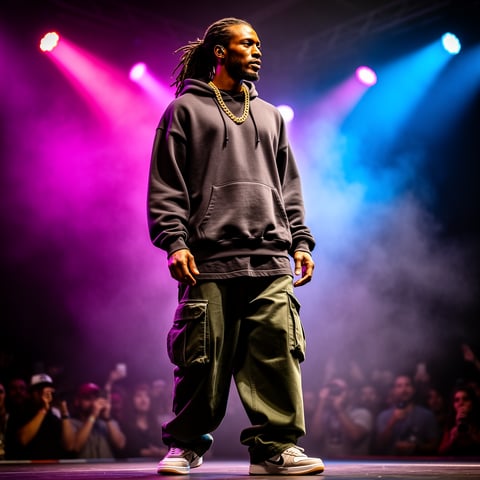
Dre, Music + dance

01

Step 1: Build or Select Your AI Character

Start with a reference-driven character builder or choose an existing persona from your gallery. Add strong visual references, define the character’s style, and create a multi-angle reference pack so future images and videos stay aligned. If your video includes speech, connect a voice clone or text-to-speech style so the character sounds as consistent as they look.

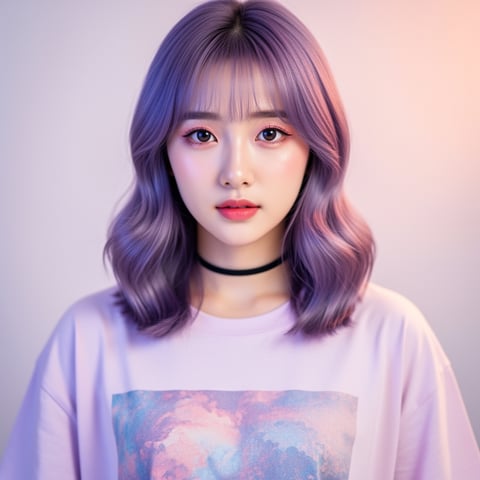
Yuna, Anime + Y2K aesthetic

02

Step 2: Upload, Generate, or Rework Your Video

Bring in a low-resolution clip, create a new video from text, transform an image into video, or use reference-to-video to guide the scene. socialAF supports creator-friendly workflows including t2v, i2v, and r2v, so you can improve what you already have or generate a stronger version from the same character identity.

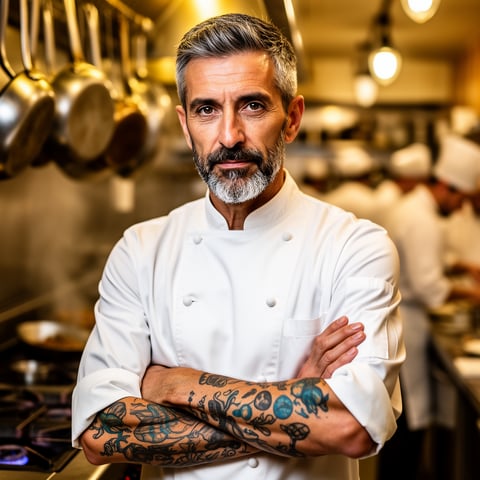
Marco, Chef + restaurant

03

Step 3: Upscale, Add Voice, and Organize for Publishing

Enhance the clip for a cleaner final look, then add a talking avatar, text-to-speech narration, or cloned voice when your content needs dialogue. Save the finished asset to the character’s gallery, create variations in bulk, and organize client or brand projects inside agency multi-org workspaces so every approved video is easy to find and reuse.

Upscale Your Next AI Character Video Today

Build consistent AI characters across image, video, and voice. Cancel anytime.

Try it Today

The difference

Why it wins for video upscaler.

Most video upscaler workflows only focus on making pixels larger. socialAF helps you create better character content from the start, improve the final video, and keep every asset connected to the persona and campaign it supports.

Without video upscaler

Traditional approach

With socialAF

Instead of reshooting, rebuilding, or manually editing every clip, you can generate, upscale, voice, and organize AI character videos inside one creator workflow.

Without video upscaler

Generic tools

With socialAF

Instead of treating each video as a one-off file, socialAF keeps your character identity consistent with reference packs, galleries, voice cloning, and repeatable generation settings.

Without video upscaler

Manual methods

With socialAF

Instead of spending hours resizing, cleaning, renaming, and sorting content, you can use bulk generation and agency workspaces to produce more client-ready variations with less operational drag.

What creators say

Creators using socialAF for video upscaler.

socialAF helped us turn rough character concepts into clean video assets we could actually present to clients. The biggest win was consistency. Our personas looked and sounded like the same brand across every deliverable.

Maya Chen

Creative Director

I used to abandon clips that looked too soft for social. Now I can improve them, add a talking avatar, and keep everything saved by character. It makes my content pipeline feel organized instead of chaotic.

Jordan Ellis

AI Content Creator

FAQ

Common questions about video upscaler.

What is an AI video upscaler for creators?

An AI video upscaler helps improve the visual quality of a video so it looks sharper, cleaner, and more suitable for modern publishing. For creators, the real value is not just higher resolution. It is the ability to rescue useful footage, polish AI-generated clips, repurpose older content, and make videos feel ready for social feeds, ads, websites, and client approvals. socialAF connects video upscaling with character creation, video generation, talking avatars, voice cloning, and organized galleries so your upgraded clips support a consistent persona instead of becoming random standalone files.

How can I use socialAF to upscale AI character videos?

Start by creating or selecting your AI character in socialAF. Use references and multi-angle packs to lock in the character’s appearance, then upload an existing video or generate a new one using text-to-video, image-to-video, or reference-to-video. After improving the clip, you can add text-to-speech, a cloned voice, or a talking avatar if the video needs dialogue. Finally, save the result to the character’s gallery so you can reuse, compare, and expand the asset later.

Can a video upscaler help repurpose old social media clips?

Yes. A video upscaler is especially useful when you have older posts, lower-resolution exports, draft AI generations, or clips that still have a strong concept but no longer meet your visual standards. With socialAF, you can improve those assets and combine them with new character videos, updated voiceovers, and fresh variations. This helps you get more value from past work while keeping your current content calendar moving.

Is socialAF only for upscaling video quality?

No. socialAF is a broader AI character and persona generator for creators and agencies. Video upscaling fits into a larger workflow that includes reference-driven character building, multi-angle reference packs, image generation, video generation, talking avatars, voice cloning, text-to-speech, per-character galleries, agency multi-org workspaces, and bulk generation. That means you can plan, create, improve, and organize character content in one place.

Will my AI character stay consistent after I upscale or regenerate videos?

socialAF is designed to help you maintain character consistency across formats. You can use reference-driven character creation and multi-angle reference packs to guide the look of your persona, then keep related assets inside per-character galleries. When you generate new images, create videos, add a voice, or produce talking avatar content, your workflow stays centered on the same character identity. This is especially helpful for creators building recognizable personas and agencies managing multiple client brands.

Who should use a video upscaler landing page workflow in socialAF?

socialAF is a strong fit for solo creators, influencer teams, creative agencies, social media managers, UGC studios, educators, and brand teams that need polished character-led video content. If you create recurring AI personas, produce campaign variations, manage multiple brands, or need to improve clips quickly before publishing, socialAF gives you a more complete workflow than a basic file enhancer. You can upscale video, generate new scenes, add speech, organize assets, and scale production without losing track of your characters.

Ready to turn rough clips into polished character videos?

Start free →

Ready

Build your first character today.

Join creators using socialAF to bring their characters to life. One subscription, every model, no shoot required.

Start today